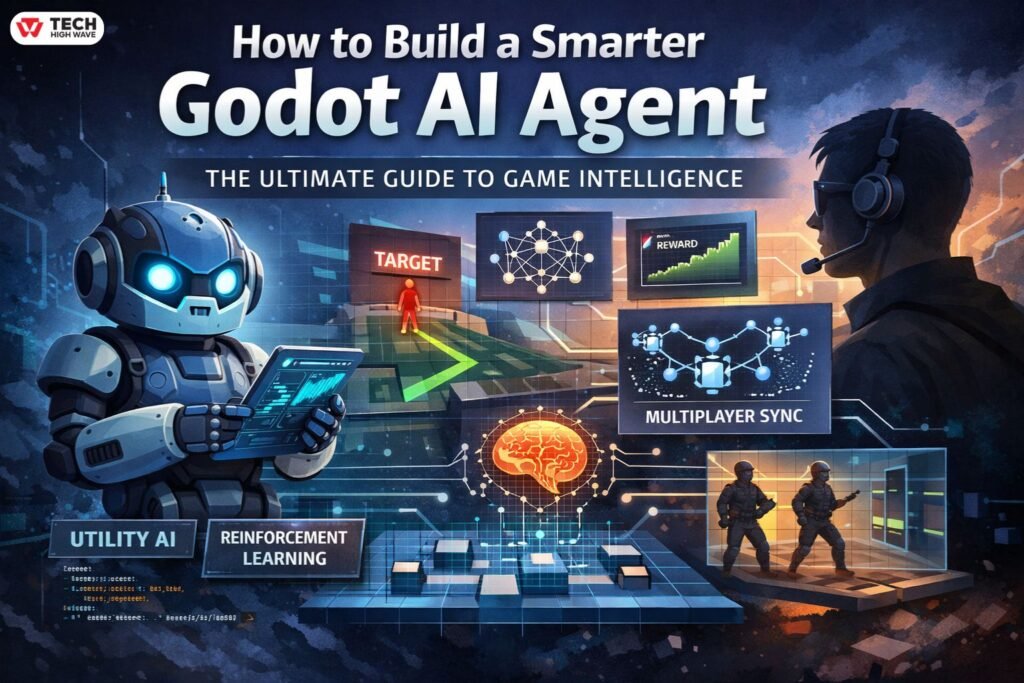
The landscape of game development is shifting from scripted patterns to dynamic, unpredictable behaviors. At the heart of this revolution in the open-source world is the Godot AI agent. Whether you are building a 2D platformer with patrolling guards or a complex 3D simulation with autonomous entities, understanding how to bridge the gap between “code” and “intelligence” is vital.
In 2026, the definition of an agent has expanded. It is no longer just a character that follows a path; it is an entity capable of reasoning, adapting to player strategies, and managing its own sub-tasks. In this guide, we will explore the architecture of intelligent agents, moving beyond basic pathfinding to look at Utility AI, Reinforcement Learning, and the “dark art” of Multiplayer Synchronization.
What Is a Godot AI Agent?
A Godot AI agent is a self-contained entity within the engine that perceives its environment, processes information through logic or a neural network, and executes actions to achieve specific goals. Unlike traditional AI that follows a fixed line of code, an agent handles variables, avoids obstacles dynamically, and learns from its mistakes.
In Godot 4.x, these agents usually rely on a combination of built-in nodes—like NavigationAgent2D/3D—and external logic frameworks. These range from simple Finite State Machines (FSMs) to complex Reinforcement Learning (RL) environments where agents are trained using Python-based libraries like PyTorch via specialized bridge plugins.
How a Godot AI Agent Works
The lifecycle of an agent follows a continuous loop referred to as the Sense-Think-Act cycle. This loop ensures the agent stays synchronized with the game’s physics.
Perception (Sensing):
The agent uses RayCast nodes or Area nodes to “see.” In advanced AI, this involves “observations” (data arrays) passed to a brain.
Processing (Thinking):
The Godot AI assistant logic evaluates the agent’s state (health, distance to player) against its environment.
Execution (Acting):
The agent moves or attacks, usually by modifying the velocity of a CharacterBody or triggering an AnimationPlayer.
Also Check: Agentic AI Pindrop Anonybit: How Autonomous AI Stops Voice Fraud in 2026
Technical Implementation: The Utility AI Scorer
One of the most human-like ways to drive an agent is through Utility AI. Instead of a rigid state machine, the agent scores possible actions and picks the best one.
Case Study: The “Aggression” Scorer
In a recent project, I struggled with NPCs that felt too robotic. By switching to a Utility scorer, the NPCs began to “retreat” when low on health or “ambush” when the player was reloading. Here is a concrete snippet of how you can implement a basic scorer in GDScript:
UtilityAction.gd (Basic Utility AI Example)
class_name UtilityAction
@export var action_name: String = “”
# Called by the AI “brain” to evaluate this action
func get_score(agent: CharacterBody3D) -> float:
var score = 0.0
# Example logic: prioritize attacking when the target is close
if action_name == “Attack”:
var dist = agent.global_position.distance_to(agent.target.global_position)
score = 1.0 – clamp(dist / 20.0, 0.0, 1.0)
return score
What This Script Does (Simple Explanation)
This script represents a single AI action (like Attack, Flee, or Patrol) in a Utility AI system.
Instead of hard-coded behavior, the AI:
- Calculates a score for each possible action
- Chooses the action with the highest score
How It Works
1. Action Name
Each action has a label:
"Attack""Defend""RunAway"
This lets you reuse the same script for different behaviors.
2. Scoring System
The get_score() function determines how desirable the action is.
In this example:
- The AI checks the distance to the target
- If the target is closer, the score becomes higher
- If the target is far away, the score becomes lower
3. Distance-Based Logic
What this means:
- Distance is normalized between
0and20 - Closer target → value near
1.0 - Far target → value near
0.0
Why This Approach Is Useful
This pattern creates more natural AI behavior:
- NPCs attack when it makes sense
- They don’t blindly follow fixed rules
- Behavior adapts dynamically to the situation
Where to Use It
You can expand this system for:
- Combat decisions (Attack vs Retreat)
- Survival logic (Low health → flee)
- Stealth AI (Hide vs Chase)
- Open-world NPC behaviors
Visual Debugging: “Seeing” What the AI Thinks
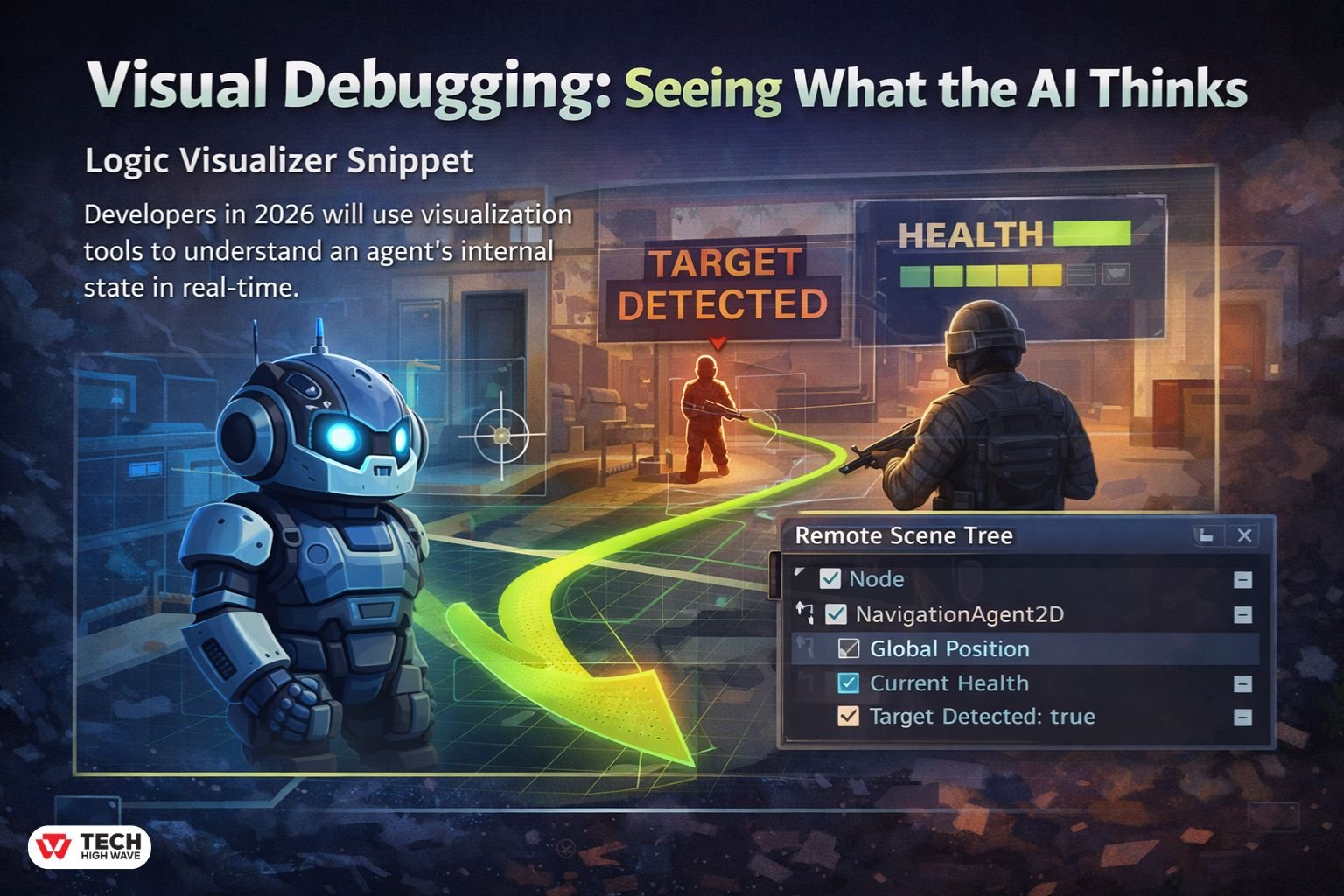
A common pain point is not knowing why an AI is behaving strangely. In 2026, top developers use Visual Debugging to expose the agent’s internal state directly in the viewport.
Logic Visualizer Snippet
You can use the _draw() function (for 2D) or ImmediateMesh (for 3D) to see the path. This 10-line script helps you visualize a NavigationAgent path in real-time:
Debugging AI Paths in GDScript (Visual Overlay)
func _process(_delta):
if Engine.is_editor_hint() or OS.is_debug_build():
queue_redraw()
func _draw():
var path = nav_agent.get_current_navigation_path()
if path.size() > 1:
for i in range(path.size() – 1):
draw_line(path[i], path[i + 1], Color.CHARTREUSE, 2.0)
What This Code Does (Simple Explanation)
This script helps you visually debug your AI navigation paths in real time.
Instead of guessing where your AI is trying to go, you can actually see the path drawn on screen.
How It Works
1. Debug-Only Rendering
- Runs only in the editor or debug builds
- Avoids wasting performance in the final game
- Forces the engine to redraw every frame
2. Getting the Navigation Path
- Fetches the current path from your NavigationAgent
- This is the route your AI plans to follow
3. Drawing the Path
- Connects each point in the path
- Draws visible lines between them
- Uses a bright color for clarity
Why This Is Useful
This technique helps you:
- Debug broken or weird AI movement
- Verify pathfinding behavior
- Spot obstacles or navigation issues instantly
- Understand why an AI is behaving incorrectly
Pro Tip: Real-Time AI Inspection
Use the Remote Scene Tree while your game is running:
- Select your AI node in the live scene
- Watch variables update in real time
current_healthtarget_detectedcurrent_state
This lets you debug behavior without stopping the game, which is much faster and more practical.
When to Use This
This is especially helpful when:
- AI gets stuck or takes strange routes
- Navigation meshes are complex
- You’re building stealth, combat, or open-world systems
Deterministic AI for Multiplayer
A massive “Information Gap” in most guides is how to handle a Godot AI agent in a networked environment. If 10 players are connected, which computer decides where the AI moves?
The “Authority” Model
In Godot’s multiplayer, you should usually have the Server act as the “Authority” for AI.
- The Server runs the navigation logic.
- The Server sends the agent’s position and velocity to clients via MultiplayerSynchronizer.
- To prevent “jitter” on high latency, clients should use Linear Interpolation (lerp) to smooth out the movement between server updates.
Tooling Comparison: GDScript vs. GDExtension
If you are running hundreds of agents, performance becomes your primary hurdle.
| Metric | GDScript | GDExtension (C++/Rust) |
| Math Performance | Moderate | 10x – 50x Faster |
| Development Speed | Very Fast | Slower (Compile times) |
| Integration | Built-in | Requires setup |
| Best For | High-level logic/FSMs | Heavy Math/Flocking/Neural Nets |
The Future: Agentic Workflows and LLMs
We are seeing the emergence of “Agentic Workflows” where a Godot AI tool connects to an LLM. This allows for NPCs with unscripted intelligence that can interpret player text and translate it into game actions, such as “Go fetch the key from the tavern.” While this is high-latency in 2026, local model optimizations are making this a reality for single-player RPGs.
Summary of Key Insights
Building a Godot AI agent requires a balance of logic (Utility/Behavior Trees) and performance (GDExtension). Focus on visual debugging early in your workflow—if you can’t see what the AI is thinking, you can’t fix it. Finally, remember that for multiplayer, the Server must always be the source of truth for navigation.
Frequently Asked Questions
Q1: How do I stop my AI from jittering?
Jitter is often caused by the AI recalculating its path too frequently. Use a Timer to update the target_position every 0.2 seconds rather than every frame in _process.
Q2: What is LimboAI?
LimboAI is a popular C++ plugin for Godot 4 that provides a powerful Behavior Tree editor and state machine system. It is significantly faster than implementing these systems in pure GDScript.
Q3: Can I run a Godot AI agent on a separate thread?
Yes. Godot’s NavigationServer is naturally multi-threaded. You can perform complex logic on a background thread, but ensure you use call_deferred() when modifying scene tree nodes.
Q4: How do I handle AI vision through walls?
Use a RayCast3D node. Before the agent “sees” the player, perform a raycast. If the ray hits a wall before it hits the player, the agent’s line-of-sight is blocked.
Q5: Is Reinforcement Learning practical for indie games?
For most, no. RL requires thousands of hours of “training” time. Unless your game is a physics simulator (like a self-driving car game), Utility AI or Behavior Trees are much more cost-effective.
Q6: How does “AEO” affect my Godot AI content?
Answer Engine Optimization (AEO) ensures that AI search tools can easily extract data. Using structured tables, clear headings, and direct “How-to” answers helps your technical guides rank higher in 2026.
For More Visit: TechHighWave
This video provides a comprehensive overview of building game systems in Godot 4, which is essential for understanding how to integrate intelligent agents into a full game architecture.