
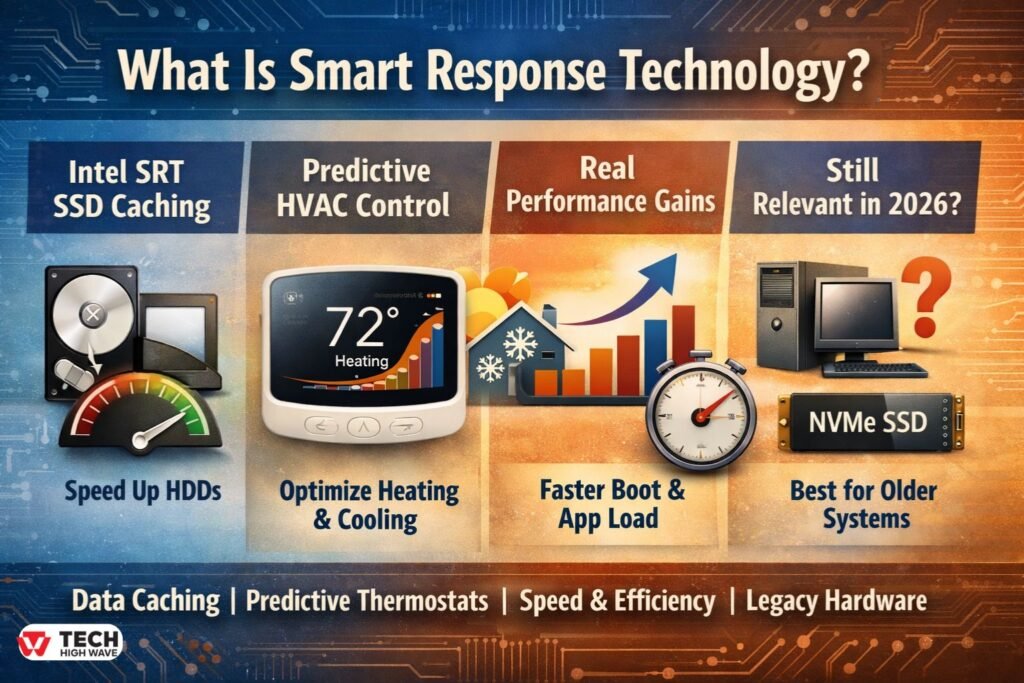
TL;DR: Smart Response Technology in One Minute
Not ideal for: Systems already running full NVMe SSD storage. |
Confusion around the term smart response technology is understandable. It appears in laptop storage settings, enterprise IT documentation, and thermostat menus. The wording sounds generic, yet it refers to very specific technical implementations.
At its core, what is smart response technology? It is an adaptive system feature that improves responsiveness by learning patterns and automatically adjusting performance behavior. In computing, it typically refers to Intel Smart Response Technology (SRT), a storage caching solution. In climate control, it describes predictive temperature management used in modern thermostats.
This guide explains how smart response technology works, its technical requirements, realistic performance expectations, when it makes sense in 2026—and when it does not.
What Is Smart Response Technology?
Smart response technology is a system-level capability that improves speed or efficiency by automatically adapting to recurring patterns in data access or environmental conditions.
In computing, it is most commonly associated with Intel Smart Response Technology (SRT). This feature allows a solid-state drive (SSD) to function as a high-speed cache for a traditional hard disk drive (HDD). Frequently accessed files are stored temporarily on the SSD, reducing load times without replacing the main storage device.
In home automation, smart response technology appears in thermostats from companies such as Honeywell. Here, it refers to predictive heating and cooling. Instead of activating exactly at a scheduled time, the system starts earlier based on historical heating or cooling duration.
Across industries, three defining traits remain consistent:
- Pattern recognition
- Automated optimization
- Performance or efficiency improvement
The system does not simply respond to commands—it anticipates recurring behavior.
How Smart Response Technology Works
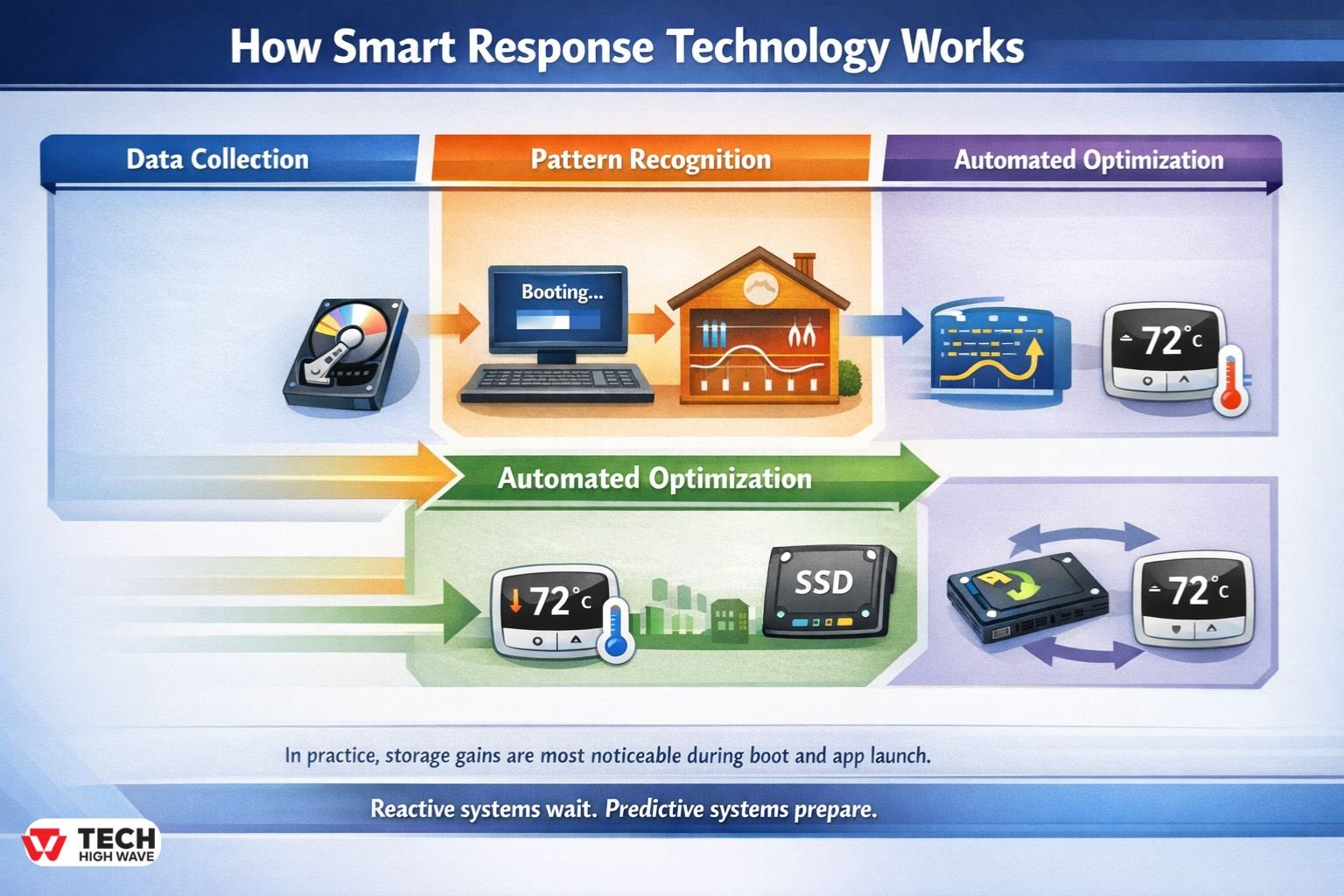
Although implementations differ, the underlying logic follows a similar sequence.
-
Data Collection
The system continuously gathers operational data.
In storage acceleration:
- File access frequency
- Boot sequence behavior
- Application usage patterns
In thermostats:
- Indoor temperature trends
- Time-to-target calculations
- Seasonal performance patterns
-
Pattern Recognition
Algorithms identify repeated behavior. In many enterprise environments, repeated boot cycles and daily application use form predictable patterns. Similarly, a residential HVAC system often requires nearly the same warm-up time on similar winter mornings.
-
Automated Optimization
Once patterns are established:
- Intel SRT stores frequently accessed data blocks on the SSD cache.
- Thermostats begin heating or cooling early enough to reach the desired temperature exactly at the scheduled time.
In practice, storage gains are most noticeable during boot and application launch rather than large file transfers.
-
Continuous Refinement
The system adapts over time. If usage patterns change, the caching or heating schedule adjusts accordingly.
That distinction matters. Reactive systems wait. Predictive systems prepare.
Also Check: Technology News OTVPTech: Credibility Analysis, and 2026 Evaluation Guide
Technical Requirements for Intel Smart Response Technology
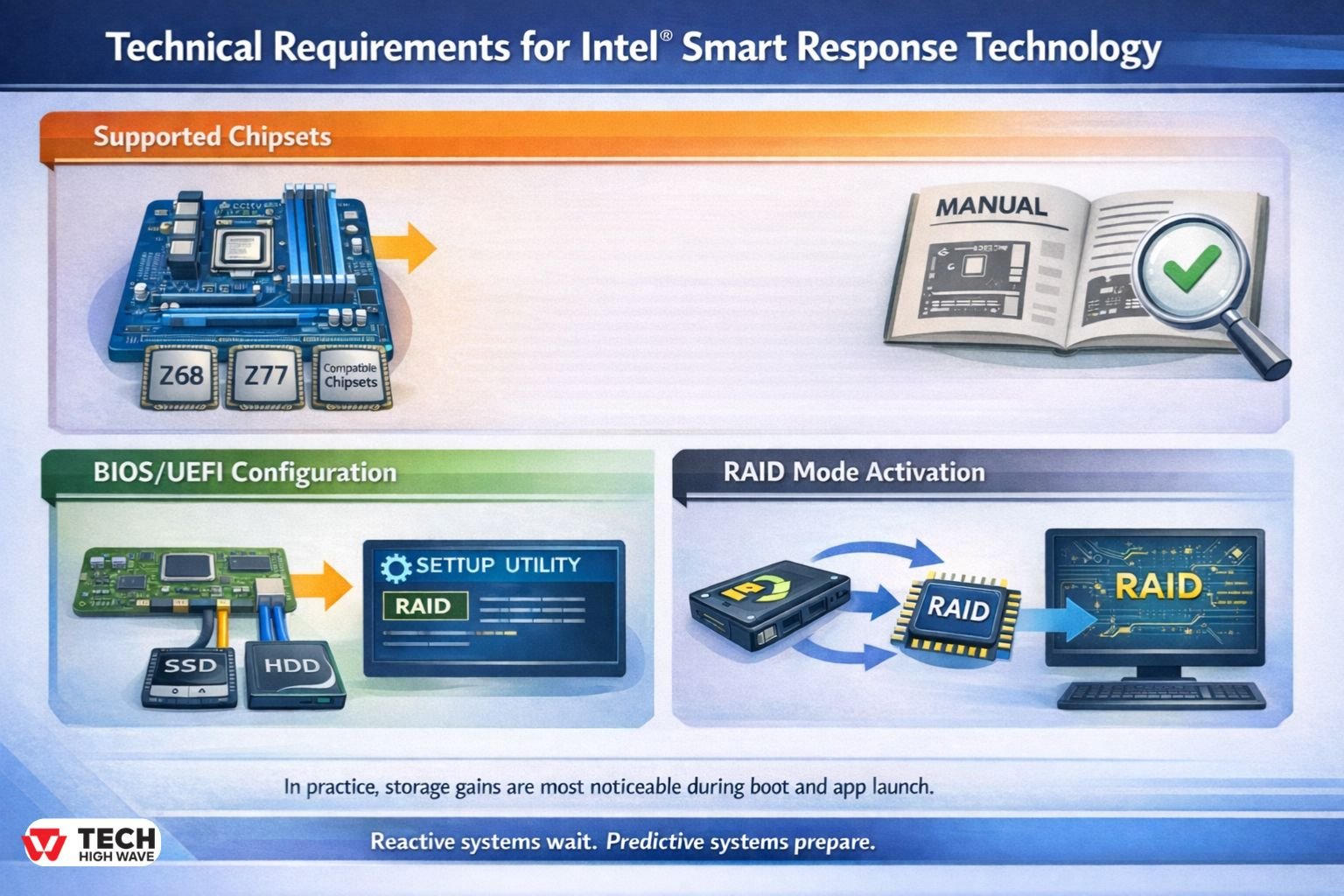
Intel Smart Response Technology is not universally supported. Several hardware and configuration requirements must be met.
Supported Chipsets
Historically, SRT required compatible Intel chipsets such as Z68, Z77, and certain later consumer desktop platforms. It is not supported on all motherboards, particularly many modern NVMe-focused designs.
Verification through motherboard documentation is essential.
BIOS/UEFI Configuration
SRT typically requires:
- SATA controller set to RAID mode (not AHCI)
- Intel Rapid Storage Technology (RST) driver installed
- Proper drive pairing between SSD (cache) and HDD (primary storage)
Technicians frequently encounter configuration errors when RAID mode is not enabled prior to operating system installation.
RAID Mode Activation
Although RAID is enabled, SRT does not require a traditional multi-drive RAID array. Instead, it uses Intel’s firmware-level caching mechanism within RAID mode.
Switching from AHCI to RAID after OS installation can cause boot failures unless properly prepared.
Smart Response Technology vs AHCI Mode
AHCI (Advanced Host Controller Interface) enables advanced SATA features but does not provide caching.
| Feature | AHCI Mode | Intel SRT |
| SSD caching | No | Yes |
| Requires RAID mode | No | Yes |
| Improves HDD performance | No | Yes |
| Best for full SSD systems | Yes | Not necessary |
For systems already running entirely on SSD or NVMe storage, AHCI (or native NVMe configuration) is typically sufficient.
Intel Smart Response Technology vs Modern SSD/NVMe Storage
Storage technology has evolved significantly.
| Feature | Intel SRT (SSD + HDD) | Full SATA SSD | NVMe SSD |
| Boot speed improvement | Moderate | High | Very High |
| Mechanical drive dependency | Yes | No | No |
| Complexity | Moderate | Low | Low |
| 2026 relevance | Situational | High | Very High |
In a small office running older desktop towers with 1TB hard drives, enabling SRT can reduce boot times from over one minute to roughly 25–35 seconds. However, replacing the HDD entirely with an SSD delivers even greater gains with less configuration complexity.
In 2026, SRT remains relevant primarily in budget-constrained or legacy hardware environments.
Write-Back vs Write-Through Cache Modes
Intel SRT typically supports two caching modes:
- Write-Through Mode: Data is written simultaneously to SSD and HDD. Safer, but slightly slower.
- Write-Back Mode: Data is written to SSD first and later synchronized to HDD. Faster, but carries higher risk if power loss occurs before synchronization.
Write-back mode offers stronger performance gains but requires reliable power and backup practices.
Best Uses for Smart Response Technology
Smart response technology performs best where predictable patterns exist.
Hybrid Storage Acceleration
Older desktops with HDD storage benefit most. Boot sequences and daily-used applications see measurable acceleration.
Residential Climate Optimization
In homes with consistent occupancy schedules, predictive thermostat response ensures comfort precisely at programmed times. Energy waste from overrun heating cycles may decrease modestly—often in the range of low single-digit percentage improvements, depending on insulation quality.
Enterprise IT Environments
In environments running legacy storage arrays, intelligent caching improves frequently accessed database and virtual machine responsiveness.
Edge Computing and IoT Systems
Predictive load management maintains stable performance across distributed devices.
Failure & Recovery Scenarios
A common concern involves SSD cache failure.
If the caching SSD fails:
- Data stored permanently on the HDD remains intact.
- Performance reverts to HDD speed.
- Write-back mode may risk small amounts of unsynchronized data.
Regular backups remain essential. Caching does not replace data protection strategies.
Disabling SRT safely typically involves removing acceleration within Intel Rapid Storage settings before physically removing drives.
Who Should Use Smart Response Technology?
Ideal Candidates
- Users with HDD + SSD hybrid setups
- Small businesses extending aging desktop lifespan
- Facilities using predictive HVAC schedules
- IT teams managing transitional storage infrastructure
Limited Benefit Cases
- Systems running full NVMe SSD storage
- Highly irregular building occupancy
- Users uncomfortable with BIOS-level configuration
In many modern laptops already equipped with NVMe storage, SRT provides little practical advantage.
How to Choose the Right Smart Response Technology
A structured decision framework improves outcomes.
-
Identify the Bottleneck
Is the delay caused by mechanical disk latency? Or is the system already SSD-based?
-
Confirm Compatibility
- Chipset supported
- RAID mode available
- SSD capacity sufficient
-
Compare Upgrade Costs
Often, replacing the HDD entirely with an SSD offers better long-term simplicity.
-
Assess Maintenance Tolerance
Firmware updates and RAID configurations require technical comfort.
-
Review Security & Backup Practices
Write-back mode requires disciplined power and backup management.
Common Mistakes to Avoid
- Assuming all motherboards support Intel SRT
- Enabling RAID mode after OS installation without preparation
- Expecting NVMe-level speed gains
- Ignoring firmware updates
- Overestimating energy savings in poorly insulated buildings
Performance improvements are real—but not magical.
Is Intel Smart Response Technology Still Relevant in 2026?
Yes, but selectively.
In environments where legacy HDD systems remain operational and full hardware replacement is not feasible, SRT can meaningfully improve daily usability.
However, in modern consumer systems with widespread NVMe adoption, direct SSD upgrades offer superior simplicity and performance.
SRT has transitioned from mainstream solution to situational optimization tool.
Future Trends in Smart Response Technology (2026 Outlook)
Software-Defined Caching
Caching increasingly shifts from chipset dependency to software-managed storage layers.
Predictive Building Management
Smart thermostats are integrating deeper HVAC cycle optimization aligned with energy efficiency regulations.
Integrated Cloud Monitoring
Enterprise environments favor centralized dashboards for predictive analytics across distributed infrastructure.
The future direction favors automation with increased transparency and reduced hardware constraints.
Frequently Asked Questions
Q1: What is smart response technology in simple terms?
SRT is a feature that improves performance or efficiency by learning usage patterns and automatically optimizing system behavior.
Q2: What is Intel Smart Response Technology (SRT)?
Intel SRT is a storage caching feature that uses an SSD to accelerate a traditional hard drive.
Q3: Is Intel Smart Response Technology still supported?
It is supported on compatible legacy chipsets but is less relevant for modern NVMe-based systems.
Q4: Can smart response technology cause data loss?
Data loss risk is minimal in write-through mode, but write-back mode can risk unsynchronized data during sudden power failure.
Q5: Does smart response technology work with Windows 11?
It can function if supported by compatible chipset drivers and RAID configuration, though modern SSD upgrades are often preferable.
Q6: Does smart response technology reduce energy bills?
In thermostats, it may improve timing efficiency, but savings depend on insulation quality and usage patterns.
Conclusion
SRT represents a practical optimization strategy rather than a universal solution. In legacy hardware environments or structured HVAC systems, it can deliver meaningful responsiveness improvements. In modern all-SSD systems, simpler alternatives often provide better long-term value.
For more Tech related content visit: Tech High wave

