
Search interest around Strike Pack PS5 surged again in 2026—and this time, the attention is justified. After years of limited compatibility, confusing workarounds, and mixed messaging, Collective Minds finally released a Strike Pack built specifically for the PS5 DualSense controller.
At the same time, and just as importantly, game publishers have quietly rolled out far more advanced, AI-driven anti-macro detection systems. Consequently, the overall risk–reward equation has shifted significantly, almost overnight.
Because of this combined shift, players are no longer simply asking whether Strike Pack works on PS5. Instead, the real concerns now are:
- Does Strike Pack actually work on PS5 without tricks?
- Is it safe to use in ranked multiplayer modes?
- Is it still worth buying compared to premium controllers like the DualSense Edge?
This guide reflects the true 2026 landscape, separating outdated advice from what genuinely matters today.
What Is Strike Pack PS5?
To put it simply, Strike Pack PS5 refers to controller attachment devices from Collective Minds that, at the same time, enhance a standard PlayStation controller with functionalities including:
- Programmable back buttons (paddles)
- Button remapping
- Optional automation features such as anti-recoil or rapid fire
Historically, Strike Packs were designed for the DualShock 4. Consequently, PS5 users relied on Remote Play, adapters, or controller emulation—none of which were ideal.
That limitation finally changed in 2026.
The 2026 Breakthrough: Strike Pack Horizon Vista
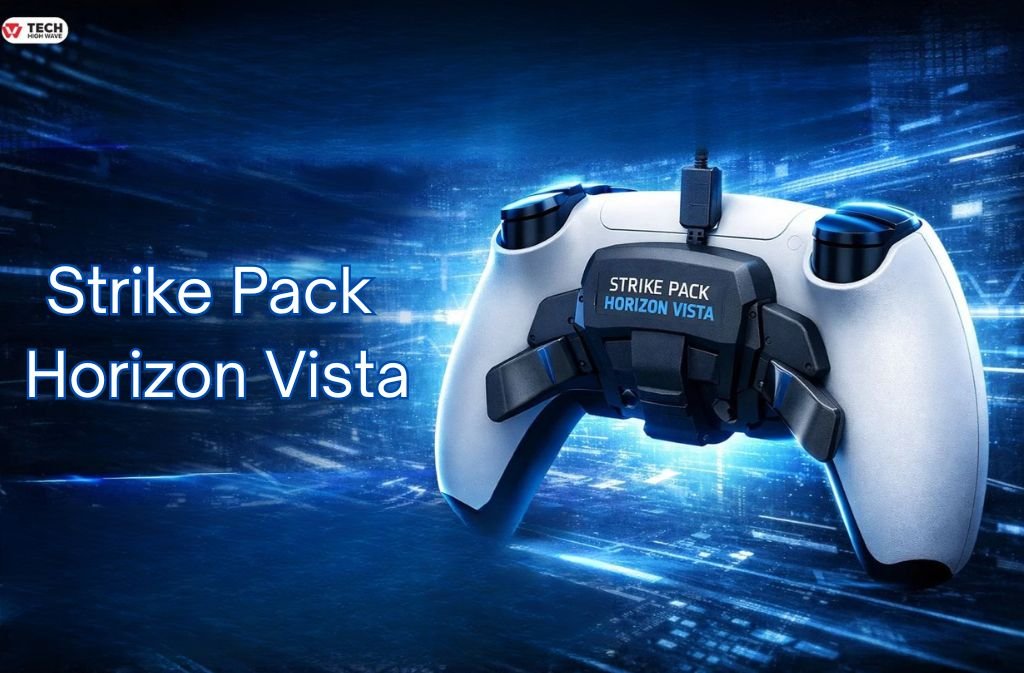
Unlike earlier models, the Strike Pack Horizon Vista is natively engineered for the PS5 DualSense controller.
More importantly, this is not an emulator, dongle workaround, or Remote Play hack. Instead, it is the first Strike Pack that directly interfaces with PS5 hardware.
This single change dramatically improves stability, latency, and overall reliability.
How Strike Pack PS5 Works in 2026
Native Wired Bypass (No Dongles, No Remote Play)
The Horizon Vista connects directly to the DualSense using a high-speed wired bypass. Rather than pretending to be a different controller, it establishes a firmware-level handshake with the PS5.
As a result:
- No Cronus Zen is required
- No Remote Play latency is introduced
- No controller spoofing occurs
- Input timing remains comparable to first-party hardware
From the console’s perspective, the controller still appears as a standard DualSense, which is critical for compatibility.
App-Based Configuration (Strikepack Central)
Equally important, Collective Minds has completely abandoned the old button-combo programming system.
Instead, configuration is now handled through Strikepack Central, a dedicated mobile app that connects via Bluetooth.
Key features include:
- Real-time recoil tuning sliders
- Macro and profile management
- Paddle and button remapping
- Game-specific presets
Because of this, the learning curve is significantly lower than previous Strike Pack generations.
Key Features to Look for in Strike Pack PS5
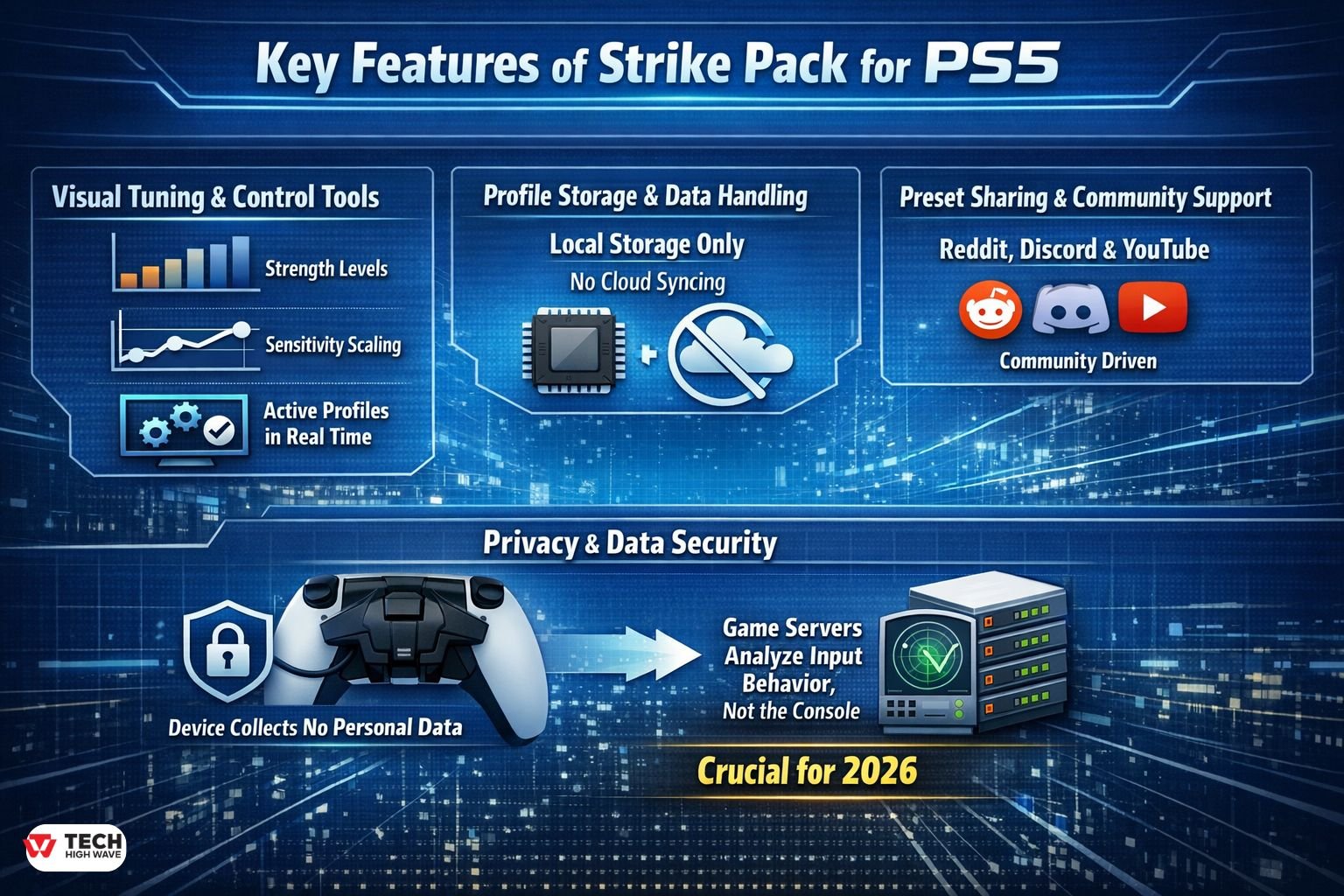
Visual Tuning & Control Tools
The Strikepack Central app introduces visual adjustment tools rather than blind button presses. Although it doesn’t provide full recoil graphs, users can clearly see:
- Strength levels
- Sensitivity scaling
- Active profiles in real time
Consequently, configuration errors are far less common.
Profile Storage & Data Handling
Profiles are stored locally within both the app and device firmware. There is no cloud syncing, which limits cross-device portability.
However, this design choice also reduces account-linked risk, since nothing is tied to a PlayStation Network profile.
Preset Sharing & Community Support
While preset sharing exists, it remains community-driven. Most advanced configurations still originate from:
- Reddit communities
- Discord servers
- YouTube creators
At present, there is no official marketplace or ranked preset system.
Privacy & Data Security
The device itself does not collect personal data. That said, game servers analyze input behavior, not the console.
This distinction is especially important in 2026.
The Real Ban Risk in 2026: Anti-Macro Detection
The biggest change affecting Strike Pack users is not hardware—it’s server-side enforcement.
AI-Based Input Analysis
Modern competitive games, including Call of Duty and Battlefield 6, no longer rely on simple device detection. Instead, they use heuristic and AI-driven models.
These systems analyze patterns such as:
- Near-perfect recoil control across many matches
- Identical firing curves over time
- Zero deviation under variable latency
When recoil control approaches mathematical perfection for extended sessions, inputs are flagged as unnatural.
What’s Safe vs What’s Risky
Generally Low Risk:
- Back buttons/paddles
- Button remapping
- Accessibility-focused configurations
These inputs are functionally identical to licensed pro controllers and are effectively undetectable.
High Risk in Ranked Play:
- Anti-recoil macros
- Rapid-fire scripts
- Timed burst automation
These behaviors may trigger:
- Shadow bans
- Input-priority reduction
- Matchmaking suppression
Notably, many penalties occur silently, which is why players often assume they are “lagging” rather than flagged.
Best Uses for Strike Pack PS5
Given the current enforcement environment, Strike Pack PS5 makes the most sense for:
- Players who want back paddles without premium pricing
- Competitive gamers focused on ergonomics, not automation
- Accessibility-focused users needing custom layouts
- Offline modes or private matches
Ultimately, its strongest value lies in paddle-only usage.
Who Should Use Strike Pack PS5?
Good Fit For:
- FPS players who need rear paddles
- Budget-conscious competitors
- Players are avoiding macros in ranked modes
Not Recommended For:
- Players relying on anti-recoil online
- Tournament competitors
- Users are unwilling to risk silent enforcement actions
How to Choose the Right Strike Pack PS5
Before buying, ask yourself:
- Do I want paddles or automation?
- Do I primarily play ranked multiplayer?
- Am I comfortable with wired-only play?
If paddles are your priority, Strike Pack offers strong value. Conversely, if automation is the goal, the risk-to-reward ratio in 2026 is clearly unfavorable.
Common Mistakes to Avoid
- Assuming native support means zero ban risk
- Using macros in ranked modes
- Over-tuning the recoil to perfect zero
- Expecting a cloud-based ecosystem
Most enforcement actions stem from behavioral patterns, not the device itself.
Future Trends: Strike Pack PS5 Outlook (2026)
Looking ahead:
- AI-based input detection will continue improving
- Hardware mods will increasingly emphasize accessibility
- Licensed pro controllers will expand modular features
In short, Strike Packs are evolving—but the era of “invisible macros” is effectively over.
Safe-Mode Configuration Guide (2026): Paddle-Only, Low-Risk Setup
In this setup, the Safe-Mode configuration uses the Horizon Vista exclusively for back buttons while, at the same time, disabling all automation features. As a result, when configured this way, inputs are effectively indistinguishable from licensed pro controllers.
1: Physical Connection
- Attach the Horizon Vista to the DualSense
- Connect directly to the PS5 via USB
- Use wired mode only
2: Open Strikepack Central
- Install Strikepack Central (iOS 15+ / Android 9+)
- Connect via Bluetooth
- Update firmware if needed
3: Disable All MODs (Critical)
- Turn OFF anti-recoil, rapid fire, burst, aim assist, and macros
- Ensure no presets are active
Verification tip: If sliders or timers appear active, Safe-Mode is not enabled.
Step 4: Configure Paddles Only
- Assign paddles to standard single-input actions
- Avoid timing-based or chained inputs
Recommended FPS Setup:
- Left Paddle: Jump (✕)
- Right Paddle: Crouch/Slide (○)
Step 5: Save as a Locked Profile
- Save as “SAFE – PADDLES ONLY”
- Lock the profile to prevent changes
Step 6: In-Game Confirmation
- To begin, test in a private match.
- Afterward, confirm that recoil behaves normally.
- Lastly, verify that the fire rate matches stock weapons.
Frequently Asked Questions
Q.1 Can you get the Strike Pack for PS5?
Yes. At this point, the Strike Pack Horizon Vista is natively designed for the PS5 DualSense and, accordingly, works without Remote Play or third-party adapters.
Q.2 Is Strike Pack bannable on PS5?
The device itself is not bannable. However, using anti-recoil or rapid-fire macros in ranked online games carries a high risk of server-side penalties.
Q.3 Is a PS5 Strike Pack worth buying in 2026?
It is worth buying if you want back paddles and remapping at a lower cost than pro controllers. It is not worth buying for online macro abuse.
Q.4 How do you use Strike Pack on PS5?
First, attach the Horizon Vista to a DualSense; next, connect it via USB; and then, configure everything through the Strikepack Central mobile app.
Q.5 Are back buttons safe to use online?
Yes. Paddle-only usage is functionally identical to licensed pro controllers and is considered low risk.
Q.6 Can Strike Pack cause input lag penalties?
Yes. Games may silently reduce input priority or matchmaking quality if macro usage is detected, even without issuing a formal ban.
Final Verdict
In 2026, Strike Pack PS5 is finally native; however, at the same time, enforcement has increasingly shifted toward behavioral analysis. Under these conditions, when configured strictly for paddles, the Horizon Vista therefore delivers excellent value while, in turn, maintaining minimal risk.
That said, automation features may still have a place in offline or private play. By contrast, within ranked multiplayer environments, long-term restraint ultimately becomes the smarter and more sustainable competitive edge.
In short, the hardware now works flawlessly; however, in practice, smart configuration is what ultimately keeps you safe.
Related: PS5 Wall Mount: What Actually Matters Before You Mount Your PlayStation 5

