
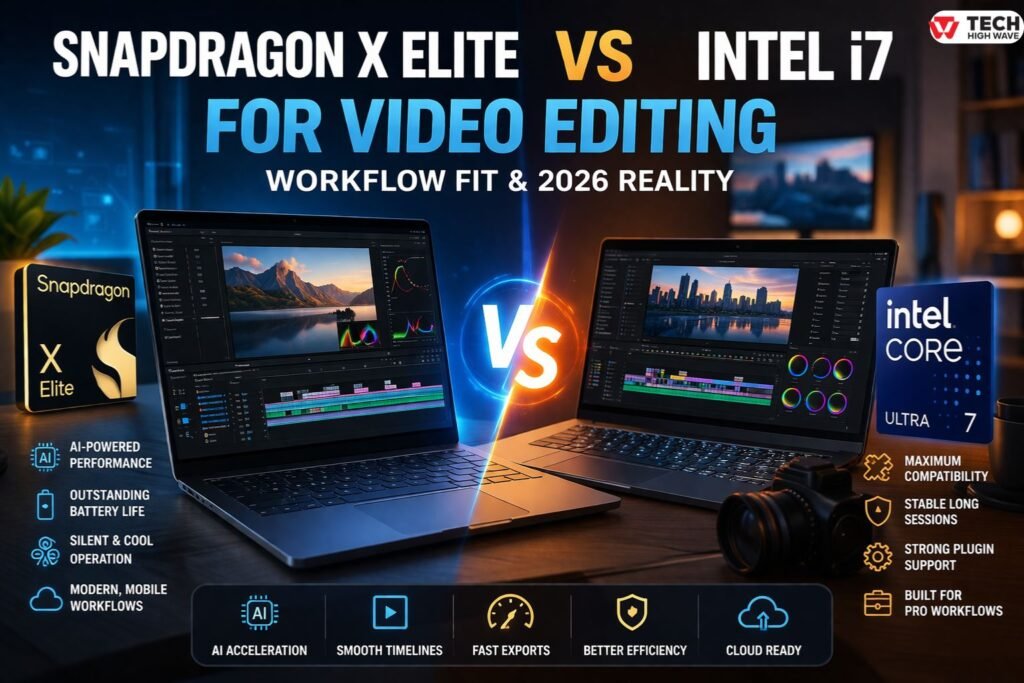
The debate around Snapdragon X Elite vs Intel i7 for video editing has changed fast—and in 2026, it’s no longer a simple “power vs efficiency” decision.
With the arrival of newer chips like the Snapdragon X2 Elite and the broader Snapdragon lineup gaining traction, even mid-tier options like the Snapdragon X Plus are starting to reshape expectations around performance and battery life. As highlighted in Snapdragon X Plus guide, Qualcomm’s newer chips are built around efficiency-first design, strong AI acceleration, and always-on responsiveness—traits that are now influencing how creators approach editing workflows.
At the same time, Intel has evolved its lineup into the Core Ultra series, refining performance, thermals, and AI capabilities. This means editors today are choosing between two mature ecosystems, not an experimental one versus a proven one.
What matters now isn’t just speed. It’s:
- How does your timeline behave after 2 hours
- Whether your tools run smoothly
- How much friction do you feel during real work
This guide breaks it down from a workflow perspective, so you can decide based on how you actually edit—not just specs.
What is Snapdragon X Elite vs Intel i7 Video Editing?
This comparison now includes three realities:
- Snapdragon X Elite → Current mainstream ARM chip for Windows laptops
- Snapdragon X2 Elite (newer generation) → Improved performance + better sustained workloads
- Intel Core i7 / Core Ultra 7 → Traditional + modern Intel lineup (both relevant in search and usage)
“Intel i7” is still widely searched, but most new laptops now use Core Ultra 7, which brings:
- Built-in AI acceleration
- Better efficiency than older i7 chips
- Improved integrated graphics
How Snapdragon X Elite vs Intel i7 Video Editing Works
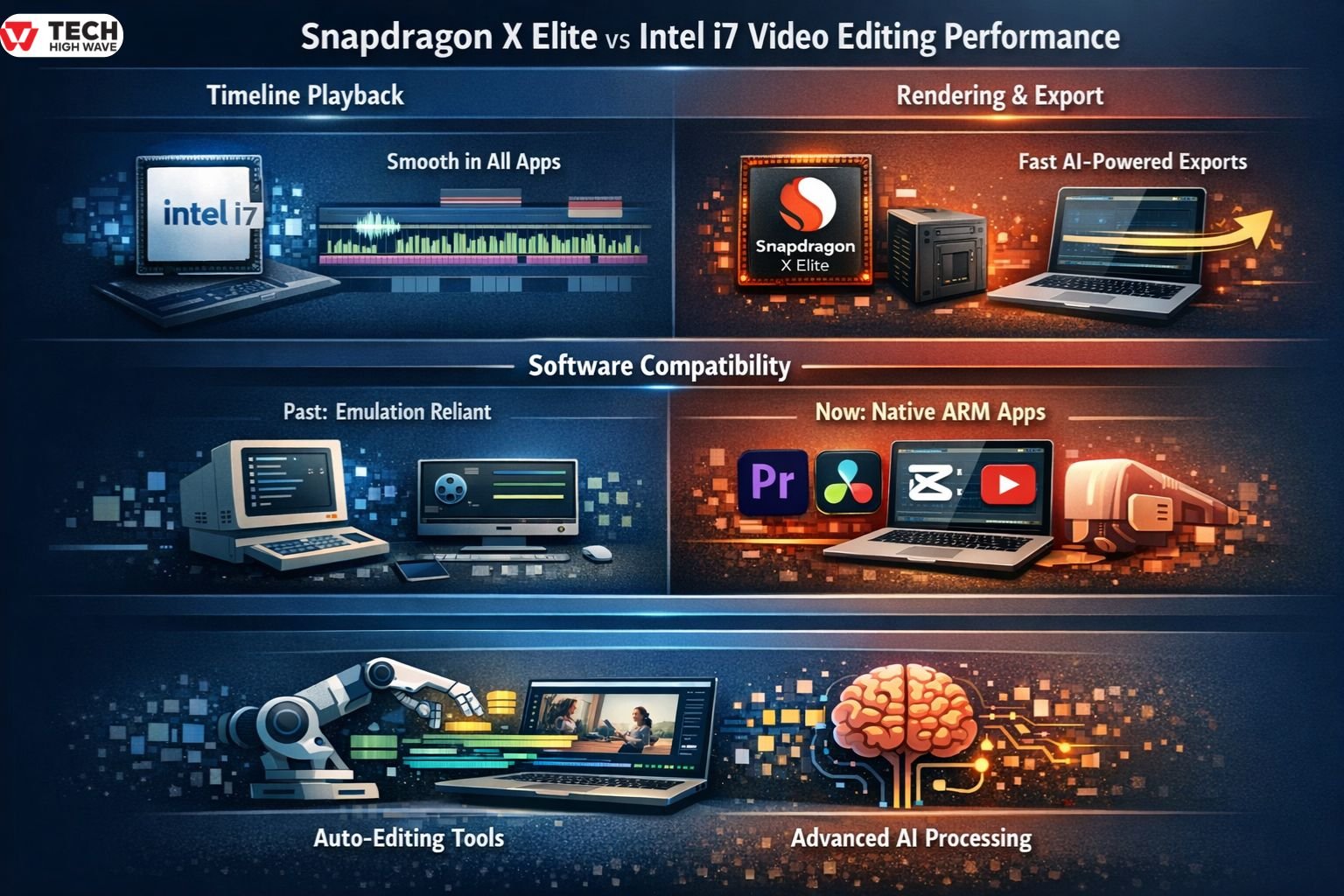
Video editing performance depends on how a system handles real workloads—not isolated tasks.
-
Timeline Playback
- Intel (i7 / Ultra 7): Strong, consistent playback across all apps
- Snapdragon X Elite / X2 Elite: Smooth in optimized apps, improving rapidly
The difference now is smaller than before. With native ARM support growing, Snapdragon systems feel far less “restricted” than early versions.
-
Rendering & Export
Snapdragon (especially X2 Elite) has improved significantly in export speed due to:
- Hardware encoding
- AI-assisted processing
Intel still holds an edge in:
- Complex multi-layer timelines
- Heavy effects pipelines
Snapdragon is fast at finishing tasks
Intel is reliable at handling messy timelines
-
Software Compatibility (Updated Reality)
This is where things have changed the most.
Previously:
- Snapdragon relied heavily on emulation
Now (2026 reality):
- Most major tools (Premiere Pro, DaVinci Resolve, CapCut) have native ARM versions
- Performance gaps are shrinking quickly
Translation/emulation is no longer a daily issue—it’s becoming an edge case.
However:
- Some plugins and niche tools still favor Intel
-
AI-Assisted Editing
This is Snapdragon’s strongest advantage.
With dedicated NPUs:
- Auto-editing tasks are faster
- Background processes don’t slow timelines as much
Intel Core Ultra chips are catching up—but Snapdragon still feels more AI-first in real use.
Key Features to Look for in Snapdragon X Elite vs Intel i7 Video Editing
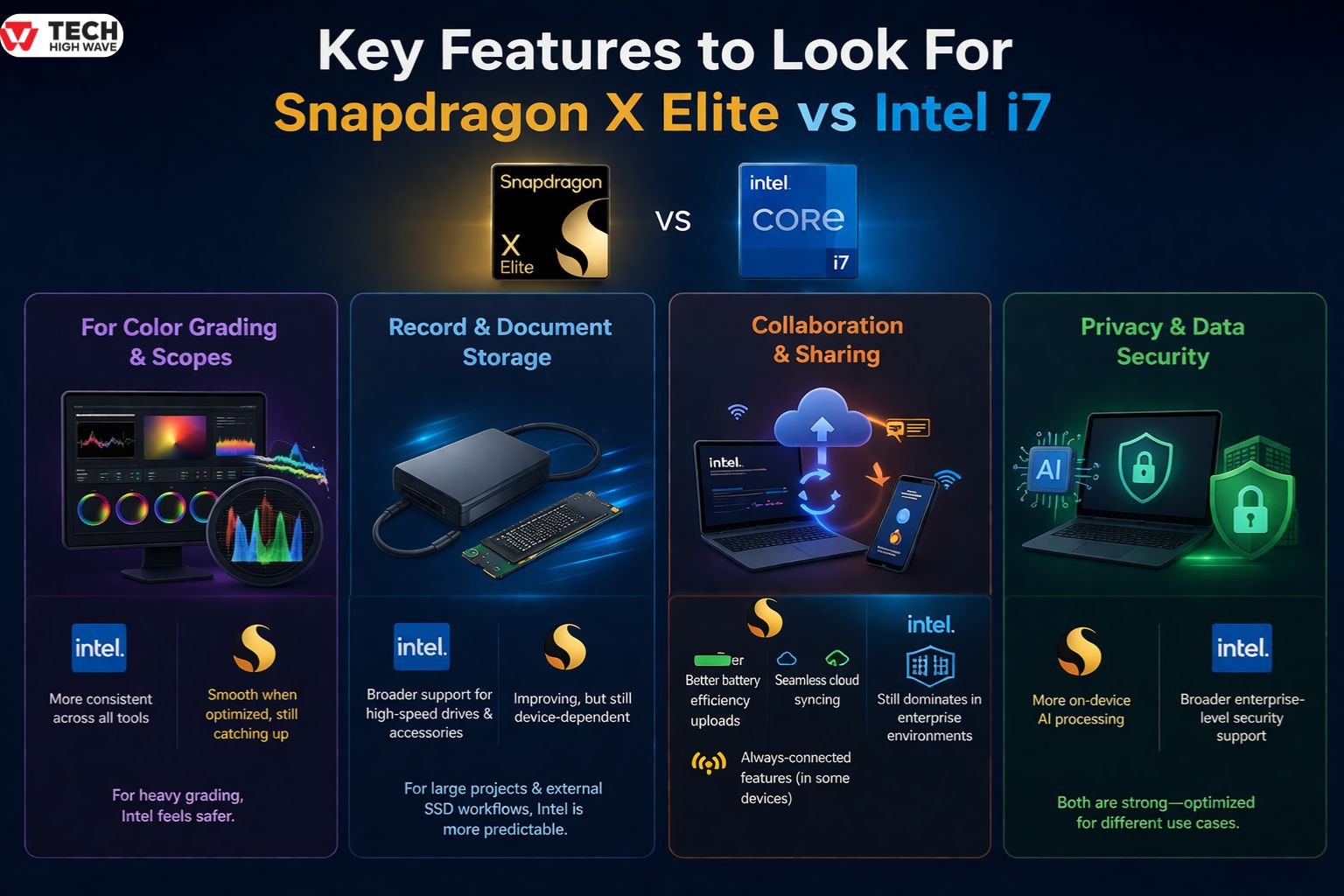
Chart & Visualization Tools
For color grading and scopes:
- Intel → more consistent across all tools
- Snapdragon → smooth when optimized, but still catching up in edge cases
If you do heavy grading work, Intel still feels safer
Record & Document Storage
- Intel systems → broader support for high-speed drives and accessories
- Snapdragon systems → improving, but still device-dependent
For large projects and external SSD workflows, Intel remains more predictable.
Collaboration & Sharing
Snapdragon stands out in mobile workflows:
- Better battery efficiency during uploads
- Seamless cloud syncing
- Always-connected features (in some devices)
Intel still dominates in enterprise environments.
Privacy & Data Security
- Snapdragon → more on-device AI processing
- Intel → broader enterprise-level security support
Both are strong—but optimized for different use cases.
Quick Comparison: Snapdragon vs Intel for Video Editing
| Feature | Snapdragon X Elite / X2 Elite | Intel i7 / Core Ultra 7 |
| Timeline Smoothness | Very good (optimized apps) | Excellent (all apps) |
| Export Speed | Fast (AI-assisted) | Very fast (consistent) |
| Software Compatibility | High (now mostly native) | Excellent |
| Plugin Support | Moderate–High | Excellent |
| Battery Life | Outstanding | Good |
| Heat & Noise | Very low | Moderate |
| AI Features | Leading | Catching up |
| Long Editing Sessions | Good (X2 improves this) | Excellent |
This table is what most people wish they saw first—it reflects real usage, not marketing claims.
Best Uses Of Both Technologies
Snapdragon X Elite / X2 Elite
Best for:
- YouTube creators
- Social media editors
- Remote or travel-based workflows
- AI-assisted editing pipelines
It shines when you want:
- Speed without heat
- Long sessions without charging
- Less manual editing work
Intel i7 / Core Ultra 7
Best for:
- Professional editors
- Multi-layer 4K/6K projects
- Plugin-heavy workflows
- Studio environments
It excels when:
- Stability matters more than efficiency
- You can’t risk compatibility issues
Who Should Use Snapdragon X Elite vs Intel i7 For Video Editing?
Choose Snapdragon if:
You’re a modern content creator:
- Fast edits
- AI tools
- Mobile workflow
You care about momentum and flexibility more than absolute control.
Choose Intel if:
You’re a studio professional:
- Complex edits
- Long sessions
- Client deadlines
You care about reliability and depth.
Key Specialities Snapdragon X Elite vs Intel i7 In Video Editing
Snapdragon Strengths
- AI acceleration
- Battery life
- Silent operation
- Fast, efficient workflows
Intel Strengths
- Full ecosystem compatibility
- Stable long-session performance
- Better handling of complex timelines
The Real Trade-Off
It’s no longer:
“Fast vs slow.”
It’s:
Efficiency-driven workflow vs stability-driven workflow
Common Mistakes to Avoid
-
Thinking ARM Still Isn’t Ready
That was true before—not anymore. Most major tools now run natively.
-
Ignoring Your Editing Style
Short-form editing ≠ long-form production.
-
Overvaluing Specs
Real editing performance ≠ benchmark scores.
-
Forgetting Plugin Dependencies
Check your tools before switching platforms.
-
Choosing Based on Trends
Pick what fits your workflow—not what’s new.
Future Trends in Snapdragon X Elite vs Intel i7 (2026 Outlook)
AI Will Drive Editing Workflows
Snapdragon is ahead—but Intel is closing the gap fast.
ARM Optimization Will Mature
Snapdragon’s biggest weakness (compatibility) is rapidly disappearing.
Efficiency Will Become Standard
Editors will expect:
- Silent systems
- All-day battery
- No thermal slowdown
Hybrid Workflows Will Dominate
Cloud + local AI + hardware acceleration will define future editing.
FAQs
Q1: Is Snapdragon X Elite better than Intel i7 for video editing?
It depends on your workflow. Snapdragon is better for mobile, AI-assisted editing, while Intel is stronger for complex projects and full compatibility.
Q2: What is Snapdragon X2 Elite and is it better?
Snapdragon X2 Elite is the newer version with improved sustained performance and efficiency, making it more competitive with Intel in longer editing sessions.
Q3: Is Intel Core Ultra 7 the same as i7?
Not exactly. Core Ultra 7 is Intel’s newer architecture with better AI features and efficiency, but it replaces the traditional i7 in modern laptops.
Q4: Can Snapdragon handle professional editing now?
Yes, in many cases. With native ARM support growing, it’s now viable for professional work—but still depends on your tools and plugins.
Q5: Which is better for battery life during editing?
Snapdragon X Elite and X2 Elite are significantly better, offering longer editing sessions without needing to plug in.
Q6: Should I switch from Intel to Snapdragon?
Switch only if your workflow supports it. If you rely on specific plugins or heavy projects, Intel is still the safer option.
Final Takeaway
The gap between Snapdragon X Elite vs Intel i7 for video editing has narrowed—but the decision is still about how you work.
- Snapdragon → modern, efficient, AI-driven
- Intel → stable, powerful, deeply compatible
If you’re building a flexible, mobile workflow, Snapdragon (especially X2 Elite) makes a lot of sense.
If your work is complex and high-stakes, Intel still gives you fewer surprises.
And when deadlines are real, fewer surprises matter more than raw speed.

