
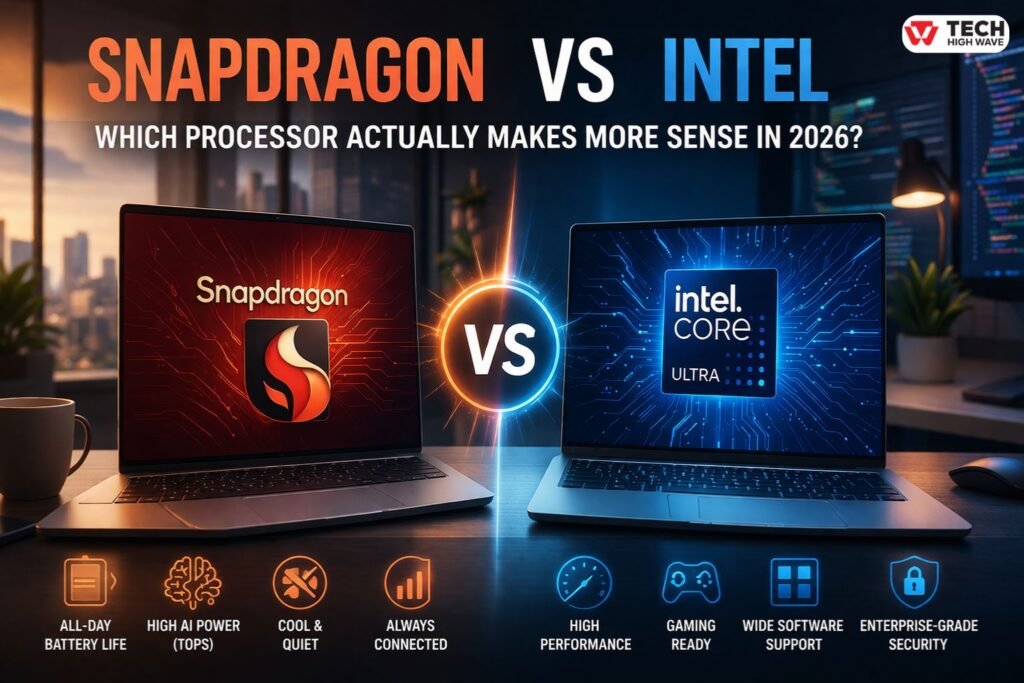
Buying a laptop used to be straightforward. Pick a budget, choose Intel, and move on. That’s no longer how it works.
Now there are two very different directions: one focused on raw power and compatibility, the other built around efficiency, battery life, and AI. That shift is exactly why the snapdragon vs intel debate keeps coming up.
On paper, both can look similar. In daily use, they don’t feel the same at all.
Some machines last all day without a charger but struggle with heavier apps. Others handle demanding work easily but drain faster and run warmer. The difference only becomes obvious after a few days of real use.
This guide breaks that gap down in a practical, experience-driven way—so the choice actually makes sense before buying.
Quick Comparison: Snapdragon vs Intel
| Feature | Snapdragon (ARM) | Intel (x86) |
| Battery Life | Often all-day | Good, but varies |
| Performance | Smooth for daily tasks | Strong under heavy load |
| AI Power (TOPS) | High, efficiency-focused | Growing, more balanced |
| Software Support | Improving, not universal | Almost everything works |
| Gaming | Limited | Reliable |
| Device Design | Thin, quiet, often fanless | Wide range, including powerful setups |
Simple takeaway:
Snapdragon feels lighter and lasts longer. Intel feels stronger when pushed.
What Is Snapdragon vs Intel?
At the core, this comparison is about two different ways of building processors.
Qualcomm Snapdragon chips come from a mobile-first background. They’re built to do more with less power. That’s why phones last all day—and now laptops using these chips aim for the same experience.
Intel processors come from the desktop world. They’re designed to handle heavier, more complex tasks without compromise.
So the difference isn’t just brand—it’s philosophy:
- Snapdragon tries to stay efficient at all times
- Intel is built to deliver performance when needed
That difference shows up quickly in real use.
How Snapdragon vs Intel Works
Snapdragon processors break work into smaller, efficient tasks. Instead of pushing full power constantly, they scale performance based on what’s happening.
That’s why a Snapdragon laptop often feels cool and quiet—even after hours of use.
Intel processors take a different approach. They’re designed to handle complex instructions directly and quickly. When the workload increases, they push harder.
Modern Intel chips try to balance this with efficiency cores, but the focus still leans toward performance.
In everyday terms:
- Writing, browsing, video calls → both feel fast
- Editing video or compiling code → Intel pulls ahead
- Long sessions without charging → Snapdragon stands out
It’s less about which is “faster” and more about when that speed matters.
AI Performance and NPU Power (TOPS Comparison)
This is where things start to shift in a big way.
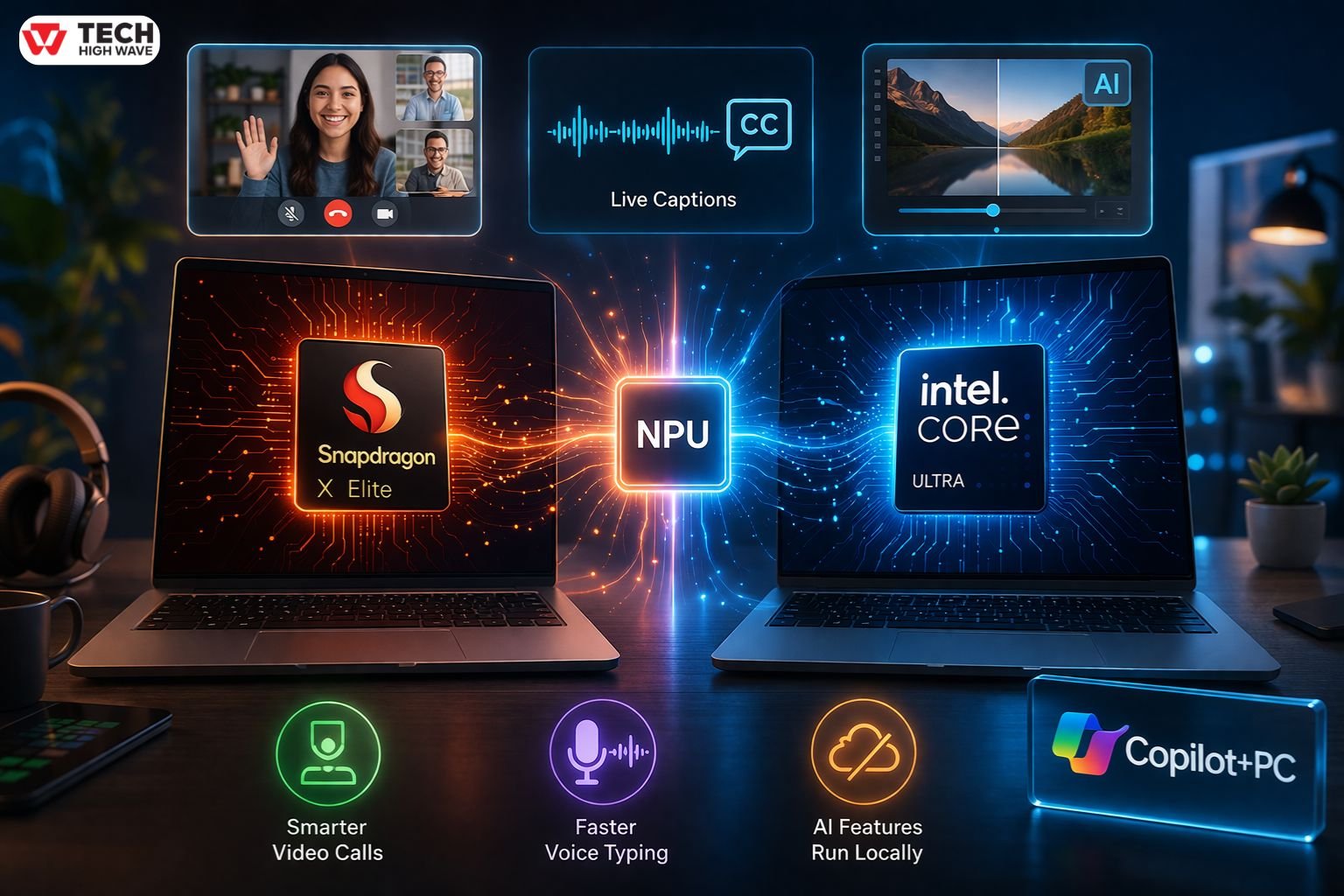
Both Snapdragon and Intel now include NPUs—small dedicated units designed for AI tasks. These handle things like background blur in video calls, live captions, and image processing without stressing the main processor.
Snapdragon leans heavily into this. Its newer chips push high TOPS numbers, which means they can handle AI workloads quickly while still using very little power.
Intel has caught up in capability, especially with newer Core Ultra chips, but its approach is more balanced. AI is part of the system—not the main focus.
Where this shows up in real life:
- Video calls feel smoother with AI effects running constantly
- Voice typing and transcription respond faster
- Some apps can run AI features locally instead of relying on the cloud
There’s also a new category of laptops called Copilot+ PCs. These devices are built specifically for AI features and require strong NPU performance.
Snapdragon systems were early to meet those requirements. Intel systems are now joining, but the shift itself is important.
Performance isn’t just about speed anymore. It’s also about how well a machine handles AI quietly in the background.
Performance Benchmarks and Real-World Testing
Benchmarks tell one story. Daily use tells another.
Intel still leads when the workload is heavy. Rendering a video, exporting large files, or running multiple demanding apps at once—these are situations where Intel clearly finishes faster.
Snapdragon behaves differently. It stays consistent rather than pushing for peak speed. It doesn’t spike as high, but it also doesn’t drop off as quickly.
Over time, that consistency becomes noticeable:
- Less heat during long sessions
- No sudden slowdowns from throttling
- Stable performance across the day
For light users, the gap is hard to notice. For heavy workloads, it becomes obvious.
Software Compatibility (ARM vs x86)
This is one of the most important differences—and often the most overlooked.
Intel runs almost everything without issue. Older programs, niche tools, games—there’s rarely a question of compatibility.
Snapdragon has improved a lot, but it’s still catching up. Many apps run perfectly, especially common ones like browsers and office tools. Others rely on translation layers, which can affect performance.
In practical terms:
- Everyday apps → no problem on either
- Professional or specialized software → safer on Intel
- Some games → may not run well on Snapdragon
This isn’t a dealbreaker for everyone, but it matters depending on what’s installed daily.
Gaming Performance Comparison
Gaming draws a clear line between the two.
Intel systems, especially when paired with dedicated graphics, handle modern games reliably. Performance is predictable, and compatibility is broad.
Snapdragon laptops aren’t built for gaming. Some lighter titles may work, but support is limited and inconsistent.
For anyone even slightly serious about gaming, Intel remains the practical choice.
Also Read: What Is QWE Cuctizgram4.57.3? (2026 Guide: Real Meaning + Hidden Truth)
Key Features to Look for in Snapdragon vs Intel
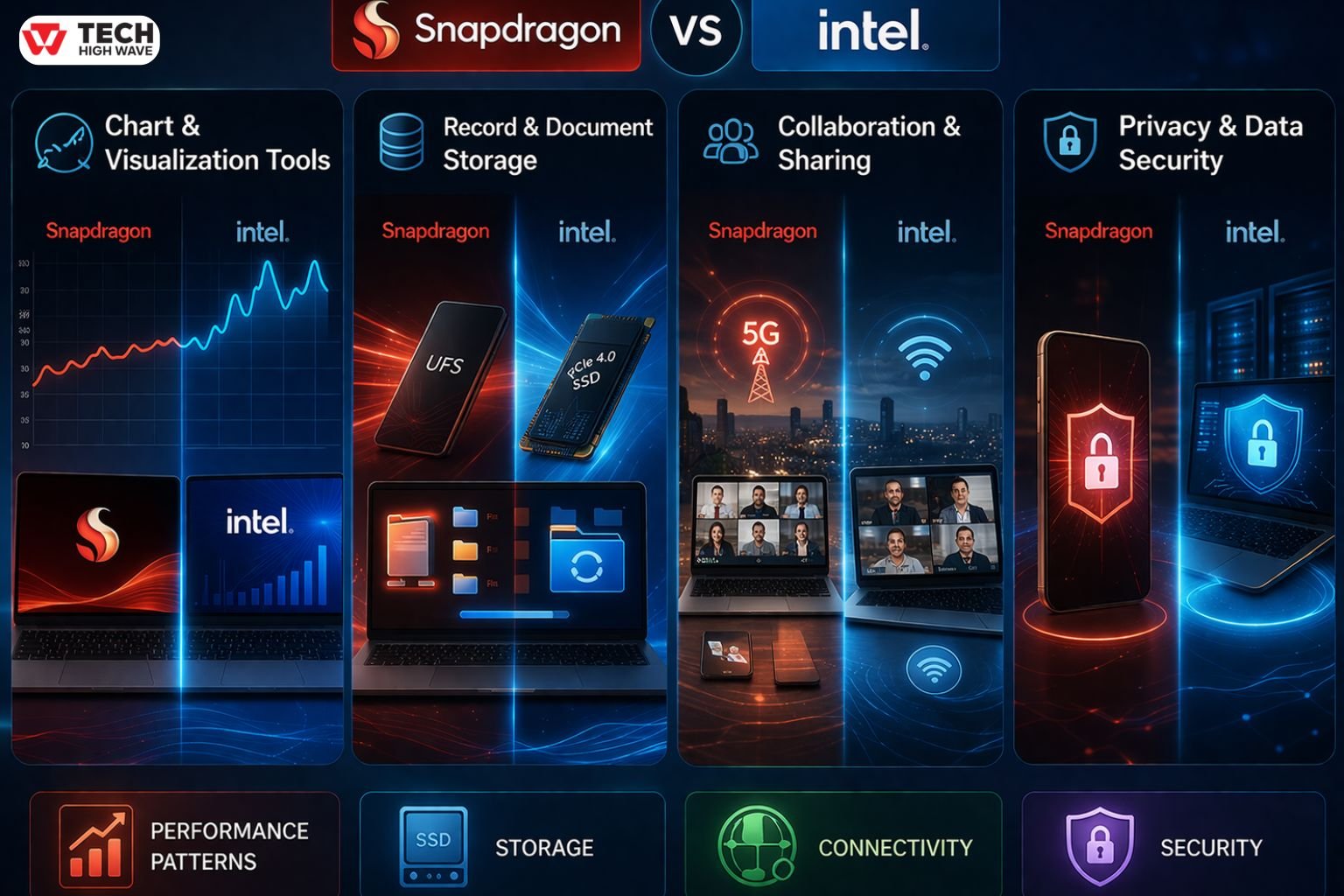
Chart & Visualization Tools
Looking at performance charts helps reveal patterns that specs alone don’t show.
Snapdragon tends to hold steady across longer sessions. Intel tends to peak higher when pushed.
Those patterns matter more than a single benchmark number.
Record & Document Storage
Intel systems often support faster storage setups, which helps when dealing with large files.
Snapdragon systems feel quick in everyday use, especially when opening files or syncing data.
The difference becomes noticeable mainly in heavier workflows.
Collaboration & Sharing
Snapdragon laptops often include built-in cellular connectivity. That means internet access isn’t tied to Wi-Fi.
For remote work or travel, that small detail can make a big difference.
Intel systems rely more on traditional connections but remain reliable in most setups.
Privacy & Data Security
Both platforms handle security well, but in different ways.
Snapdragon takes a mobile-style approach with tightly integrated protections.
Intel leans toward enterprise features like virtualization and advanced encryption.
The better fit depends on how the device is used.
Best Uses for Snapdragon vs Intel
A Snapdragon laptop fits naturally into lighter, everyday routines.
Think of a typical day: documents, browser tabs, video calls, streaming. Everything runs smoothly, and the battery easily lasts through it.
Intel fits better when the workload becomes demanding.
Editing video, running development tools, multitasking across heavy apps—this is where Intel’s strength becomes clear.
Who Should Use Snapdragon vs Intel?
Snapdragon makes sense for:
- Students
- Remote workers
- Anyone prioritizing battery life and portability
Intel makes more sense for:
- Creators working with media
- Developers
- Users running demanding or specialized software
For lighter usage, Intel’s extra power may not add much value. For heavier work, it becomes essential.
How to Choose the Right Snapdragon vs Intel
The easiest way to decide is to look at daily habits.
Snapdragon is the better fit if:
- Most work happens in a browser or office apps
- Battery life matters more than peak speed
- A quiet, cool laptop is preferred
- AI features are used regularly
Intel is the better fit if:
- Work involves heavy software or multitasking
- Compatibility cannot be compromised
- Gaming or creative work is involved
- Performance matters more than efficiency
The right choice usually becomes obvious once usage is clear.
Common Mistakes to Avoid
One mistake is assuming higher performance always means a better experience. For many users, consistency and battery life matter more.
Another is overlooking compatibility. Even a fast system can feel limiting if key software doesn’t run properly.
Battery expectations can also be misleading. Real-world use often matters more than advertised numbers.
Ignoring AI capability is becoming another gap, especially as more tools rely on it quietly in the background.
Future Trends in Snapdragon vs Intel (2026 Outlook)
The gap between these platforms is shrinking.
Snapdragon chips are becoming more powerful, while Intel is improving efficiency. Both are investing heavily in AI processing.
More software is being optimized for ARM, which reduces one of Snapdragon’s biggest limitations.
At the same time, AI-focused laptops—like Copilot+ PCs—are pushing NPU performance into the spotlight.
The result is a more balanced landscape. The choice is no longer about limitations, but about priorities.
FAQs
Q1: Which is better, Snapdragon or Intel?
Intel is better for heavy workloads, while Snapdragon is better for battery life and efficiency. The right choice depends on usage.
Q2: Is Snapdragon good for laptops?
Yes, Snapdragon works well for everyday tasks and offers strong battery life, but it may not suit demanding software.
Q3: Can Snapdragon run all Windows apps?
No, some apps rely on emulation, which can affect performance or compatibility.
Q4: Is Intel better for gaming than Snapdragon?
Yes, Intel is much better for gaming due to stronger performance and wider support.
Q5: Does Snapdragon have better battery life than Intel?
Yes, Snapdragon generally lasts longer in typical daily use.
Q6: Is Snapdragon suitable for video editing?
It can handle basic editing, but Intel is better for professional workloads.
Q7: What is TOPS in Snapdragon vs Intel?
TOPS measures AI processing power. Higher values mean better performance for AI-related tasks.
Final Thoughts
The Snapdragon vs Intel choice no longer comes down to which is “better” overall. It comes down to how the device is used every day. One prioritizes efficiency and consistency. The other prioritizes power and flexibility. Understanding that difference is what leads to the right decision.
Also Check: WaveTechGlobal.com Mobile Gurus: What It Really Is & Is It Worth It?

