
Laser engraver software is what turns raw laser power into clean cuts and sharp engravings. Even the best machine produces inconsistent results without reliable control software. Many users discover this the hard way—burned edges, misplaced designs, or software that simply won’t talk to their machine.
This guide breaks down the best laser engraver software in 2025, with a heavy focus on what actually matters in day‑to‑day use: learning curve, compatibility, cost, and control. Whether you’re a hobbyist running a diode laser at home, a small business engraving wood and acrylic, or a shop operating a CO₂ or fiber system, this article helps you choose software that fits how you work.
Unlike generic roundups, this guide compares paid vs free laser engraver software, explains when LightBurn is worth paying for, and highlights reliable free alternatives like LaserGRBL. You’ll also see common mistakes, real‑world usage examples, and a simple decision framework so you can stop guessing and start engraving.
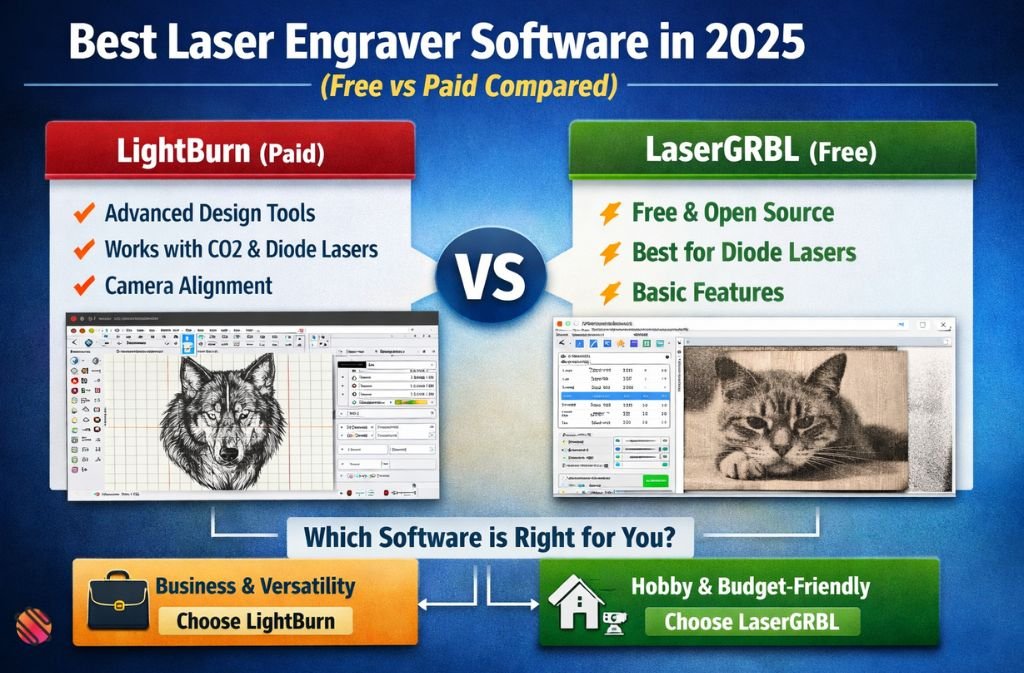
| Quick Answer: LightBurn is the best laser engraver software for most users in 2025, while LaserGRBL is the best free option for diode laser engravers. |
What Is Laser Engraver Software?
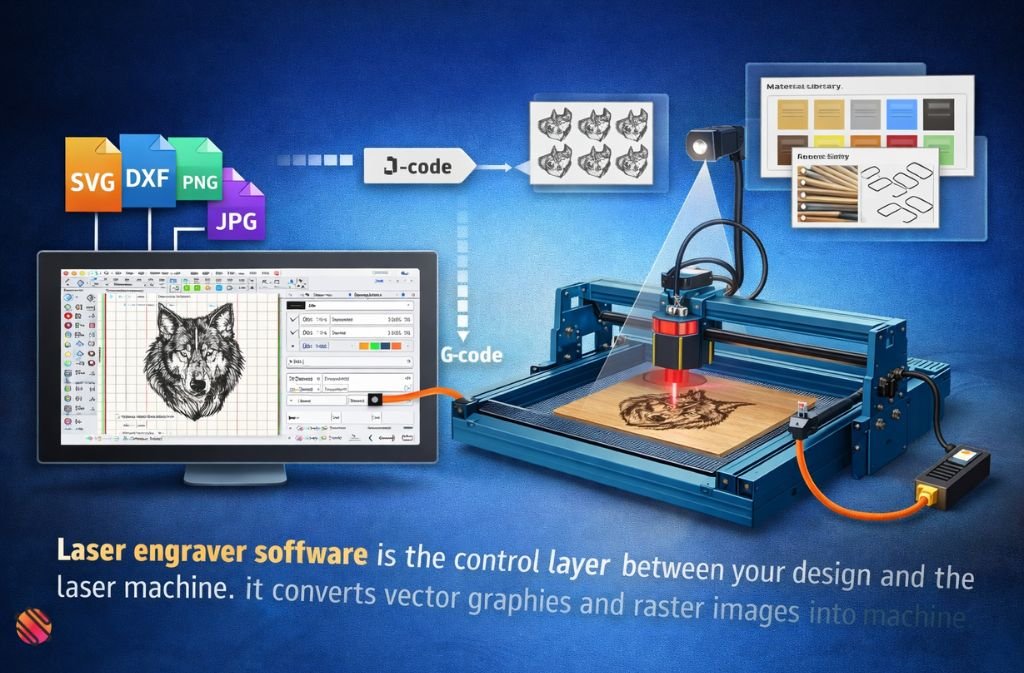
Laser engraver software is the control layer between your design and the laser machine. It converts vector graphics and raster images into machine-readable instructions (usually G‑code), controls speed and power, and manages job setup.
At a minimum, good laser engraver software should let you:
- Import vector and raster files (SVG, DXF, PNG, JPG)
- Control laser power, speed, and passes
- Position designs accurately on the work area
- Communicate reliably with your laser engraver
More advanced tools add camera alignment, material libraries, nesting, and job automation.
Best Laser Engraver Software in 2025 (Quick Overview)
| Software | Price | Best For | Learning Curve | Key Limitation |
|---|---|---|---|---|
| LightBurn | Paid (trial available) | Serious hobbyists & businesses | Moderate | No permanent free version |
| LaserGRBL | Free | Beginners with diode lasers | Easy | Limited design tools |
| RDWorks | Free | Older Ruida controllers | Steep | Dated interface |
| Inkscape + Plugin | Free | Design-focused users | Moderate | Setup complexity |
| Manufacturer Software | Free | Brand-specific machines | Easy | Locked ecosystems |
LightBurn: The Industry Standard (and Why)
LightBurn is widely considered the best laser engraver software for most users in 2025.
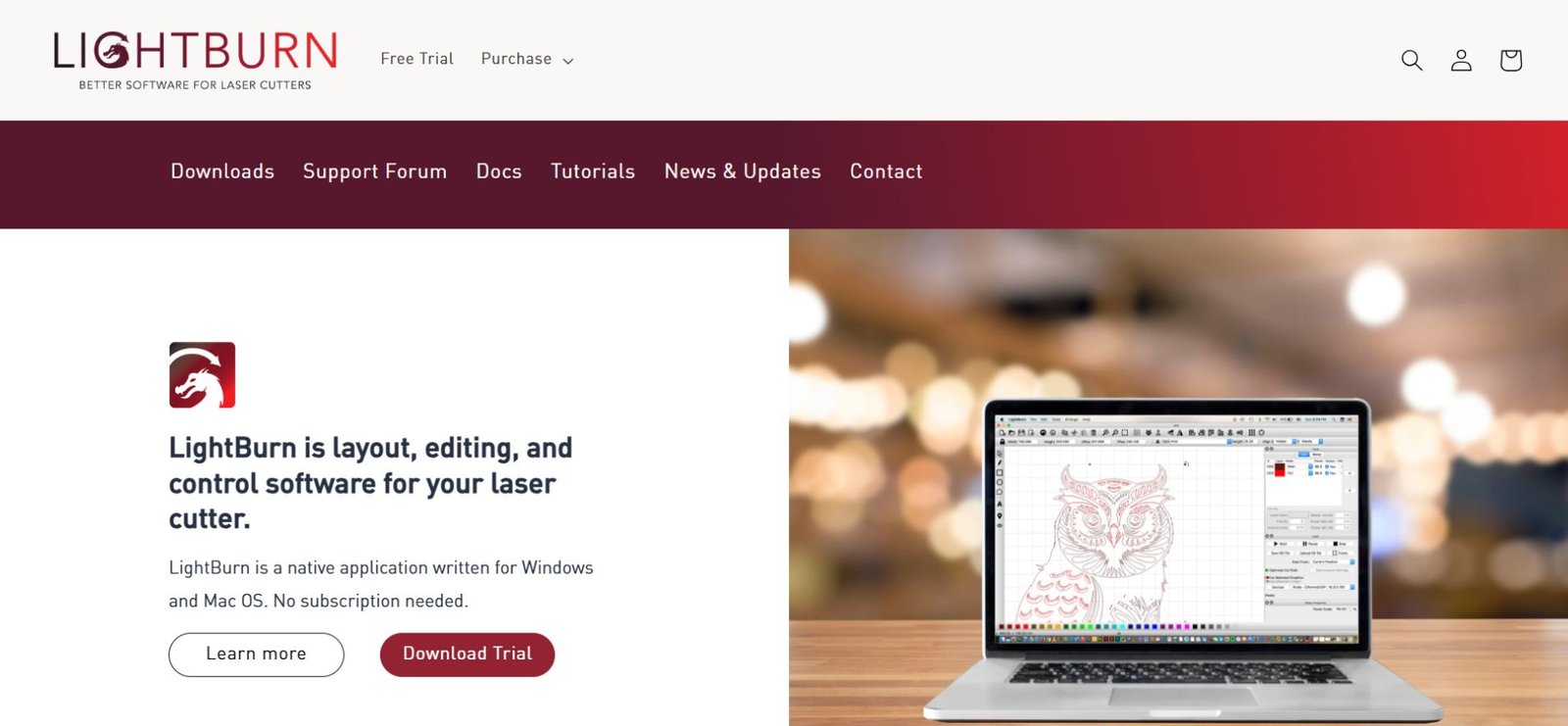
Why LightBurn Dominates
- Works with diode, CO₂, and many fiber lasers
- Strong vector and raster control in one interface
- Excellent layer-based workflow
- Camera support for precise alignment
- Active updates and documentation
Is LightBurn Easy to Learn?
Yes—but not instantly. Expect:
- 1–2 days for basic engraving
- 1–2 weeks to feel confident with layers, offsets, and materials
The learning curve exists, but it’s predictable and well-supported.
Does LightBurn Have a Free Version?
No. LightBurn offers a free trial, but no permanent free tier. After the trial, you must purchase a license.
Bottom line: If you engrave often or sell products, LightBurn usually pays for itself quickly.
LaserGRBL: Best Free Laser Engraver Software
LaserGRBL is the most popular free option—and for good reason.
Strengths
- Completely free
- Simple interface
- Excellent for diode lasers
- Stable G‑code streaming
Limitations
- Weak design tools
- No camera support
- Limited workflow automation
Best use case: Beginners, hobby users, and anyone who designs in external vector software.
Other Free Laser Engraver Software (When to Use Them)
RDWorks
- Works with Ruida controllers
- Common on older Chinese CO₂ lasers
- Functional but outdated
Inkscape + Laser Plugins
- Powerful vector design
- Requires plugins and setup
- Better for designers than operators
Manufacturer Software
Brands like xTool, Atomstack, and Creality offer free control software.
- Easy to use
- Optimized for their machines
- Limited flexibility
How to Choose the Right Laser Engraver Software (Framework)
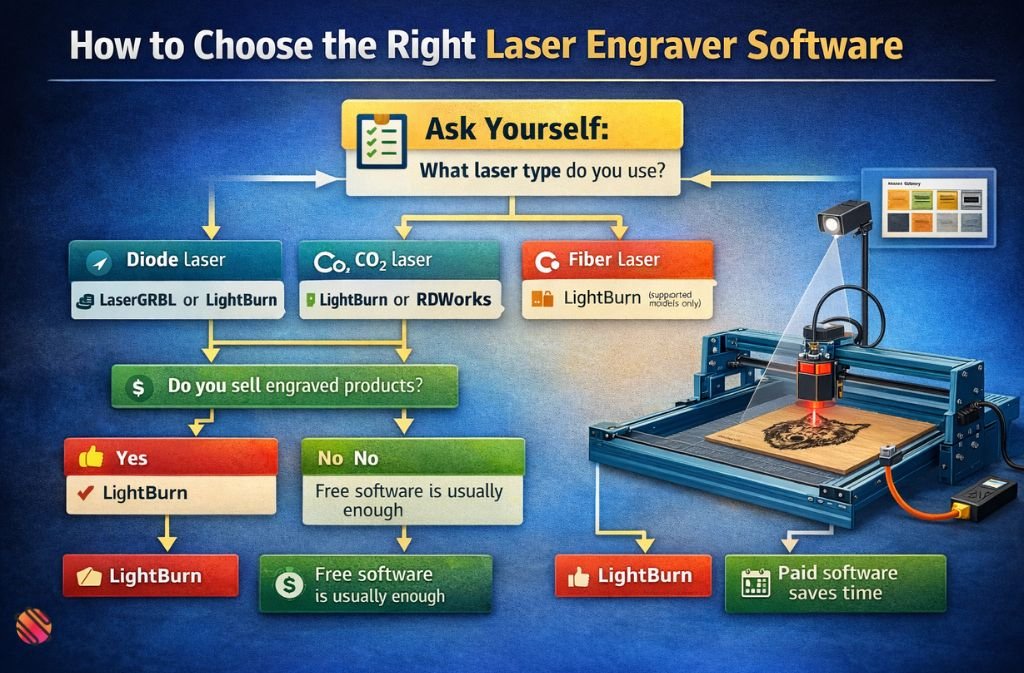
Ask yourself four questions:
- What laser type do you use?
- Diode → LaserGRBL or LightBurn
- CO₂ → LightBurn or RDWorks
- Fiber → LightBurn (supported models only)
- Do you sell engraved products?
- Yes → LightBurn
- No → Free software is usually enough
- Do you design inside the software?
- Yes → LightBurn
- No → LaserGRBL + external design tool
- How often do you engrave?
- Daily/weekly → Paid software saves time
- Occasionally → Free tools are fine
Common Mistakes When Choosing Laser Engraver Software
- Choosing software before confirming controller compatibility
- Assuming free software means lower engraving quality
- Ignoring workflow speed (job setup time matters)
- Overlooking update frequency and support
Real-World Example: Free vs Paid in Practice
A small Etsy shop engraving wood signs:
- LaserGRBL: Works, but requires exporting designs repeatedly
- LightBurn: Faster setup, reusable material settings, fewer failed jobs
Over time, reduced waste and faster turnaround offset the license cost.
2025 Trends in Laser Engraver Software
- Smarter camera alignment: LightBurn and proprietary platforms now offer faster camera calibration and more reliable material positioning for batch jobs.
- Beginner-first workflows: Manufacturers are simplifying setup with presets, guided setup, and reduced parameter tuning for new users.
- Improved photo engraving: New dithering and grayscale controls produce cleaner photo engravings on wood and anodized aluminum.
- Limited cloud features: Some brands experiment with cloud libraries and syncing, but most professional workflows remain local for reliability.
FAQs
Q. What is the best software for laser engravers?
LightBurn is widely considered the best laser engraver software in 2025 because it supports diode, CO₂, and many fiber lasers while offering precise control over speed, power, layers, and workflow. It suits both beginners and professionals who want consistent engraving results and efficient job setup.
Q. Is there a free alternative to LightBurn?
Yes. LaserGRBL is the most popular free alternative to LightBurn, especially for diode laser engravers. It provides reliable machine control and G-code streaming but has limited design tools, so many users pair it with external vector software like Inkscape.
Q. Is LightBurn easy to learn?
LightBurn has a moderate learning curve, but most users become productive within a few days. Basic engraving is straightforward, while advanced features like layers, material libraries, and camera alignment take more practice. Extensive tutorials and community support help shorten the learning process.
Q. Does LightBurn have a free version?
No. LightBurn does not have a permanent free version. It offers a free trial so users can test features and compatibility, but continued use requires purchasing a license after the trial period ends.
Q.What software do Chinese laser engravers use?
Many Chinese CO₂ laser engravers ship with RDWorks or similar controller-based software, especially those using Ruida controllers. While functional, these programs often have outdated interfaces, which is why many users switch to LightBurn for better usability and workflow efficiency.
Conclusion
Choosing the right laser engraver software is less about price and more about workflow. Free tools like LaserGRBL are excellent starting points, but paid solutions like LightBurn dominate because they reduce friction, errors, and wasted material.
If you engrave occasionally, start free. If you engrave consistently or sell products, invest early. The right software won’t just improve quality—it will save you time every single job.
Related: Aula F75 Software Guide: Download, Setup & Customization (2025)

