
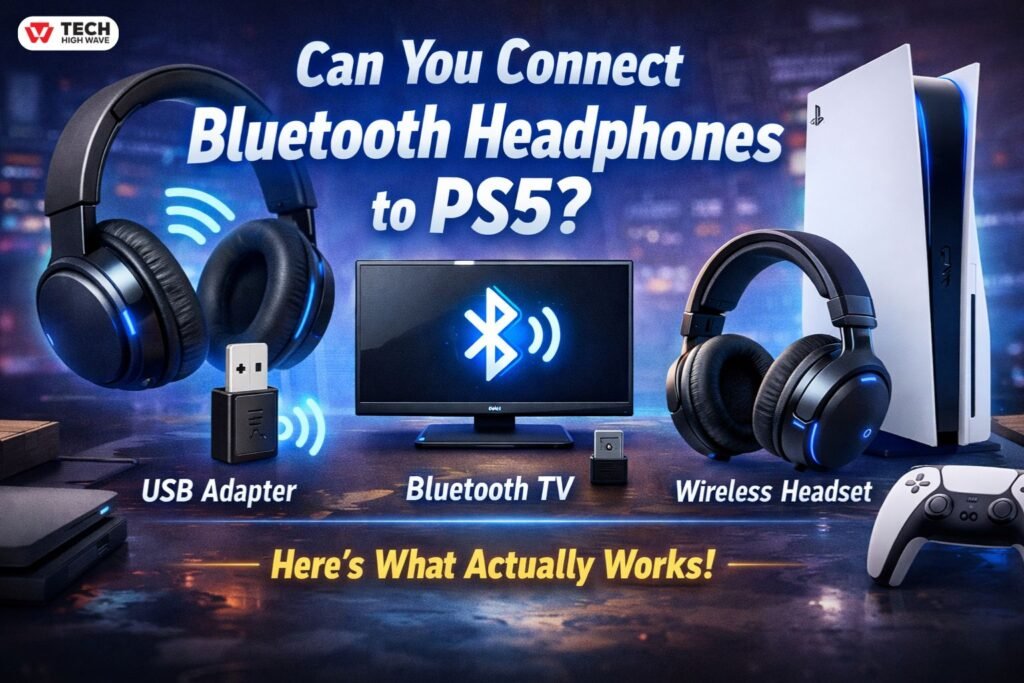
Bluetooth headphones work everywhere. Phones, laptops, TVs, even random gadgets you don’t remember buying. Then you try them on a PlayStation 5, and… nothing. No menu, no pairing option, no hint.That’s usually when people start searching can you connect Bluetooth headphones to PS5, after trying AirPods on Ps5, Beats, Skullcandy, or whatever wireless headphones they already own. Everything else works fine. The PS5? Silent. Not helpful. Honestly, really annoying.
This guide explains what’s actually happening, why Sony designed it this way, and how to get Bluetooth audio working in the real world. No tricks, no fluff. Just what actually works.
What Is Connecting Bluetooth Headphones to PS5?
Basically, the question is: can a PS5 send audio directly to normal Bluetooth headphones or earbuds?
The answer: no. Not directly. The PS5 uses Bluetooth mostly for controllers and a few approved accessories. Standard headphones don’t pair.
No secret toggle, no firmware hack, nothing. If audio works, it’s because you’re using a workaround.
How Can You Connect Bluetooth Headphones to PS5 Works
Why not? Mostly latency. Even small delays feel off in games. Shooters, rhythm games, anything timing-sensitive — even 50 milliseconds can make a difference.
PS5 doesn’t let headphones pair like normal. People rely on indirect routes:
- USB Bluetooth transmitters (basically a little sound card)
- Wireless gaming headsets with their own dongles
- TVs with built-in Bluetooth that take PS5 audio and send it out
No normal Bluetooth menu anywhere. If your headphones work, something else is doing the heavy lifting.
Key Features to Look for into Connecting Bluetooth Headphones to PS5
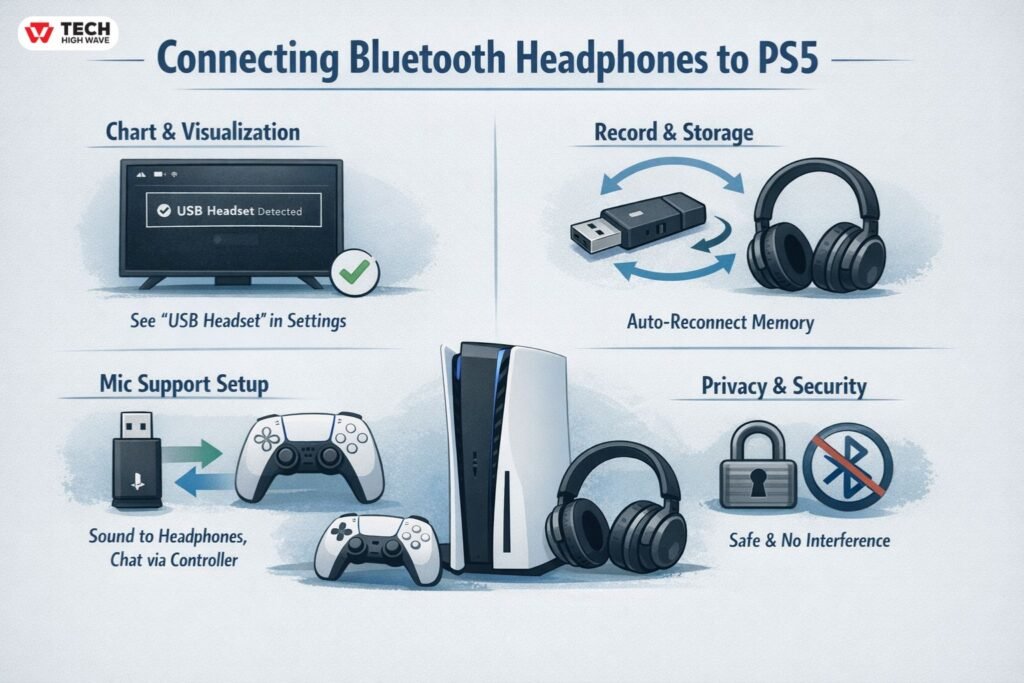
Chart & Visualization Tools
Sounds fancy, but really it’s just about clarity. You want to see “USB Headset” or something similar in PS5 menus. That’s confirmation the audio is actually going where it’s supposed to go.Without that, people assume the adapter or headphones are broken. They aren’t. PS5 is just picky about showing connections.
Record & Document Storage
Pairing memory matters. Good adapters remember headphones and reconnect automatically after rest mode or shutdown.Without it, you’re constantly re-pairing, which is annoying, especially if the console lives in a living room or shared space.
Collaboration & Sharing
Voice chat is tricky. Many adapters only send audio out — no mic support.
Most people split the job:
- Output: USB Headset
- Input: Controller Microphone
Game audio goes to the headphones, chat through the DualSense mic. Not elegant, but reliable.
Privacy & Data Security
Cheap adapters sometimes stay discoverable forever. In apartments or dorms, random pairing attempts or interference happens.
Better brands handle it automatically. Usually nothing fancy advertised, but it just works.
Also Check: PS5 Controller Drift: Why It Happens and How to Fix It Fast
Visual Comparison of Connection Methods
| Method | Direct Pairing | USB Bluetooth Adapter | TV Bluetooth |
| Native PS5 Support | No | Yes (USB audio) | Indirect |
| Audio Delay | Not possible | Low to moderate | Moderate |
| Voice Chat | No | Partial or full | Usually no |
| Setup Effort | Impossible | Simple | Depends on TV |
| Best Use | — | Most players | Casual media/streaming |
Who Benifit most to use Bluetooth Headphones on PS5
Games where timing isn’t critical work best. Story-driven, RPGs, exploration, streaming apps — a little lag doesn’t matter.Competitive shooters, rhythm games, fast-response stuff — not great. Wired or proprietary wireless headsets feel smoother and more predictable.
Who Should Use Bluetooth Headphones to PS5?
Already own decent Bluetooth headphones and just want them to work? This works fine.Competitive players, heavy chat users, or streamers? Stick with dedicated PS gear. Bluetooth workaround works, but it’s not perfect.
How to Choose the Right Way to Connect Bluetooth Headphones to PS5
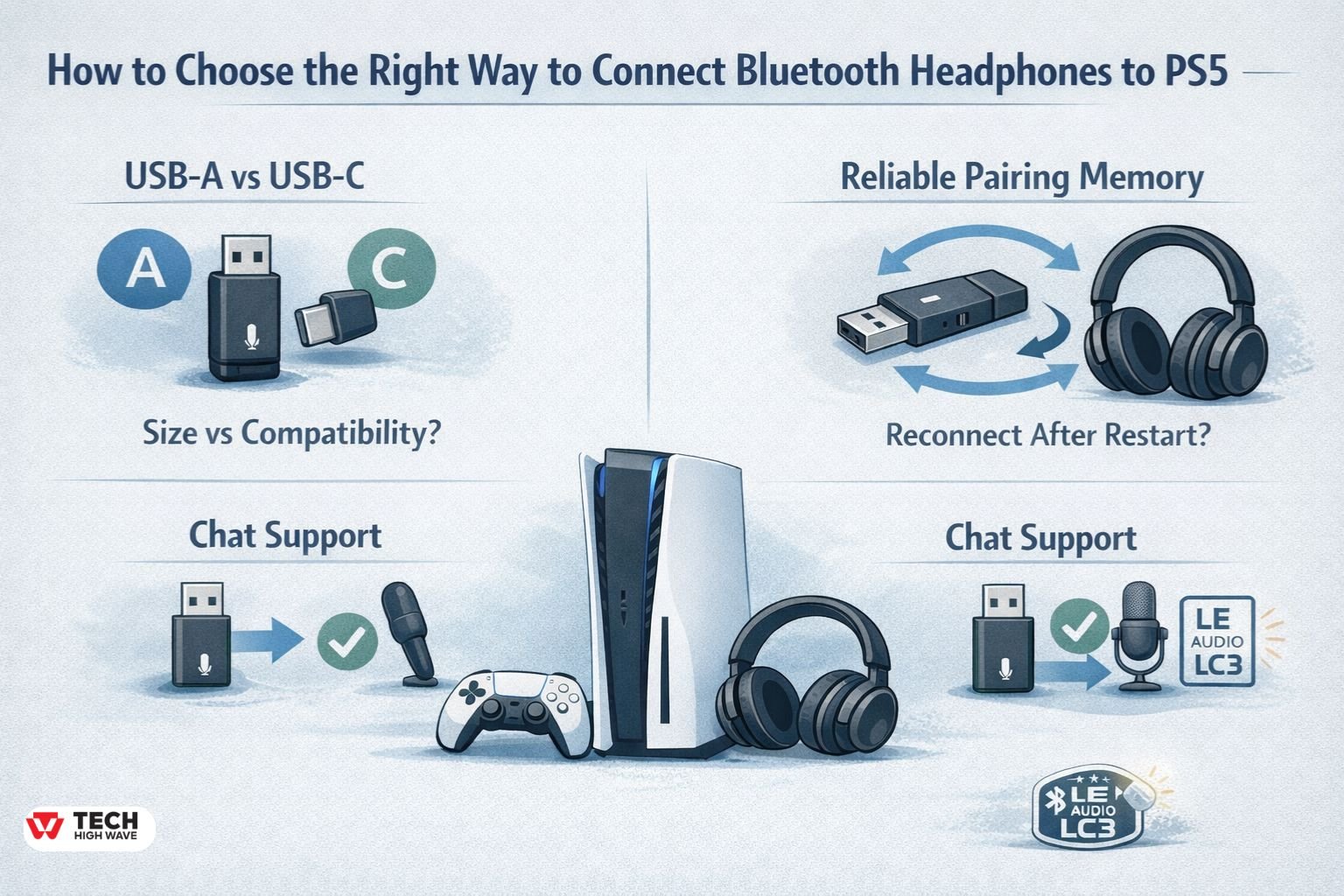
No perfect pick. Trade-offs everywhere.
- USB-A vs USB-C
- Low-latency codec support
- Reliable pairing memory
- Chat support
Adapters supporting Bluetooth LE Audio and LC3 are best for 2026. Delay is reduced even on older hardware.
Common Mistakes to Avoid
Thinking all adapters are the same — wrong. Cheap ones lag or disconnect.
Wrong input/output setup in menus — another big source of frustration.
Long sessions using controller audio? Expect faster DualSense battery drain.
Future Trends in Connecting Bluetooth Headphones to PS5 (2026 Outlook)
Bluetooth LE Audio keeps getting better. Lower latency, more stable, fewer fiddles.
Native PS5 support? Probably not. But adapters are good enough now that compromises aren’t too painful.
Frequently Asked Questions
Q.1 Can you connect bluetooth headphones to PS5 directly?
No, the PS5 doesn’t let standard headphones pair through menus.
Q.2 Can AirPods connect to PS5?
Yes, via a USB Bluetooth adapter or a compatible TV.
Q.3 Does Bluetooth audio lag?
A little, yes. Low-latency adapters reduce it, never zero.
Q.4 Can voice chat work with Bluetooth headphones?
Yes, if output uses adapter, input uses controller mic.
Q.5 Are Bluetooth headphones good for competitive gaming?
Not really. Lag and mic limitations make them less ideal.
Q.6 Do Skullcandy headphones work?
They can, depending on adapter/model.
Q.6 Will PS5 ever support Bluetooth natively?
No official word, probably not.
Final Thoughts: The 30-Second Answer
Bluetooth headphones do not connect directly through PS5 settings. Use a USB Bluetooth transmitter or a Bluetooth-enabled TV. It’s not perfect, there can be lag, chat setup is tricky, but basically, that’s your only real option for wireless sound.
Also Read: Strike Pack PS5 in 2026: Native DualSense Support, Real Ban Risks, and Whether It’s Still Worth It

