
So, you’ve got a PS4, maybe you just upgraded, or thinking about it, and you probably stopped for a second and asked yourself,can u use PS4 controllers on PS5 or do I have to buy a new one?
It’s a fair question, really, controllers aren’t cheap, sometimes they feel heavy on the wallet, and a lot of people already have two or three lying around. Some just prefer the feel of the DualShock 4, lighter, familiar, you know? Others don’t play new games that much, so why bother spending more.
Yes, PS4 controllers can work on PS5, but not everywhere, not all the time, and that’s exactly where most confusion comes in. I’ll break it down, simple, no nonsense, no hype, just how it works, honestly.
What “Can You Use PS4 Controllers on PS5” Actually Means
When people ask this, they usually mean two things, even if they don’t say it:
- Will it connect at all?
- Can I actually play games with it?
Answer one: yes, it connects, USB or Bluetooth, no problem.
Answer two: depends on what you’re playing, really, like, it’s not a yes or no.
Sony allows PS4 controllers mostly for backward-compatible games, not as a full replacement for the DualSense.
How PS4 Controllers Work on PS5
Here’s the simple way to think about it:
- PS4 games = PS4 controller works fine
- PS5 games = PS4 controller blocked
Sony designed PS5 games around the DualSense features, like adaptive triggers, haptics, built-in mic—stuff the PS4 controller just doesn’t have. So yeah, you can’t use it there, that’s why.
What Works and What Doesn’t
Works
- PS4 games, disc or digital
- Menu navigation
- Local multiplayer for PS4 titles
- PS4 versions of Warzone, Fortnite, FIFA, FC series
Doesn’t Work
- PS5-only games
- PS5 versions of FC 24, FC 25, FC 26
- Any game that uses DualSense haptics or adaptive triggers
Not broken, not a bug, it’s intentional, Sony wants the PS5 games to feel next-gen.
Things You Should Know Before Using PS4 Controller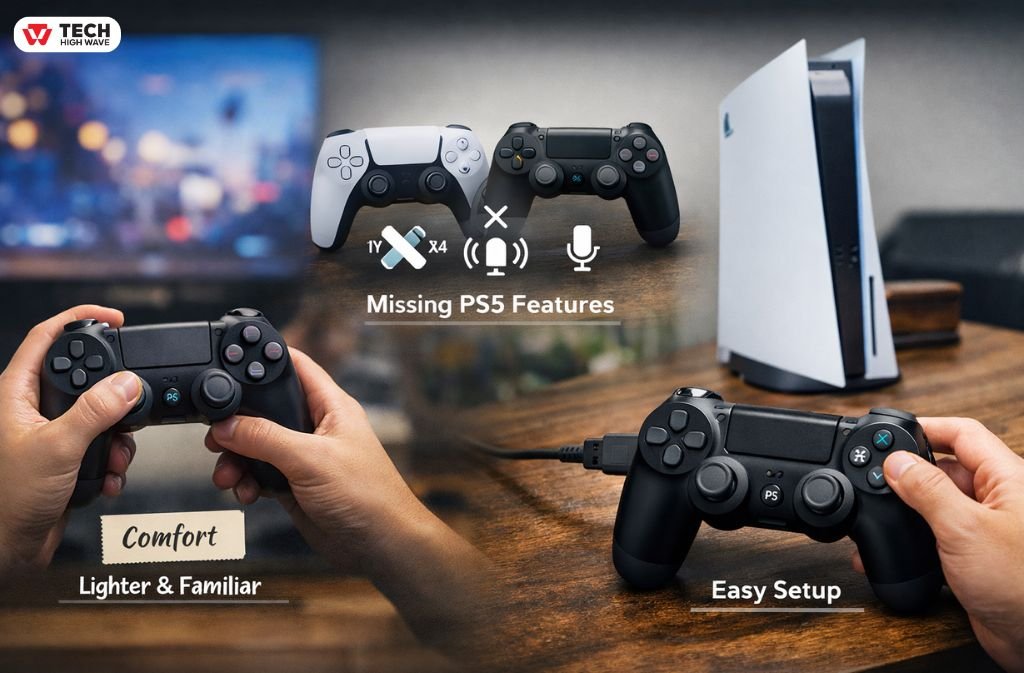
Comfort
Honestly, many players, especially long-time ones, just prefer the PS4 controller, lighter, familiar, feels better in hand. For long sessions or competitive games, some do better with it, really.
Missing PS5 Features
No adaptive triggers, no fancy haptics, no built-in mic. Works fine for PS4 games, useless for PS5 ones.
Easy Setup
USB cable, plug in, done. Or Bluetooth pairing, hold Share + PS button, connect. Once it’s paired, it reconnects automatically. Easy enough.
Best Situations to Use PS4 Controllers
Use PS4 controllers if:
- You mostly play PS4 games
- Need extra controllers for friends, family, or whoever
- Don’t want to spend extra money
- Play competitive PS4 titles
- Prefer older controller feel, lighter, less fancy
Many people just use PS5 as a “PS4 Pro Plus” anyway, and the PS4 controller works perfectly.
Who Should Use PS4 Controllers
Perfect for:
- Casual gamers
- Families, kids, shared consoles
- Budget-conscious players
- Players sticking to PS4 library
If you mostly play PS5 games, you’ll eventually need at least one DualSense, there’s really no workaround.
Related:Foullrop85j.08.47h Gaming Explained: Complete 2026 Guide
Choosing the Right Setup
Most players do this, honestly, it’s what makes sense:
The “Secret” Workaround: Using a PS4 Controller on PS5 Games
If you are absolutely dead-set on using your PS4 controller for a native PS5 game (like FC 26 or GTA VI), there is exactly one way to do it. It’s not perfect, but it works.
The Remote Play Loophole. Sony blocks the PS4 controller if it’s plugged directly into the PS5 console while playing PS5 games. However, they do allow the PS4 controller to work via the PS Remote Play app.
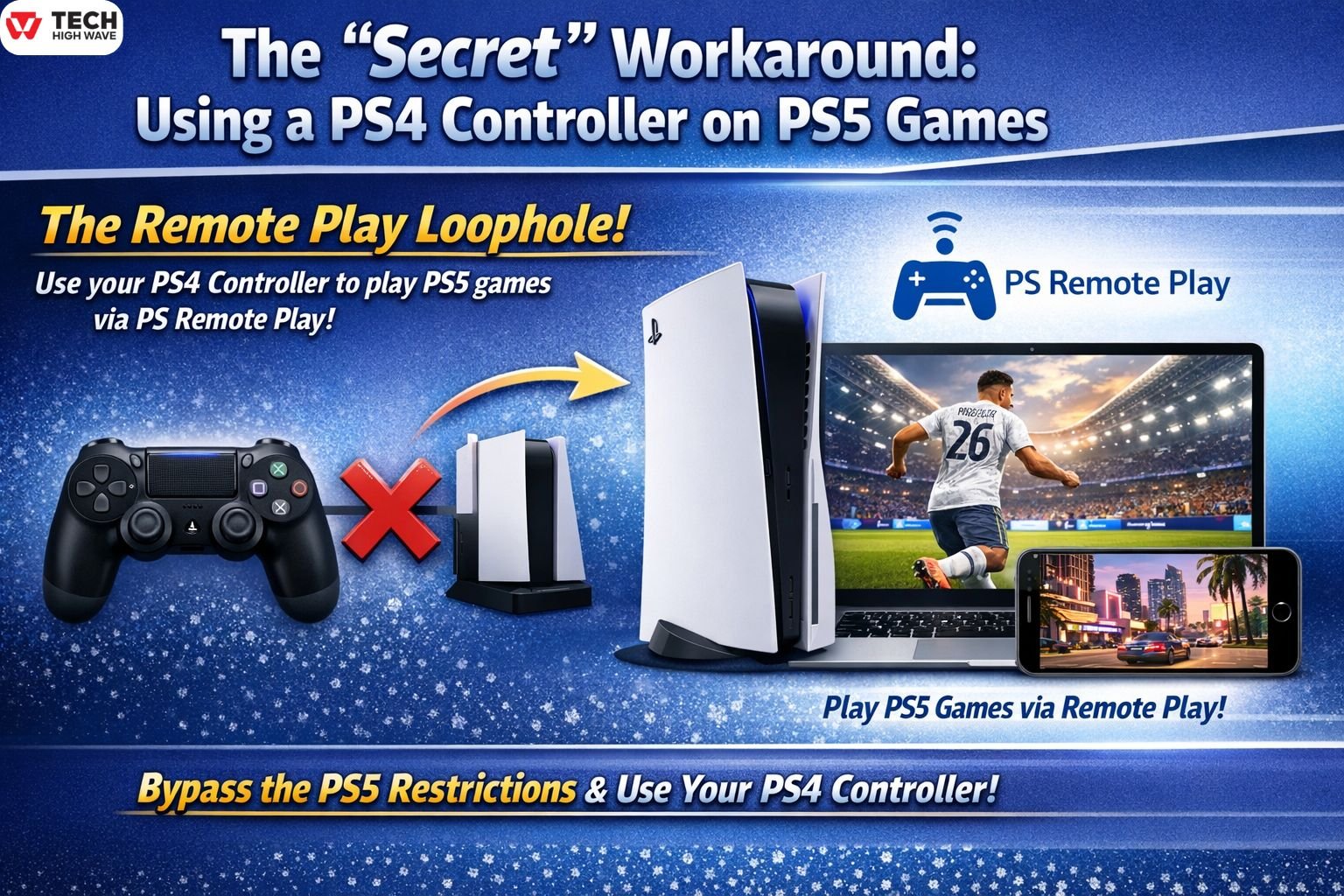
How to do it:
- Download the App: Install the PS Remote Play app on your laptop (PC/Mac), tablet, or smartphone.
- Connect Your Controller: Connect your PS4 controller to that device (via USB or Bluetooth).
- Launch Remote Play: Connect to your PS5 through the app.
- Play on your TV: Even though the game is streaming to your phone or laptop, the PS5 is still sending the signal to your TV. You can look at your TV screen and play using the PS4 controller connected to your other device.
The Honest Truth: Is it worth it?
- The Pro: You get to use your favorite PS4 controller on any game you want.
- The Con: You might notice a tiny bit of “input lag” (a delay between pressing a button and the action happening). If you are playing a competitive shooter like Warzone, this might annoy you. If you’re playing a single-player adventure, it’s usually fine.
- One DualSense for PS5 games
- PS4 controllers for everything else
Saves money, avoids headaches, works for almost all scenarios. Simple.
Common Mistakes People Make
- Thinking PS4 controllers work on all PS5 games (nope)
- Buying PS4 controllers for PS5-only titles (waste)
- Confusing PS4 and PS5 game versions (classic)
- Expecting DualSense features on old hardware (sadly won’t work)
- Ignoring updates, controller firmware, stuff like that
Most frustration comes from the game version, not the controller itself.
FAQs
Q.1Can PS4 controllers work on PS5?
Yes, for PS4 games only, not for PS5-native games.
Q.2Can I use PS4 controller on PS5 Fortnite?
Yes, if it’s the PS4 version. PS5 version requires DualSense.
Q.3Can PS4 and PS5 use the same controller?
Partially, PS4 controllers work on PS5 for PS4 games. DualSense doesn’t work on PS4.
Q.4Does PS4 controller work on PS5 Warzone?
Yes, PS4 version only, PS5 version blocks it.
Q.5How to connect PS4 controller without cable?
Hold Share + PS buttons, pair through Bluetooth on PS5, done.
Q.6Can you use PS4 controller on FC 24/25/26 on PS5?
No, PS5 versions require DualSense, period.
Future Outlook (2026)
Sony isn’t going backward, PS5 games will keep requiring DualSense features for new titles.
PS4 controller support for PS4 games on PS5? That’s not going anywhere, still fine. Third-party controllers might get better, but official support remains basically the same.
Related: Software NOOBS Explained: Is It Still Worth Using in 2026?

