
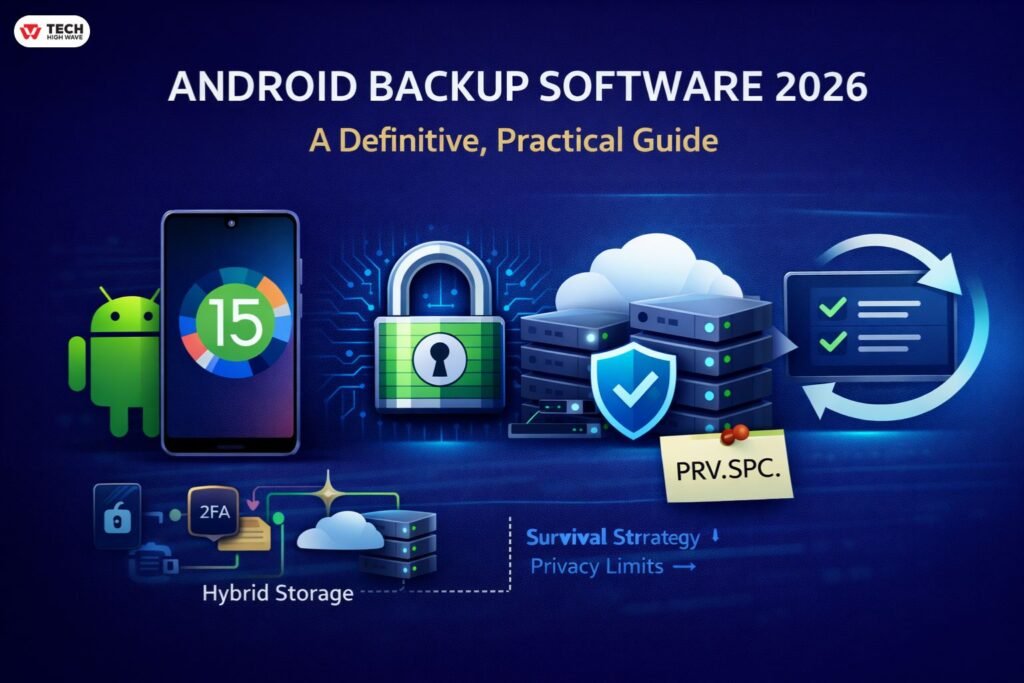
| TL;DR — What Actually Matters in 2026
Android backup software isn’t about syncing anymore — it’s about data survival.
If your backup hasn’t been tested… assume it doesn’t exist. |
Android phones didn’t change overnight, but at some point they stopped being just phones. They became storage vaults.
Years of photos. Work documents. Private messages. App data. Authentication tokens. Banking access. All living on a slab of glass that can stop working without warning.
When something goes wrong — failed update, cracked screen, lost device — recovery comes down to one question:
Did a usable backup already exist?
That’s why interest in android backup software 2026 keeps climbing.
Android’s built-in backup helps, but many people only notice the gaps when something doesn’t restore:
- Apps missing data
- Photos not reappearing
- Storage limits never clearly explained
Dedicated backup software doesn’t eliminate every limitation — Android security won’t allow that — but it reduces surprises enough to matter.
This guide breaks down:
- How modern Android backups really work
- What Android 15 changed
- Features that actually matter
- Practical tool comparisons
- Recovery realities most guides ignore
What Is Android Backup Software 2026?
Android backup software 2026 refers to tools designed to copy, preserve, and restore device data under modern Android security rules.
Unlike simple sync services, backup software is built for:
Device failure → full recovery → structured restore
Modern Android protections — scoped storage, sandboxing, hardware encryption — mean tools must operate within strict boundaries.
Backups may live:
- On a local PC
- In encrypted cloud storage
- Split across hybrid systems
The key principle:
A backup must survive independently of the original device.
How Android Backup Software 2026 Works on Android 15 & Modern Devices
Android is more locked down than ever — and backup tools evolved accordingly.
Typical flow:
- Trusted connection established (USB / wireless / account auth)
- Scoped permissions granted
- Data categorized (media, contacts, supported app data)
- Encrypted archive created
- Stored locally, in cloud, or hybrid
- Restore validates integrity before writing data
Stripped to basics:
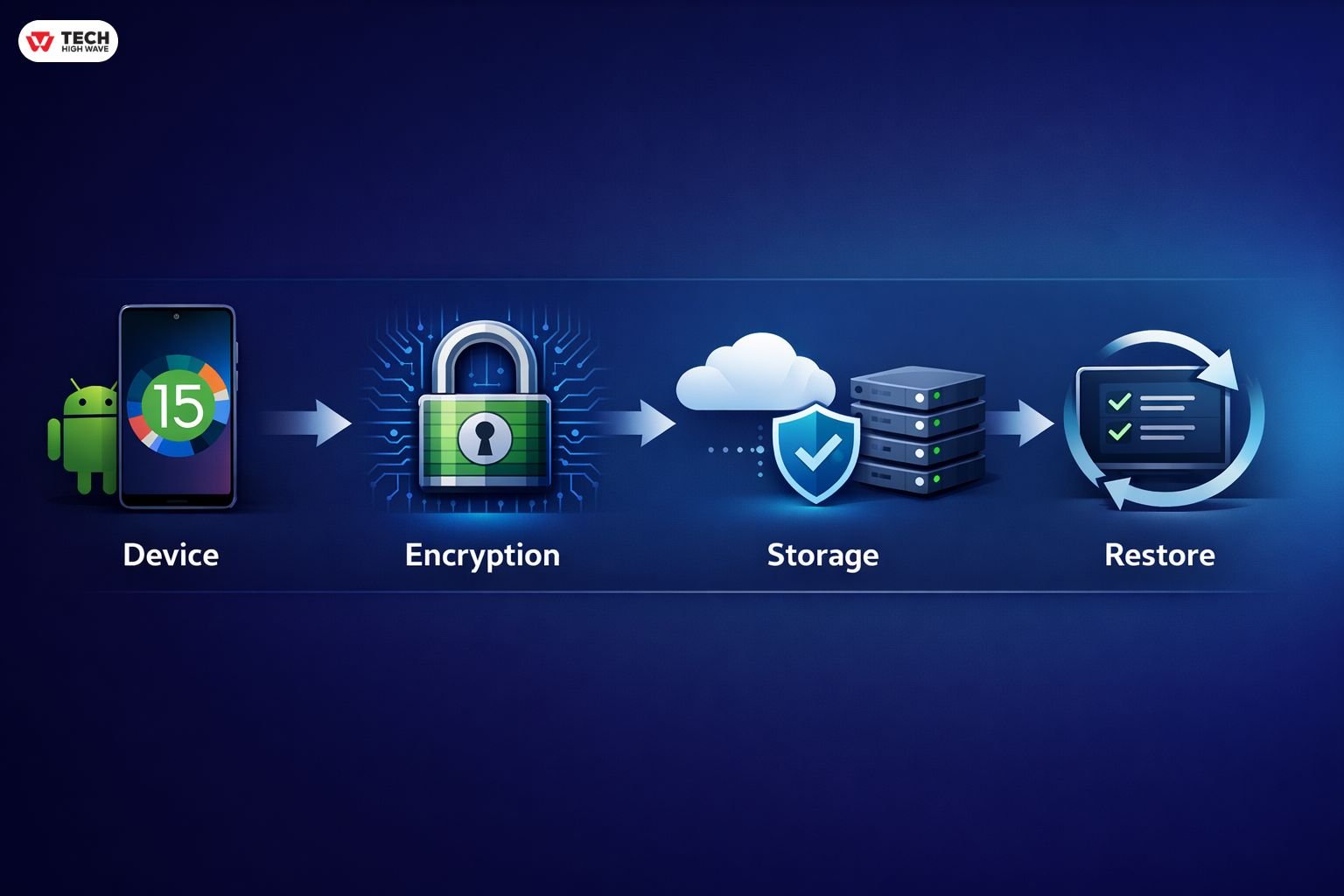
Encryption increasingly happens on-device, often tied to hardware security modules — invisible to users, critical for integrity.
Android 15 Private Space — What Backup Tools Cannot See
Private Space isolates selected apps behind extra authentication.
Security win. Backup complication.
Reality:
- Files outside Private Space → normal backups
- Private Space app data → often inaccessible
- PC backup tools → blocked entirely
Real-world example:
Users often assume banking apps inside Private Space are protected by Google backup. They’re not. That data stays sandboxed.
Plan accordingly:
- Use app-native exports where possible
- Maintain hybrid backups
- Expect manual re-authentication after restore
This is a design choice — not a bug.
Hardware-Backed Credentials — The Restore Limitation Nobody Talks About
Even perfect backups cannot transfer:
- Banking authentication tokens
- Work profiles
- 2FA secure keys
- Hardware-bound credentials
When moving devices:
Re-authentication is mandatory.
This is intentional security architecture — not backup failure.
Key Features to Look for in Android Backup Software 2026
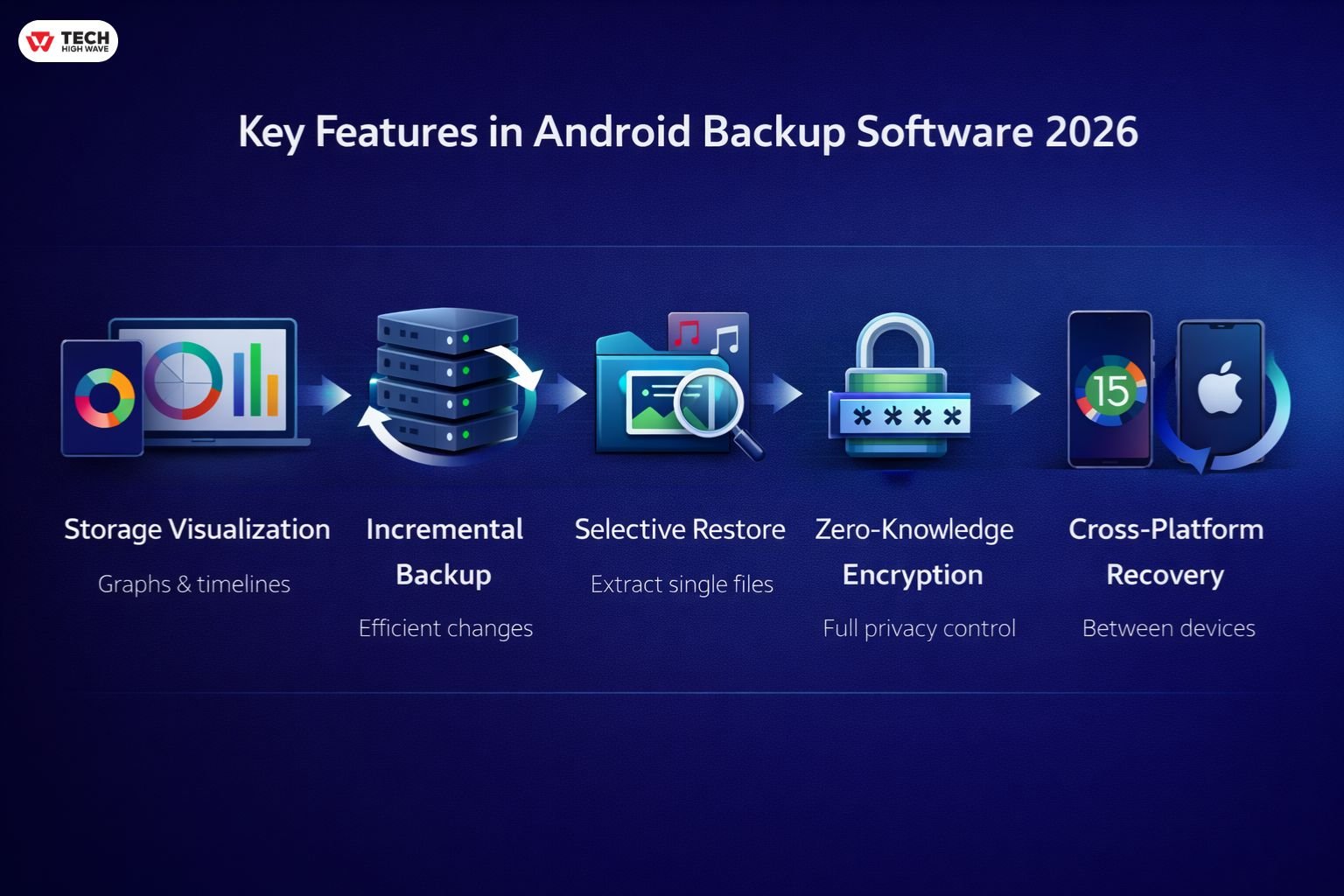
Storage Visualization
Graphs and timelines confirm what’s actually protected.
Silent backups fail silently.
Incremental Backup Support
Captures changes without duplicating full archives — essential for large media libraries.
Selective Restore
Extract single files without overwriting entire systems.
Zero-Knowledge Encryption
If software doesn’t require a backup password only you control, it isn’t pro-grade in 2026.
Cross-Platform Recovery
Supports restore between device brands and Android versions — within OS limits.
Best Android Backup Software 2026 — Expanded Survival Matrix
| Software | Survival Score | Backup Style | Private Space Support | Best For |
| Google One | 7/10 | Cloud | Limited | Casual automation |
| Swift Backup | 9/10 | App-level | None (OS restricted) | Power users |
| iReaShare Android Manager | 8/10 | Local | Manual export | Offline control |
| Acronis Cyber Protect | 9/10 | Hybrid | None | Security-focused |
| IDrive | 8/10 | Hybrid | Limited | Multi-device users |
Most stable setups combine cloud redundancy + local control.
Also Check: Vetter Software Login: 2026 Guide to DaySmart Vet Access
Best Uses and Benefits of Android Backup Software 2026
- Phone replacement without chaos
- Long-term media archiving
- Recovery after resets or failures
- Professional continuity
- Device migrations
Backups turn catastrophic events into routine restores.
Step-by-Step: Backup → Restore Workflow (2026)
Backup
- Connect device to backup tool
- Select categories
- Enable encryption
- Run initial full backup
- Schedule incremental backups
Restore
- Verify archive integrity
- Select restore target
- Restore categories selectively
- Re-authenticate secure apps
Always test with a sample restore.
Troubleshooting Common Backup Issues
Backup fails midway
→ Check storage space + permissions
→ Restart backup session
Missing app data
→ App likely sandboxed or Private Space restricted
Slow backup
→ Disable battery optimization temporarily
Restore errors
→ Validate archive integrity
→ Match Android version compatibility
Best Practices Checklist
✔ Maintain hybrid backups (local + cloud)
✔ Test restore quarterly
✔ Encrypt backups with personal password
✔ Don’t assume Private Space is covered
✔ Re-authenticate secure apps manually
✔ Monitor storage limits
✔ Automate incremental backups
Common Mistakes to Avoid
- Single backup location
- Never testing restores
- Assuming all apps are included
- Ignoring Android sandbox rules
- Letting backups go stale
Backups fail quietly — until they don’t.
Future Trends — Android Backup Software Outlook
- AI-assisted backup verification
- Granular sandbox permissions
- Cross-device ecosystem restore
- Android 16 transfer enhancements
- Smarter automation under network/battery conditions
The trend is clear:
More privacy. More automation. Fewer surprises.
Frequently Asked Questions
Q1: Can Android backup software recover deleted app data?
Only if the data was captured before deletion and isn’t sandbox-restricted.
Q2: Does Android 15 Private Space block backup apps?
Yes — third-party tools cannot fully access Private Space data.
Q3: Cloud vs local Android backups — which is safer?
Hybrid backups provide redundancy and control.
Q4: Can backups move between device brands?
Most media and files restore fine. Hardware credentials require manual setup.
Q5: How often should backups run?
Match backup frequency to data change rate — automation recommended.
Conclusion
Android backup software in 2026 isn’t about convenience — it’s about resilience.
Modern Android security makes full device cloning impossible, but structured, encrypted backups dramatically reduce risk.
The winning strategy:
Hybrid storage + restore testing + realistic expectations
Because when recovery day comes, the only thing that matters is whether your backup actually works.
Also Read: kz43x9nnjm65 Explained: Scam, System Log, or Safe?

