
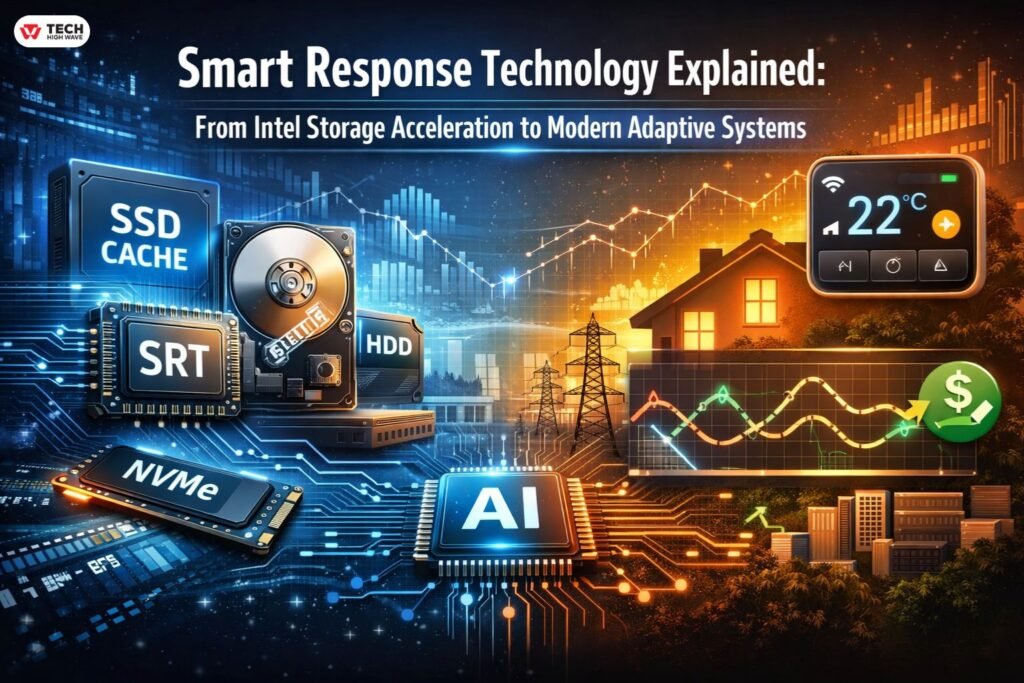
TL;DRSmart response technology refers to systems that adjust performance or behavior based on real usage patterns. · In computing, it usually means Intel Smart Response Technology (SRT) — an SSD caching feature designed to speed up traditional hard drives. · In HVAC, it describes predictive temperature control and utility demand response. · It works best in hybrid environments (HDD + SSD or variable heating systems). · On modern NVMe-only systems, it offers little to no benefit. · Intel SRT is largely legacy hardware today. Not everything labeled “smart” actually adapts. If a system doesn’t learn from behavior, it’s automation — not smart response. |
Intel Smart Response Technology is a feature of Intel Rapid Storage Technology (Intel RST) that enables either a dual drive—lower-cost, small-capacity SSD used in conjunction with a low-cost, high-capacity hard disk drive (HDD)—or a solid state hybrid drive (SSHD) to provide a high-performance, cost-effective storage solution. Intel SRT will be replaced by Intel Optane memory starting with Intel RST version 16.x.Intel will no longer support Intel Smart Response Technology which was used on legacy platforms for acceleration.
Read the explanation below for more information on this topic.
What Is Smart Response Technology?
Smart response technology is an adaptive performance model. Instead of running at fixed settings, the system observes usage patterns and adjusts accordingly.
In practice, that means:
- Frequently used data gets faster access.
- Temperature systems start heating earlier if they detect consistent schedules.
- Enterprise systems reallocate compute resources when demand spikes.
The key distinction is behavioral adjustment. Static scheduling isn’t the same thing.
The difference becomes obvious when performance is measured under real-world load.
Intel Smart Response Technology Explained (Storage Acceleration Focus)
What It Was Designed to Do
Intel Smart Response Technology (SRT) was first introduced around the Z68 chipset era. At that time, SSDs were both expensive and small, while most users still relied heavily on mechanical hard drives. To address this gap, SRT allowed a small SSD (up to 64GB for caching) to serve as a high-speed performance layer for a larger HDD.
Rather than replacing the hard drive entirely, it effectively accelerated it. Frequently accessed files were copied to the SSD cache, and as a result, the next time they were opened, load times improved dramatically. Meanwhile, cold data remained on the hard drive, while hot data moved to the SSD.
In theory, this was simple; however, in practice, the setup could be tricky.
Technical Requirements & Compatibility Checklist
Before enabling Intel Smart Response Technology, several requirements must be met:
Hardware Requirements
- Compatible Intel chipset (historically Z68, Z77, some H-series)
- SATA-based SSD
- Traditional HDD for primary storage
- RAID controller support
BIOS Requirements
- SATA mode must be set to RAID, not AHCI
- Intel Rapid Storage Technology (IRST) enabled
Software Requirements
- Intel RST driver installed in Windows
- Configuration completed inside IRST software
Important 2026 Reality Check
If you are running:
- 12th Gen Intel or newer
- NVMe-only storage
- Windows 11 on modern hardware
Intel SRT is typically unsupported. Many newer systems show “Incompatible Hardware.”
Instead, look for VMD (Volume Management Device) settings for NVMe management.
Intel SRT is considered legacy at this stage.
Also Read: 2026 Ford F-150 Smart Tech: What’s New & What’s Worth It
Write-Back vs Write-Through Caching
Intel SRT supported two modes:
Write-Through
- Data written to SSD and HDD simultaneously
- Safer
- Slightly slower
Write-Back
- Data written to SSD first, then synced to HDD
- Faster performance
- Slight data risk during power loss
Most home users chose write-back for speed. Enterprises often preferred write-through.
Intel Smart Response Technology vs Full SSD
This is where expectations often break.
Full SSD
- All data stored on solid-state storage
- Consistent fast performance
- No caching logic required
Intel Smart Response
- Only frequently used files accelerate
- First launch often still slow
- Performance improves over time
If you expect full SSD performance across everything, SRT disappoints.
If you’re extending the life of an older HDD-based machine, it can feel transformative.
In 2026, full SSD or NVMe drives make caching largely unnecessary.
Intel Smart Response Technology vs AHCI Mode
This is a common confusion point.
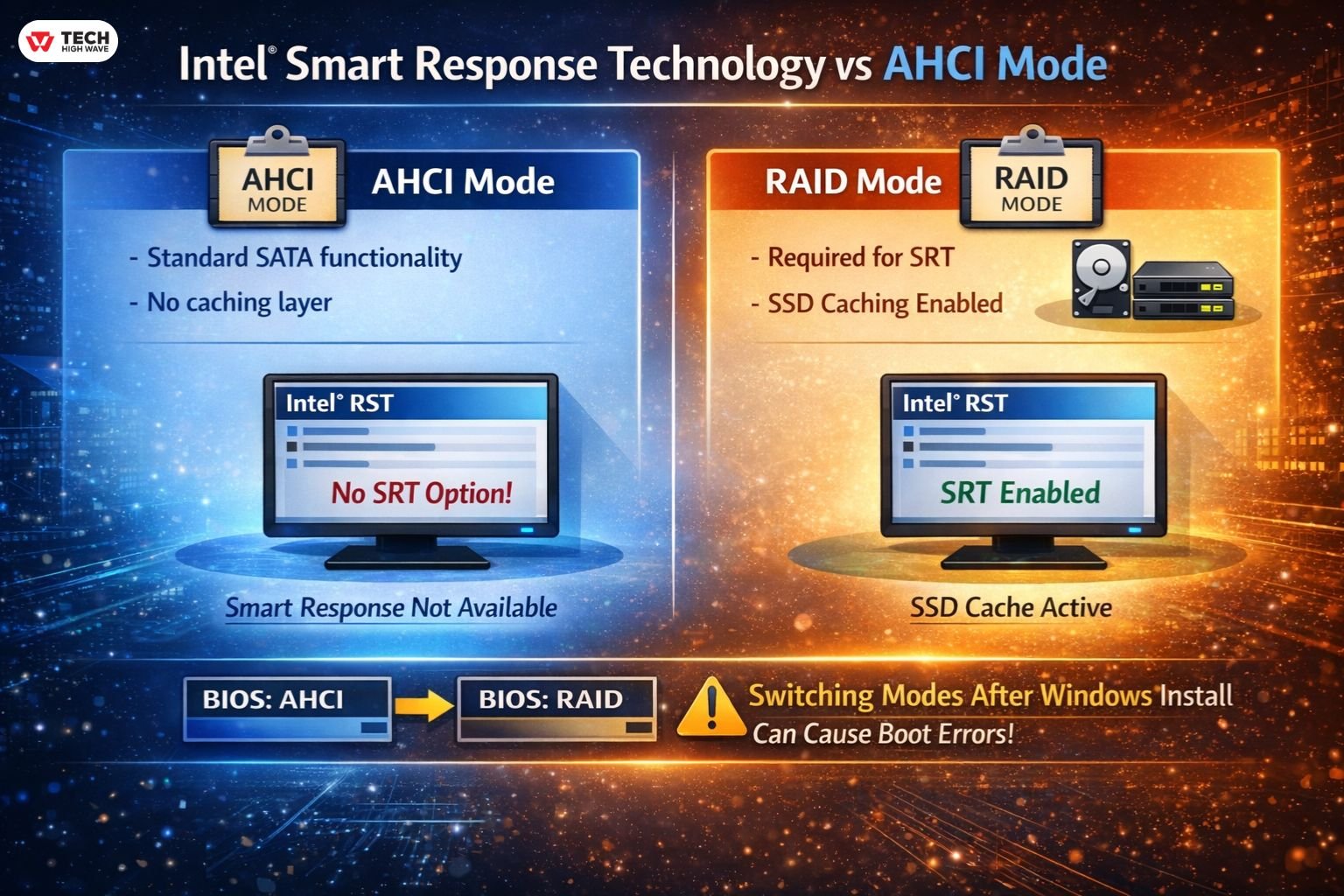
AHCI mode:
- Enables standard SATA functionality
- No caching layer
RAID mode:
- Required for SRT
- Allows SSD caching configuration
Many users get stuck here.
If BIOS is set to AHCI, Smart Response will not appear in Intel RST.
Switching modes after Windows installation can cause boot errors if not done carefully.
Intel Smart Response vs RAID 0
RAID 0:
- Combines drives into one logical unit
- Increases speed
- No redundancy
Smart Response:
- Uses SSD as intelligent cache
- HDD remains primary storage
- Data redundancy unchanged
RAID 0 improves raw throughput.
Smart Response improves perceived responsiveness.
Different tools. Different goals.
Smart Response Technology in Laptops vs Desktops
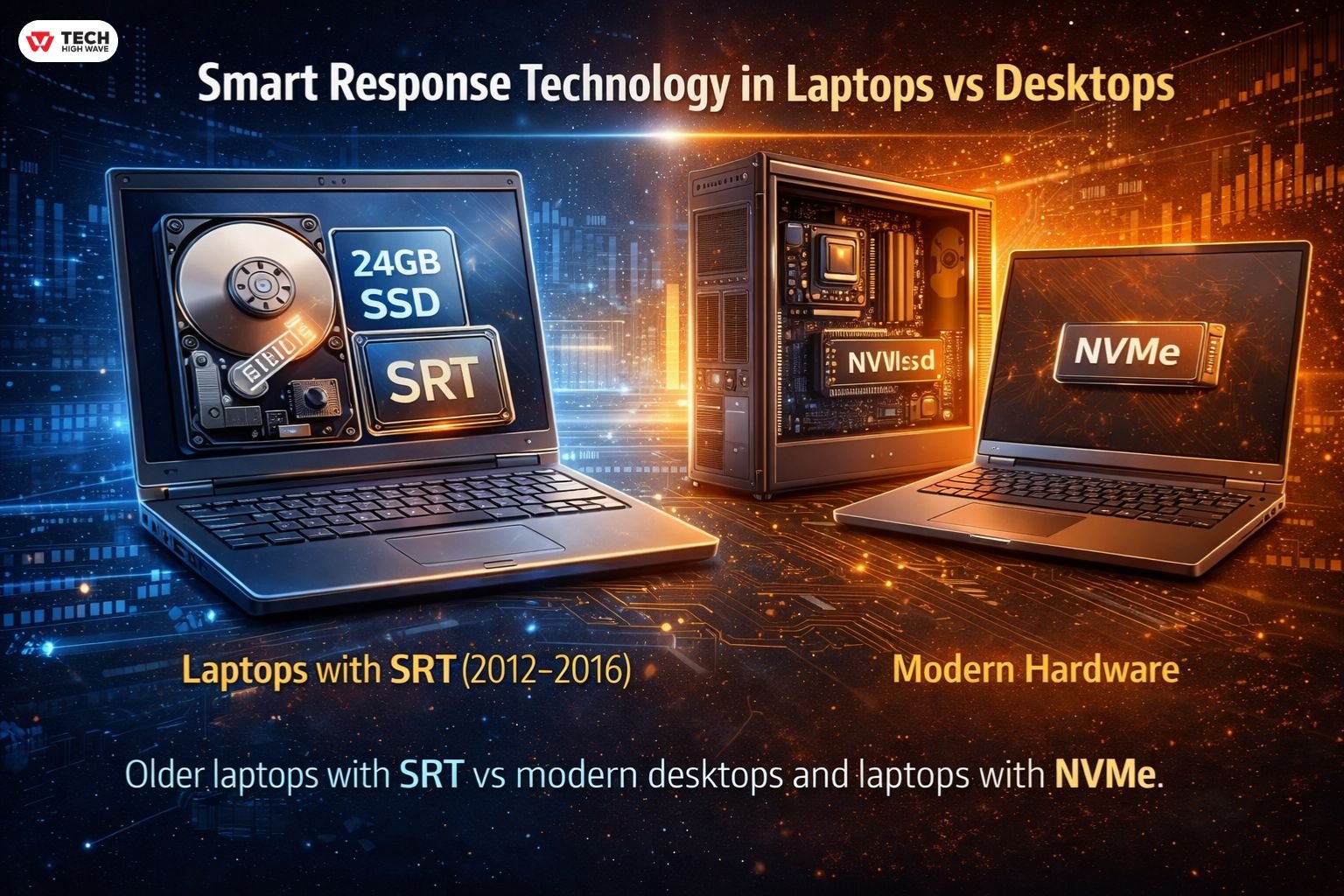
Laptops adopted SRT heavily during the 2012–2016 era.
Why?
Because manufacturers could pair:
- 1TB HDD
- 24GB or 32GB SSD cache
Users saw faster boot times without paying for large SSD storage.
Desktops were easier to upgrade fully to SSD later.
Today, most laptops ship with NVMe drives. Caching is rarely needed.
If you’re researching “smart response technology laptop,” you’re likely dealing with older hardware.
How to Enable Intel Smart Response Technology
(For legacy systems only)
- Enter BIOS.
- Set SATA mode to RAID.
- Install Windows (or prepare registry before switching).
- Install Intel Rapid Storage Technology driver.
- Open IRST software.
- Select SSD and enable acceleration.
- Choose write-back or write-through.
If the option does not appear:
- Chipset likely unsupported
- BIOS not set to RAID
- Using NVMe instead of SATA
- Platform too new
Is Intel Smart Response Technology Still Supported?
Short answer: mostly no.
Intel shifted focus to:
- NVMe storage
- Optane (now discontinued)
- VMD for enterprise NVMe management
On modern hardware, SRT has minimal relevance.
It solved a 2011 problem.
That problem largely disappeared once SSD prices dropped.
Smart Response Technology in HVAC Systems
In home climate systems, smart response means something different.
Instead of accelerating files, the thermostat learns:
- How long your home takes to heat
- How insulation affects recovery time
- When you typically adjust temperature
For example:
If you set 22°C at 7:00 AM, the thermostat might start heating at 6:30 AM to hit the target precisely at 7:00.
That’s adaptive recovery.
Not every “smart” thermostat does this well. Some just follow a schedule.
Learning Period (Typically 7–14 Days)
Most systems require:
- Daily schedule consistency
- Stable insulation conditions
- Minimal manual override
During this phase, performance may feel inconsistent.
Overshooting temperature often happens in poorly insulated homes.
That’s not intelligence failing.
That’s environmental limitation.
Demand Response in 2026 (Utility Integration)
In 2026, “Smart Response” increasingly refers to utility demand response programs.
Here’s how it works:
- During peak grid load, your thermostat adjusts temperature slightly.
- Energy use shifts away from high-demand windows.
- You receive lower energy pricing or incentives.
This is not about comfort alone.
It’s about grid stability.
For homeowners, it means:
- Reduced bills
- Minor temporary adjustments
- Automated participation
Modern Alternatives: The Evolution of Smart Response
| Era | Technology | Primary Goal |
| 2011–2017 | Intel Smart Response | Accelerate HDDs using small SSD |
| 2018–2023 | NVMe / Optane | Eliminate need for caching |
| 2024–2026 | AI Edge Caching | Predict actions before user input |
Modern systems don’t wait for access patterns.
They attempt to anticipate them.
That’s the shift.
When Smart Response Is Not Worth It
Storage
- Already running NVMe
- Full SSD environment
- Modern 12th Gen+ Intel system
HVAC
- Highly unpredictable schedule
- Poor insulation
- Constant manual override
Adaptive systems rely on patterns.
No patterns, no advantage.
Comparison Table
| Feature | Intel Smart Response | Full SSD | Honeywell Smart Response |
| Purpose | HDD acceleration | Primary storage | Predictive heating |
| Requires RAID | Yes | No | No |
| Learns behavior | Yes (file access) | No | Yes (temperature trends) |
| Modern relevance | Low | High | High |
| Setup complexity | Moderate | Low | Low |
Enterprise & Real-Time Systems Context
In enterprise computing, “response technologies” often refer to real-time adaptive systems.
These include:
- Edge caching nodes
- Load balancing systems
- Predictive scaling environments
The idea is consistent:
Respond to demand as it happens.
Or slightly before.
Static infrastructure is being phased out in favor of responsive architecture.
Common Questions
Q1: Does Smart Response reduce SSD lifespan?
While write-back caching does increase write cycles, on modern SSDs the effect is generally negligible. Overall, the impact on lifespan is minimal.
Q2: Does it slow large file transfers?
Occasionally, yes. For example, large sequential writes may bypass the cache, which can reduce speed compared to smaller, frequently accessed files.
Q3: Does it work with Windows 11?
It depends. Legacy SRT often does not function on Windows 11 systems if the chipset is unsupported, so compatibility must be checked first.
Q4: Is it safe?
Yes, when properly configured. In particular, using write-through mode helps reduce any potential data risk.
Q5: Why is Intel discontinuing the Intel® SRT?
Because modern NVMe and full SSD storage made HDD caching unnecessary, Intel phased out SRT as legacy technology.
Q6: What is the final Intel® Rapid Storage Technology (Intel® RST) version that supports Intel® SRT?
Intel SRT is only supported on older Intel RST versions tied to legacy 6-, 7-, and select 8-/9-series chipsets, not on modern 12th Gen+ platforms.
Glossary
AHCI – SATA interface mode without RAID features
RAID Mode – Required BIOS setting for Intel SRT
Write-Back Caching – SSD writes first, syncs later
Write-Through Caching – Writes to both drives simultaneously
Demand Response – Utility-controlled energy optimization
VMD – Intel NVMe management feature on newer platforms
Also Check: WhatsMyName App Explained: Find Usernames Online Safely (2026)
Final Verdict (2026 Perspective)
Smart response technology isn’t just a single product; rather, it’s a design philosophy. Originally, in 2011, it focused on caching hard drives to improve performance. Over time, however, its meaning has evolved, and by 2026 it encompasses predictive systems across storage, energy, and infrastructure. Nevertheless, context matters.
For instance, on modern NVMe systems, Intel SRT is largely obsolete. In contrast, in HVAC and energy management, smart response is becoming increasingly important. Still, not every system labeled “smart” truly adapts meaningfully to real-world conditions.

