
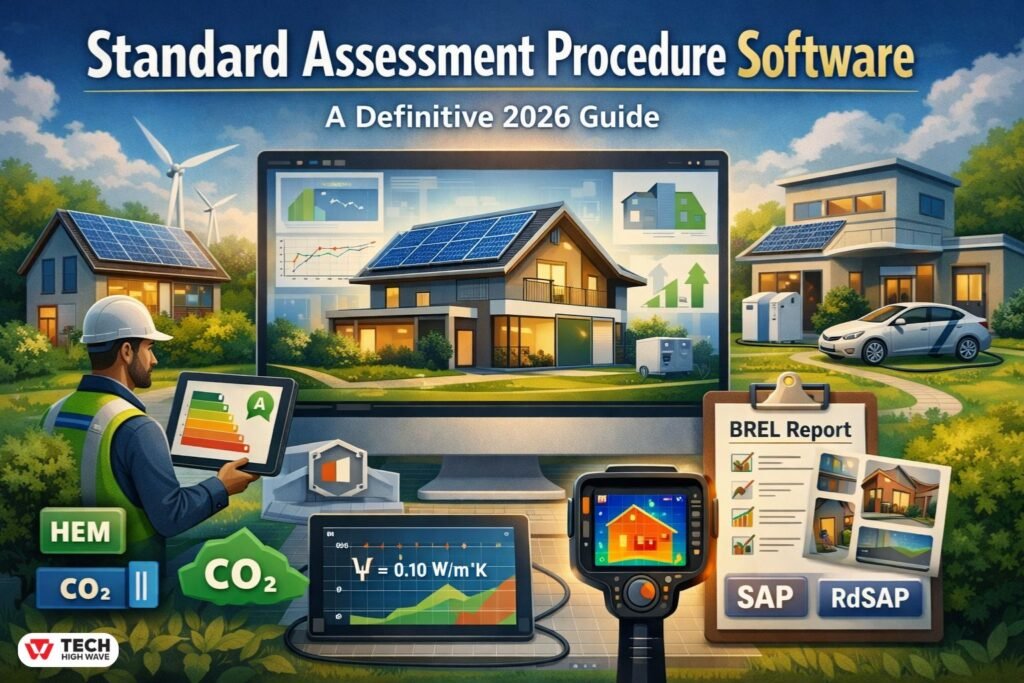
Energy efficiency, well, it’s kinda unavoidable these days, right? Homeowners, developers, and building pros across the UK are all trying to figure out, you know, how to measure and improve energy performance, without losing their minds. That’s where standard assessment procedure software comes in—it’s basically the tool that makes sense of all the messy, confusing data about insulation, heating systems, window types, and, well, a bunch of other stuff.
In 2026, things have shifted a bit. SAP software isn’t just about simple energy ratings anymore—it’s evolved with stricter building codes, electrification, new reporting requirements, and, frankly, a lot more complexity. Understanding how it works, what features really matter, and how to use it in real-world scenarios can save a ton of headaches, and, honestly, a lot of wasted time and money too.
What Is Standard Assessment Procedure Software?
Put simply, SAP software calculates the energy performance of UK homes, and, you know, gives dwellings a rating based on energy use, CO₂ emissions, and overall efficiency.
You feed in building data—walls, floors, roofs, heating, ventilation, occupancy—and it churns out reports, charts, recommendations, basically everything you need to figure out how efficient a property is. Variants exist, like RdSAP software, which is kinda simplified for older properties, and all of them are slowly evolving into the Home Energy Model (HEM). HEM handles more complex, all-electric homes, batteries, solar panels, and stuff like that. Basically, it’s SAP, but updated for modern living, with all its quirks and complexities.
How Standard Assessment Procedure Software Works
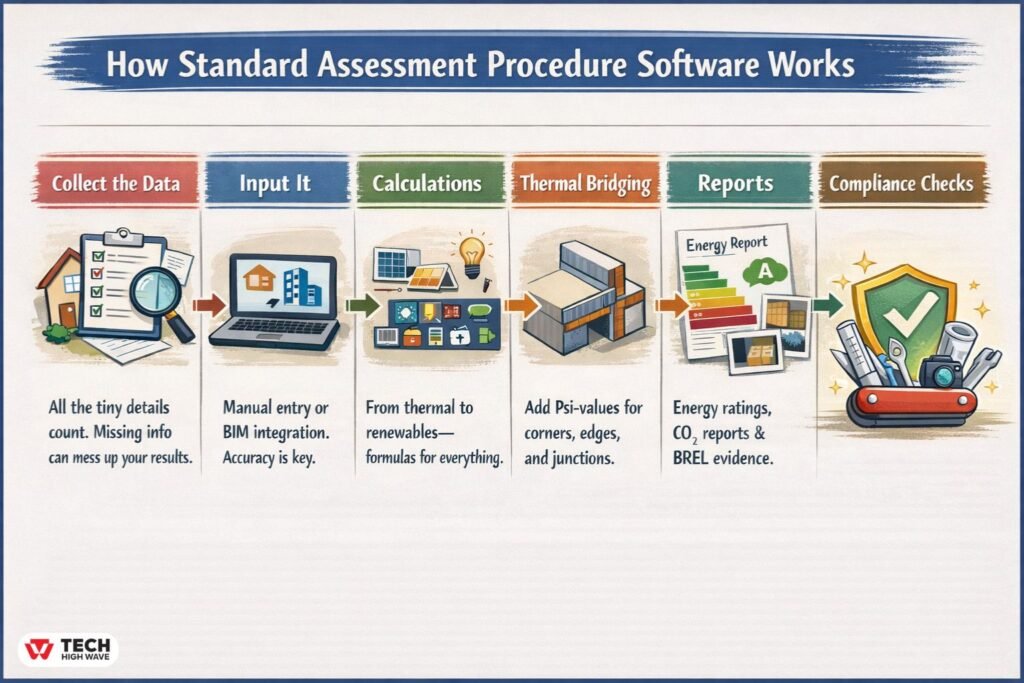
Using SAP software is more than just plugging in numbers, trust me:
Collect the Data – All the tiny details count. Missing info, or even guesses, can totally mess up your results.
Input It – Some software is manual, some integrates with BIM; either way, accuracy here is, well, kinda critical.
Calculations – The software applies formulas to everything—thermal efficiency, ventilation, lighting, renewables, electric heating, batteries… the list goes on.
Thermal Bridging – Modern versions let you add Psi-values for corners, edges, junctions—you can’t skip this anymore, building regs are strict.
Reports – Not just numbers, actually. You get energy ratings, CO₂ emissions, improvement suggestions, and the BREL report, which now needs photos of insulation, services, and sometimes even that weird little gap behind the boiler.
Compliance Checks – Results can be verified against official standards, so you’re safe if someone comes knocking to audit your work.
This step-by-step process is why SAP software isn’t just a calculator—it’s a full energy compliance toolkit, sort of like a Swiss army knife, only digital.
Key Features to Look for
When picking software, a few things really, really matter:
Charts & Visualization
Numbers are fine, sure, but most people need a visual. Good software gives charts, graphs, even 3D models showing efficiency and CO₂, which is kinda essential. Scenario simulations—like “what if I add solar?” or “what if I improve the insulation?”—are way easier to interpret this way, trust me.
Records & Storage
Past assessments matter—audits, comparisons, or just double-checking your notes. Cloud-based or local, it should store everything securely, and ideally include all the BREL evidence too. Otherwise, you’re kinda asking for trouble.
Collaboration
Projects often involve multiple people—architects, surveyors, contractors, maybe even the homeowner—and features that allow safe sharing, real-time updates, multi-user input, it just saves hours of annoying back-and-forth.
Privacy & Security
Energy reports contain, well, a lot of sensitive info. Encryption, access control, GDPR compliance—it’s not optional anymore.
Thermal Bridging & Psi-Values
If your software doesn’t let you input Psi-values and model 3D junctions, it’s not really 2026-ready. Heat loss at corners, junctions, and penetrations matters more than ever, and regulators are… let’s just say, unforgiving.
Also Read: Neptune Navigation Software in 2026: A Legacy Planning Tool That Still Has a Place at Sea
Best Uses
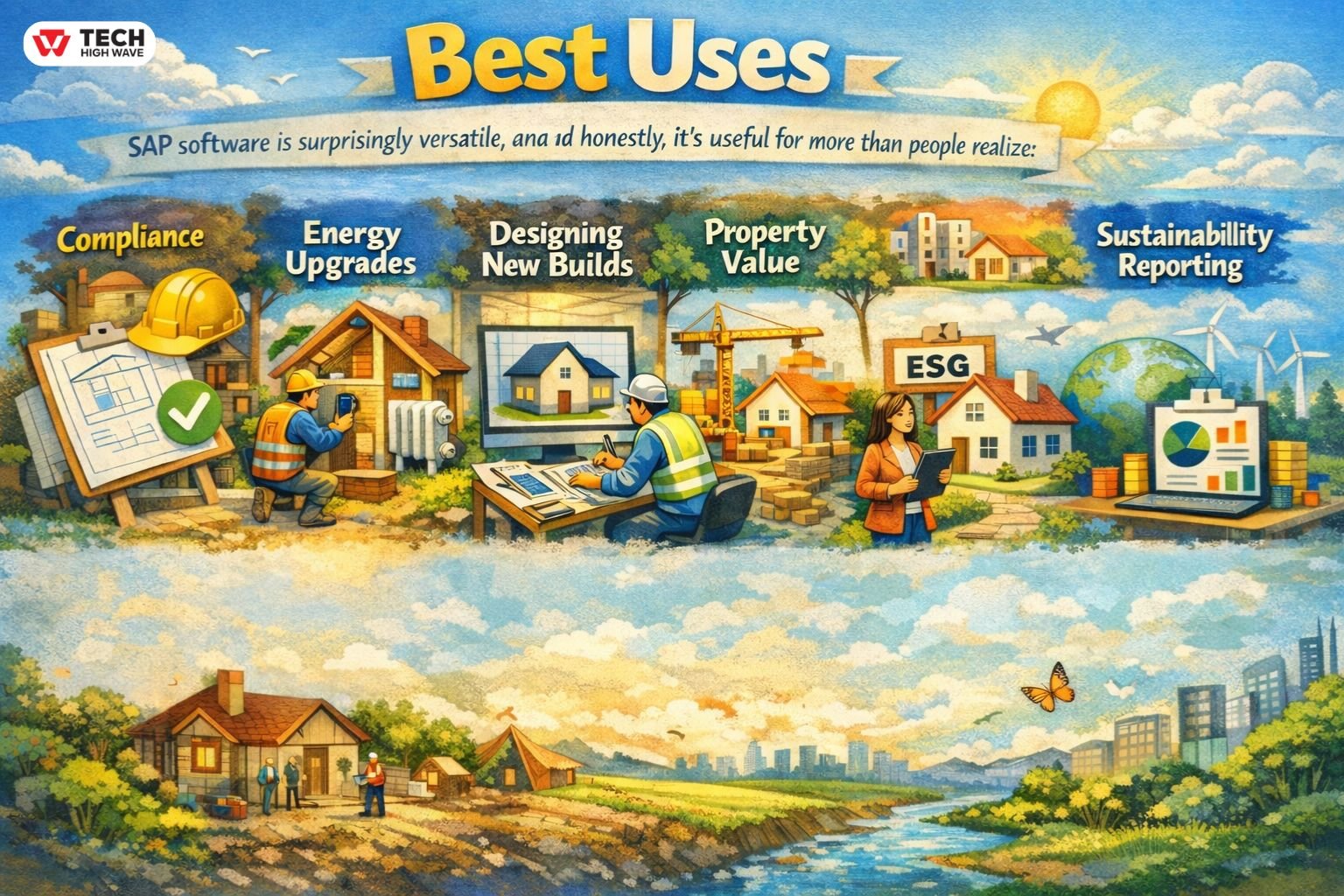
SAP software is surprisingly versatile, and honestly, it’s useful for more than people realize:
- Compliance – Keeps dwellings in line with building codes and Part L regs.
- Energy Upgrades – Spots where insulation, heating, or ventilation could be improved.
- Designing New Builds – Helps architects plan energy-efficient homes, before anyone even lays bricks.
- Property Value – Energy ratings actually affect resale and rental appeal.
- Sustainability Reporting – Data feeds ESG audits, corporate reporting, all that.
For example, a 1970s semi-detached home can be modeled with SAP software to see what happens if you add insulation, solar panels, or a heat pump—you know, helps prioritize what actually matters instead of guessing.
Who Should Use It
SAP software suits a few groups:
- Energy assessors & surveyors
- Architects & designers
- Property developers & builders
- Homeowners doing renovations
If you’re new to this, you might struggle a bit with advanced features like HEM modeling or BREL reports, so having guidance or a handbook helps.
How to Choose the Right Software
When choosing, balance accuracy, ease-of-use, and compliance:
- Compliance – Must be SAP/RdSAP-approved, handle Part L & BREL reporting.
- Features – Visualization, thermal bridging, collaboration, storage.
- User Experience – Intuitive interface, clear documentation, support.
- Scalability – Can it handle bigger projects, multiple properties, all that?
- Cost – Free versions exist, but paid often includes HEM support, advanced reports, etc.
Checklist:
| Criterion | Importance | Notes |
| Compliance | High | SAP/RdSAP, Part L & BREL ready |
| Usability | Medium | Easy input/output workflow |
| Visualization | High | Charts, 3D models, thermal bridge scenarios |
| Collaboration | Medium | Multi-user support, sharing features |
| Security | High | Data encryption, access control |
| Cost | Medium | Free vs paid versions, support included |
Common Mistakes
- Incomplete or inaccurate data → results are kinda useless.
- Using old software → misses 2026 regs.
- Forgetting BREL evidence → compliance headaches.
- Ignoring thermal bridging → overestimated efficiency.
- Misreading reports → ratings show potential, not guaranteed savings.
Future Trends (2026 Outlook)
- Automation & AI: flags errors, suggests upgrades, and, honestly, saves a ton of time.
- BIM integration: smoother design & compliance workflows.
- Cloud collaboration: teams on multi-site projects can work remotely, which is a lifesaver.
- Enhanced visualization: 3D modeling, thermal bridging, HEM simulations.
- Sustainability focus: net-zero planning, renewables, ESG reporting.
FAQs
Q.1 What is SAP software used for?
It calculates UK dwellings’ energy performance, giving ratings, CO₂, and improvement suggestions.
Q.2 What’s the Home Energy Model?
HEM expands SAP for all-electric homes, solar, and batteries, kinda making it future-proof.
Q.3 Can SAP software generate BREL reports?
Yes. Modern versions include photos and documentation for Part L compliance.
Q.4 Who needs it?
Energy assessors, architects, developers, homeowners planning renovations or new builds.
Q.5 Is thermal bridging analysis important?
Absolutely. Psi-values and 3D modeling prevent overestimated efficiency.
Q.6 Are free versions available?
Some exist, but advanced HEM and BREL features usually need paid software.
Q.7 SAP vs RdSAP?
SAP for new builds, RdSAP for existing homes with simplified inputs.
Also Check: SerpClix vs SerpSEO (2026): Which CTR Tool Really Boosts Google Rankings?

