
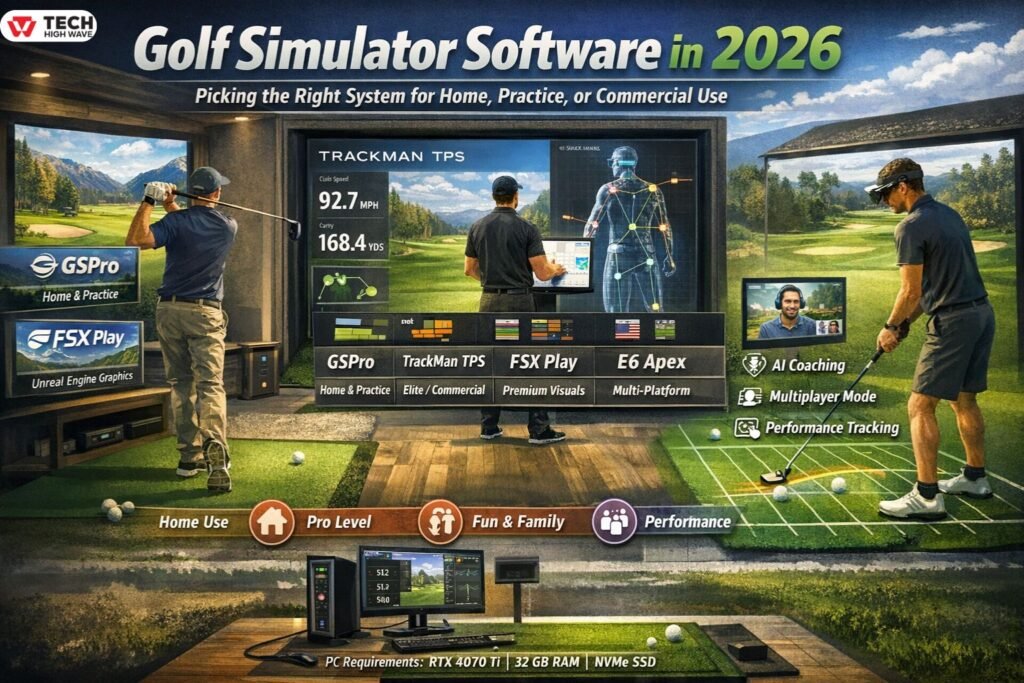
If you’ve ever thought about getting a golf simulator, well, now’s a pretty good time. These days, software matters, probably more than the hardware sometimes. You can have a fancy launch monitor, all the bells and whistles, but if your software isn’t up to par—pun intended—it can feel more like a video game than real practice.
In 2026, simulator software doesn’t just track shots anymore; it gives you realistic ball flight, swing analytics, and even AI feedback, all from your living room, garage, or dedicated studio. Whether you’re just messing around, trying to improve, or running a commercial facility, the software you pick is going to make or break your experience. This guide walks through how it works, what to look for, common mistakes, and what’s coming next.
What Golf Simulator Software Actually Is in 2026
So, at its simplest, simulator software takes the numbers your launch monitor collects—ball speed, spin, launch angle, all that—and turns it into something you can actually play on. The monitor is the “camera,” the software is the “brain,” and together, well, they decide whether you’re actually practicing or just hitting at a screen.
Good software will handle:
- Ball flight physics, spin, trajectory, all the details
- Virtual courses, realistic terrain, and hazards
- Practice drills, challenges, multiplayer, whatever you want
- Tracking progress over weeks, months, sometimes years
Honestly, the software is what makes the difference between casual fun and serious improvement.
How Golf Simulator Software Works
Here’s a quick, simple breakdown:
- Data Capture: Sensors pick up ball and club info, like speed, angle, spin—basically everything.
- Physics Engine: The software then calculates the trajectory, roll, bounce, etc., and tries to mimic real life as closely as possible.
- Rendering: Courses, ranges, 3D visuals, everything pops up in real time.
- Analytics: Your shots get logged, so you can see patterns, improvement, or just how badly you hit that one slice last week.
High-end stuff like TrackMan has physics validated by actual pros, while home-focused software, well, balances realism with smooth graphics and usability.
Features That Actually Matter in Golf Software
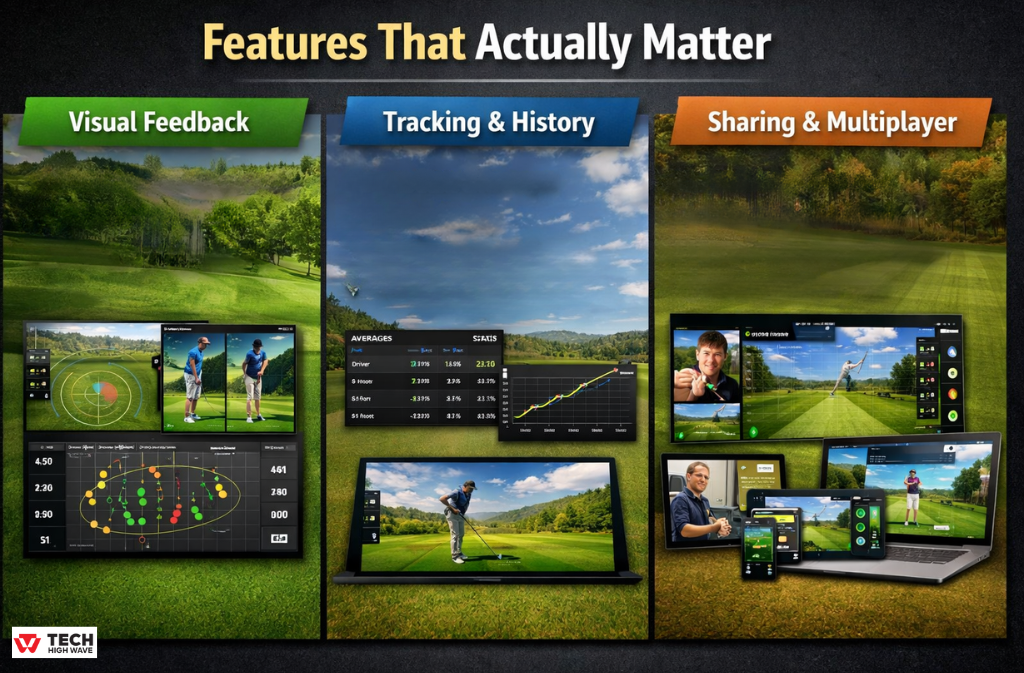
Visual Feedback
You need more than just a dot on the screen, trust me. Look for:
- Shot dispersion, spin, apex, all the graphs
- Club path and face angle visuals
- Side-by-side session comparisons
Seeing patterns in your swing is way faster than guessing what you’re doing wrong.
Tracking and History
Tracking today’s shots isn’t enough. Good software lets you:
- Keep stats and averages
- Store sessions over time
- Check performance per club
- Notice trends, progress, or recurring mistakes
Without this, you’re basically practicing blind.
Sharing and Multiplayer
Even at home, sharing makes a difference:
- Send your swings to a coach, or friend, or whoever
- Play online rounds with buddies
- Sync your profile across devices
- Manage multiple users if you’re a teaching pro
It keeps practice more engaging, and a little competition doesn’t hurt either.
Privacy and Security
These things collect a lot of data now. Make sure your setup:
- Let’s you store locally or encrypt in the cloud
- Makes it clear who owns the data
- Lets you control privacy settings
Even if you’re just at home, it’s nice not worry about where your swing stats end up.
Also Read: Software for 3D Scientific Visualization: What People Actually End Up Using in 2026
The 2026 Golf Simulator Software Landscape
Here’s the thing: in 2026, software really determines whether your simulator is fun, or actually useful. Hardware just captures the data, but software decides how accurate it feels, how the ball flies, and how much you actually learn.
Popular Options
| Software | Use | Cost | Best For |
| GSPro | Home / Practice | ~$250/year | Massive course library, great for home users, hobbyists |
| TrackMan TPS | Elite / Commercial | $1,000+/year | Pros who want precision and AI coaching |
| FSX Play | Premium / Practice | Bundled / Paid | Unreal Engine visuals, Foresight hardware users |
| E6 Apex | Multi-Platform | ~$450/year | Works on PC and iOS, high-fidelity courses |
| Awesome Golf | Family / Fun | One-time fee | Fun and gamified, kids or casual golfers |
No one software is perfect—pick what actually fits your needs, rather than chasing the “best.”
How to Pick the Right Golf Software
-
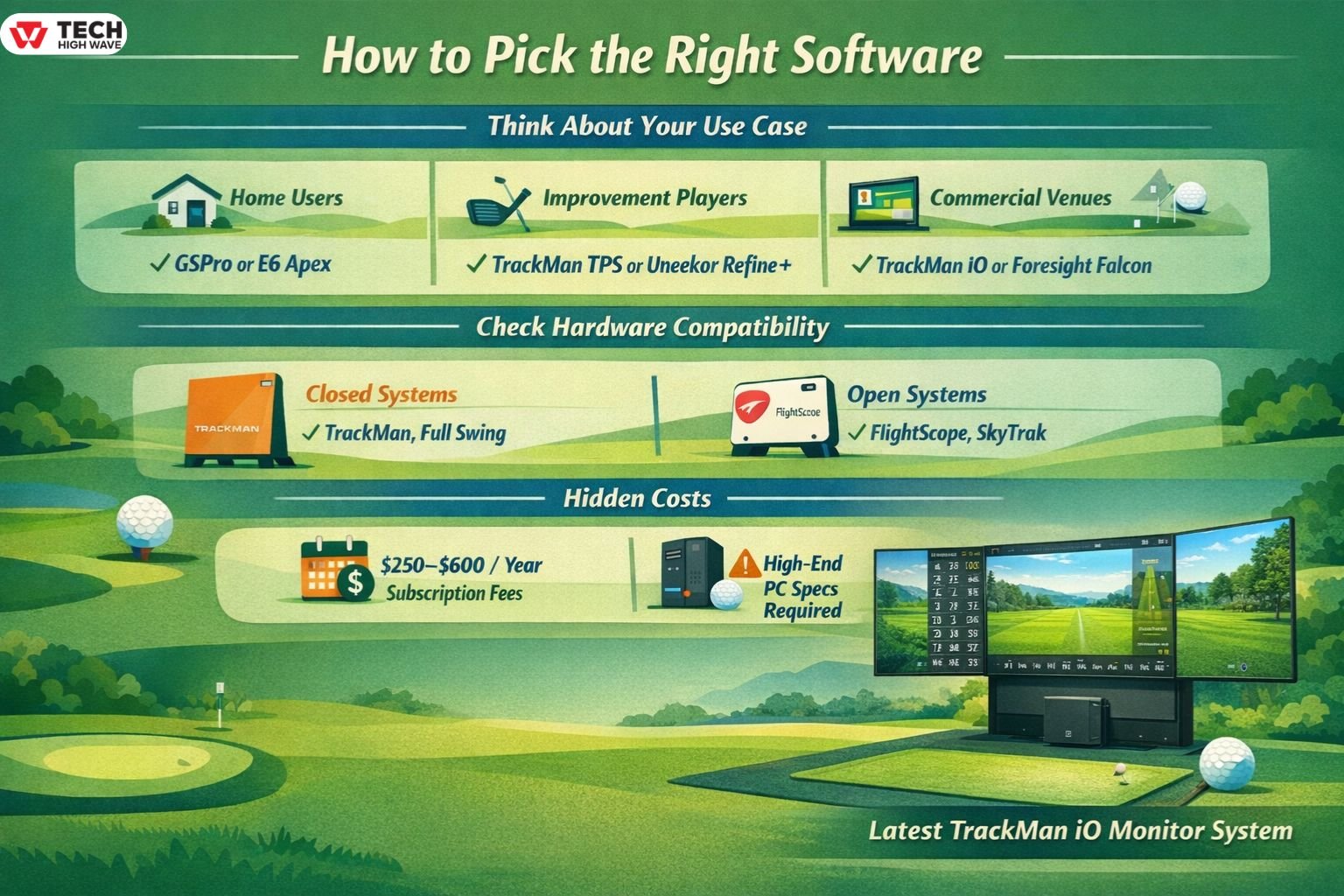
Think About Your Use Case
- Home Users: Variety and ease of use matter. GSPro or E6 Apex are solid picks with lots of courses.
- Improvement-Focused Players: Look for impact location and AI coaching. TrackMan TPS or Uneekor Refine+ can literally tell you why you slice, not just that you do.
- Commercial Venues: Stability and multi-user management are key. TrackMan iO or Foresight Falcon with software like Golfsimcloud lets your facility run smoothly, even unattended.
-
Check Hardware Compatibility
- Closed Systems: TrackMan, Full Swing—software only works with their hardware.
- Open Systems: FlightScope Mevo+, SkyTrak ST MAX, Uneekor—can work with third-party software like GSPro, giving more flexibility.
-
Hidden Costs
- Subscriptions: Most premium software is $250–$600/year, especially for updated courses and features.
- PC Requirements: Modern software is heavy on graphics. RTX 4070 Ti, 32 GB RAM, SSD—otherwise, shots can lag, or graphics stutter, and that’s annoying.
System Requirements (2026)
| Component | Minimum | Recommended |
| GPU | RTX 3060 | RTX 4070 Ti |
| CPU | Ryzen 5 / i5 | Ryzen 7 / i7 |
| RAM | 16 GB | 32 GB |
| Storage | SSD | NVMe SSD |
| OS | Windows 11 | Windows 11 Pro |
Also check: Manual Settings HSSGameStick: How to Take Control of Game Mode and Actually Improve Performance (2026)
Best Uses
- Home Golfing: Casual rounds, year-round practice
- Skill Development: Track metrics, get AI feedback
- Teaching Professionals: Multi-student profiles, session playback
- Commercial Venues: Stable software for multiple users, leagues, tournaments
Common Mistakes
- Picking software for graphics only
- Not leaving enough room for swings
- Ignoring updates or support history
- Buying before checking compatibility
- Paying for features you never use
What’s Coming in 2026
- AI Coaching: Real-time swing analysis, markerless, using just a webcam
- Mixed Reality: Swing planes, putting lines, and ball data projected on mats/screens
- Freemium Options: New platforms like Golfjoy give a couple of free courses
- Cross-Platform Profiles: Your stats move between home, commercial, and mobile setups
- Better Physics: More realistic spin, turf interaction, and even weather simulation
FAQs
Q1: Which golf simulator software is best in 2026?
Depends on what you want. TrackMan TPS for pros, GSPro for home use, FSX Play for great visuals if you have Foresight hardware.
Q2: Is free golf simulator software worth it?
For casual practice, yes. Free versions cover basic ranges, and freemium platforms like Golfjoy let you try a course or two.
Q3: How much golf simulator cost?
Home: $250–$450/year. Pro stuff like TrackMan is $1,000+ and often bundled with hardware.
Q4: Can I run golf simulator on a PC?
Yep, but you’ll want a good GPU, 32 GB RAM, and an SSD—otherwise it can lag or stutter.
Q5: Best golf software for home use?
GSPro and E6 Apex are the easiest picks, with lots of courses and reasonable subscriptions.
Q6: How much is TrackMan 4?
Full system, hardware included, usually $25,000+, designed for pros or commercial facilities.
Q7: Are AI features useful in golf simulator software?
Absolutely. AIMY AI or TrackMan AI gives you real feedback—telling you why shots go wrong, not just numbers.
Also check: How to Update ETSJavaApp by eTrueSports in 2026 (Fix Crashes & Missing Features)

