
Money problems rarely come from a lack of income. They come from blind spots — like forgetting that $15 streaming subscription you signed up for three months ago, or overspending on small daily purchases that quietly add up. I’ve seen it firsthand: people earn well, yet by the end of the month, their “leftover” money mysteriously disappears.
That’s why searches for top free personal finance software keep rising. People aren’t looking for motivation or generic tips — they want clarity, control, and systems that actually work in real life.
Most “best free finance software” articles are stuck in the Mint era: repeating the same tools, glossing over limitations, and pretending “free” still means unlimited automation. This guide is different.
Here, you’ll find the best free personal finance software to unlock your financial potential in 2026, practical warnings about limitations, and a $0 hybrid stack that gives clarity without costing a dime. No hype, no promises of overnight financial freedom — just tools and systems that help you make better financial decisions and maintain control.
What “Free Personal Finance Software” Really Means in 2026
In 2026, “free” rarely means unlimited. Most free personal finance apps now offer:
-
Core functionality at no cost
-
Manual entry instead of full automation
-
Limits on bank or brokerage connections
-
Optional (and sometimes aggressive) upsells
This isn’t necessarily bad. Many people manage money better with simpler tools and fewer automations. The goal isn’t perfection — it’s finding a tool you can realistically use consistently.
⚠️ 2026 Warning: Bank Sync Is Expensive and Limited
Automatic bank syncing is no longer guaranteed on free apps. Services like Plaid and Yodlee charge platforms per connection, which means many free apps now restrict the number of linked accounts or limit refresh frequency.
What this means for you:
-
Free plans may allow only 2–3 linked accounts
-
Data refreshes may be delayed by hours or even days
-
Manual entry is often the default, especially for smaller accounts
Manual tracking may actually be a feature, not a flaw, because typing “$12 for coffee” yourself builds awareness far better than automatic imports. If a free app promises unlimited syncing forever, be skeptical — it’s likely unsustainable for the provider.
Tip for efficiency: Use apps that allow quick CSV imports or bulk editing to save time while still maintaining awareness.
The Best Free Personal Finance Software (2026)
Categories at a Glance
| Category | Tools |
|---|---|
| Budgeting | HomeBank, EveryDollar, YNAB (Trial) |
| Full Control & Privacy | GnuCash, Money Manager Ex |
| Net Worth Tracking | Personal Capital (Empower), Wealthica |
| Investing & Markets | Sharesight, Yahoo Finance |
| Simplicity | PocketGuard |
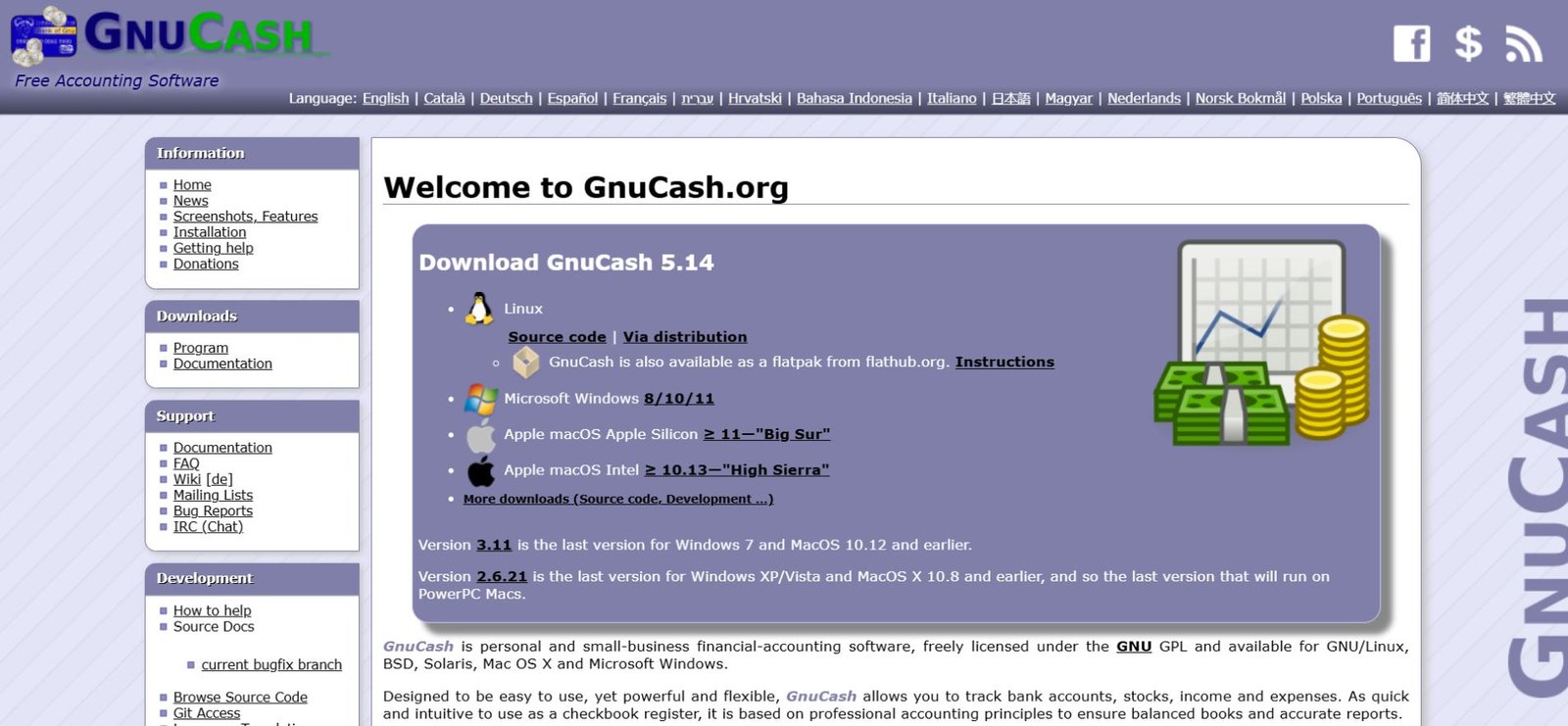
1. GnuCash — Full Control and Privacy
Best for: Advanced users, privacy-conscious individuals
GnuCash is open-source, desktop-based, and uses double-entry accounting — the same system professionals rely on.
Why it stands out:
-
Full control of financial accounts
-
Works offline; your data is never uploaded
-
Detailed reports for cash flow, net worth, and investments
Real-world tip: If you want a permanent financial archive, export GnuCash data monthly. Even if the software updates or disappears, you’ll maintain a complete record.
Limitations:
-
Steep learning curve
-
An outdated interface can feel clunky
-
Not mobile-first
Example:
Alex, a freelance graphic designer, uses GnuCash to track every client invoice and tax-deductible expense. He prefers manual entry because it forces him to notice anomalies immediately — something automated tools often hide.
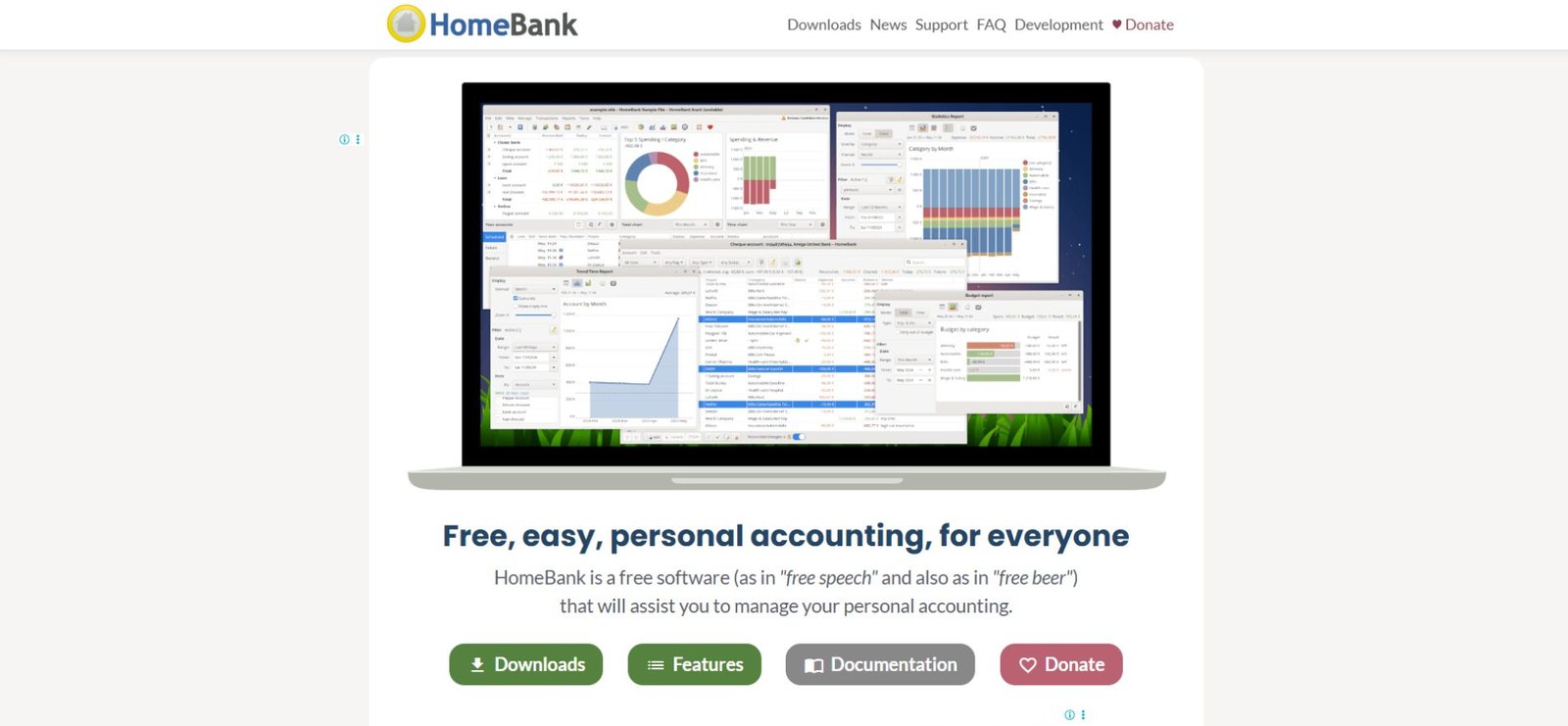
2. HomeBank — Simple Household Budgeting
Best for: Beginners and households
HomeBank focuses on clarity. It shows exactly where money comes from, where it goes, and what’s left.
Strengths:
-
Clean dashboards
-
Simple income vs. expense tracking
-
Household budgeting features for couples or families
Limitations:
-
No live bank syncing
-
Manual imports required
Example:
Sara and Mike, a young couple, use HomeBank to track household bills. They manually log expenses every Sunday, which doubles as a short weekly review. This habit prevents overspending on recurring subscriptions.
3. Personal Capital (Empower) — Free Net Worth Tracker
Best for: Big-picture financial visibility
Why it works:
-
Real-time net worth updates
-
Investment fee analysis and retirement projections
-
Long-term goal tracking
Trade-offs:
-
Limited budgeting tools
-
Advisory upsells for users with assets over ~$100,000
Tip: Use Personal Capital as your big-picture dashboard — combine it with a budgeting app for daily control.
Example:
Jane tracks her three brokerage accounts and checking account through Personal Capital while using EveryDollar for day-to-day expenses. The combination keeps her aware without overwhelming her.
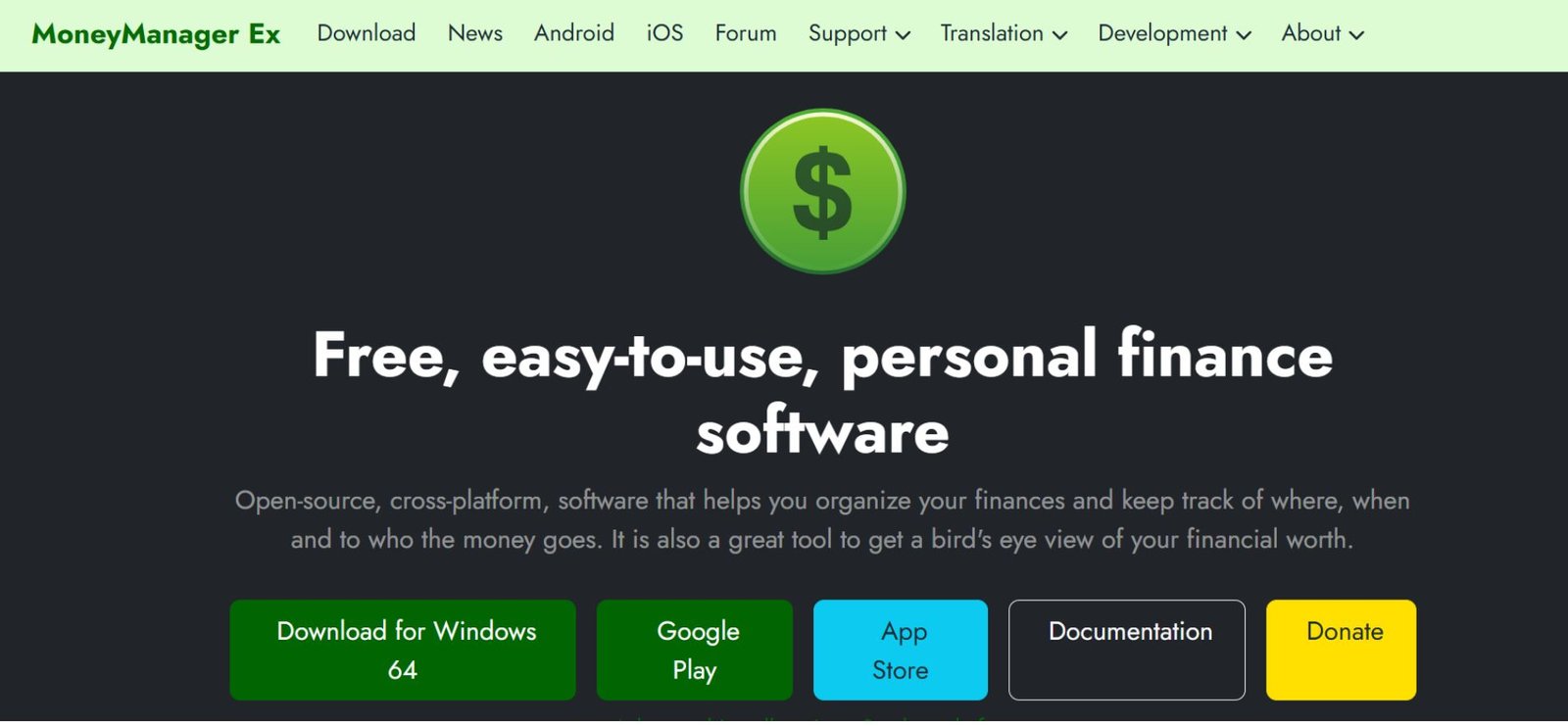
4. Money Manager Ex — Lightweight Desktop Tool
Best for: Quick, offline money tracking
Highlights:
-
Lightweight and fast
-
Offline use ensures data privacy
-
Simple financial reporting
Limitations:
-
Basic visuals
-
Limited automation
Example:
Liam, a privacy-focused software engineer, uses Money Manager Ex to track side-hustle income. The offline feature reassures him that no third party can access his data.
Also Read: How Does Zelle Make Money? The Real Business Model Explained (2026)
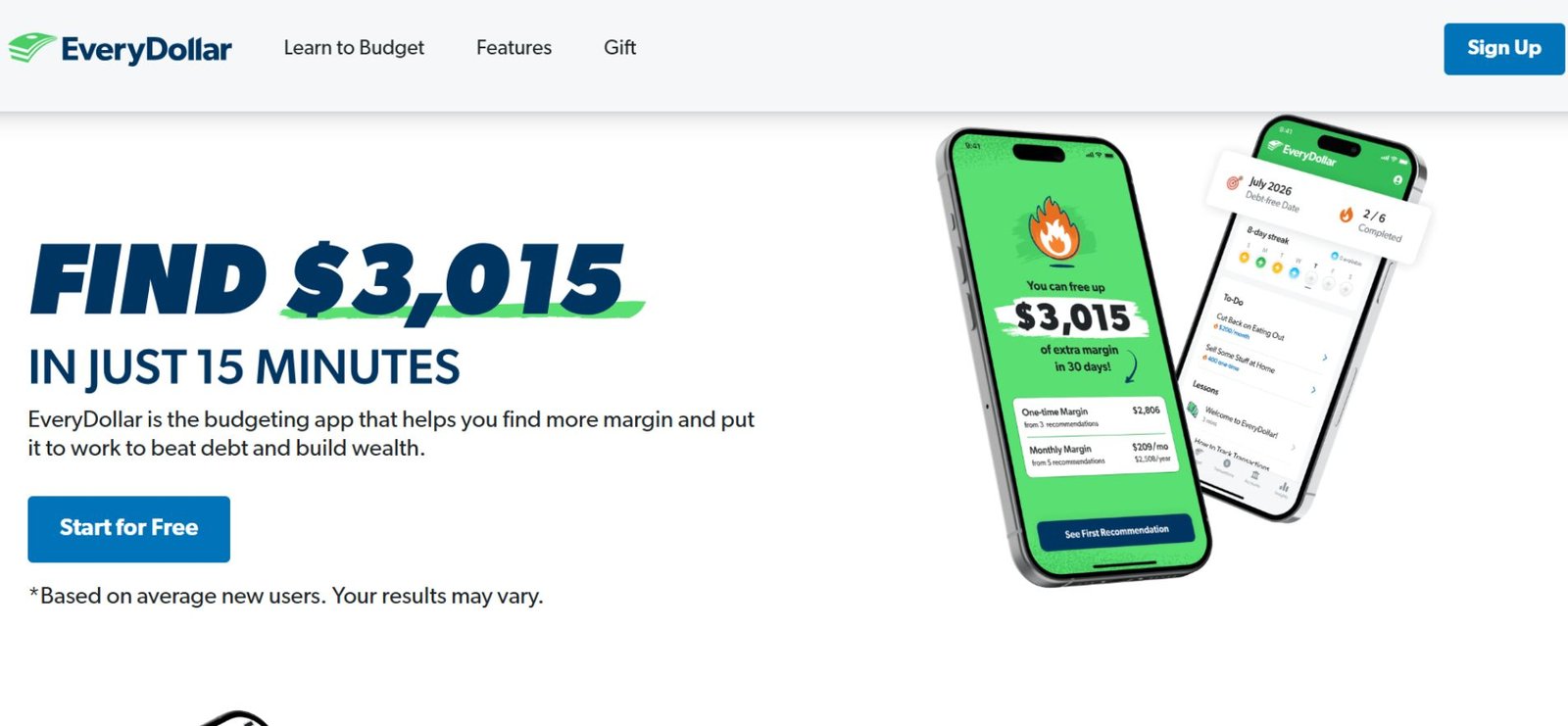
5. EveryDollar (Free Version) — Zero-Based Budgeting
Best for: Spending discipline
Why it works:
-
Manual entry encourages awareness
-
Clear monthly planning
-
Simple, intuitive category structure
Limitations:
-
Manual transactions only
-
Upsells for premium features
Tip: The manual aspect isn’t a flaw — typing your expenses builds awareness and can change behavior more effectively than automatic tracking.
6. YNAB (Free Trial) — Behavioral Budgeting
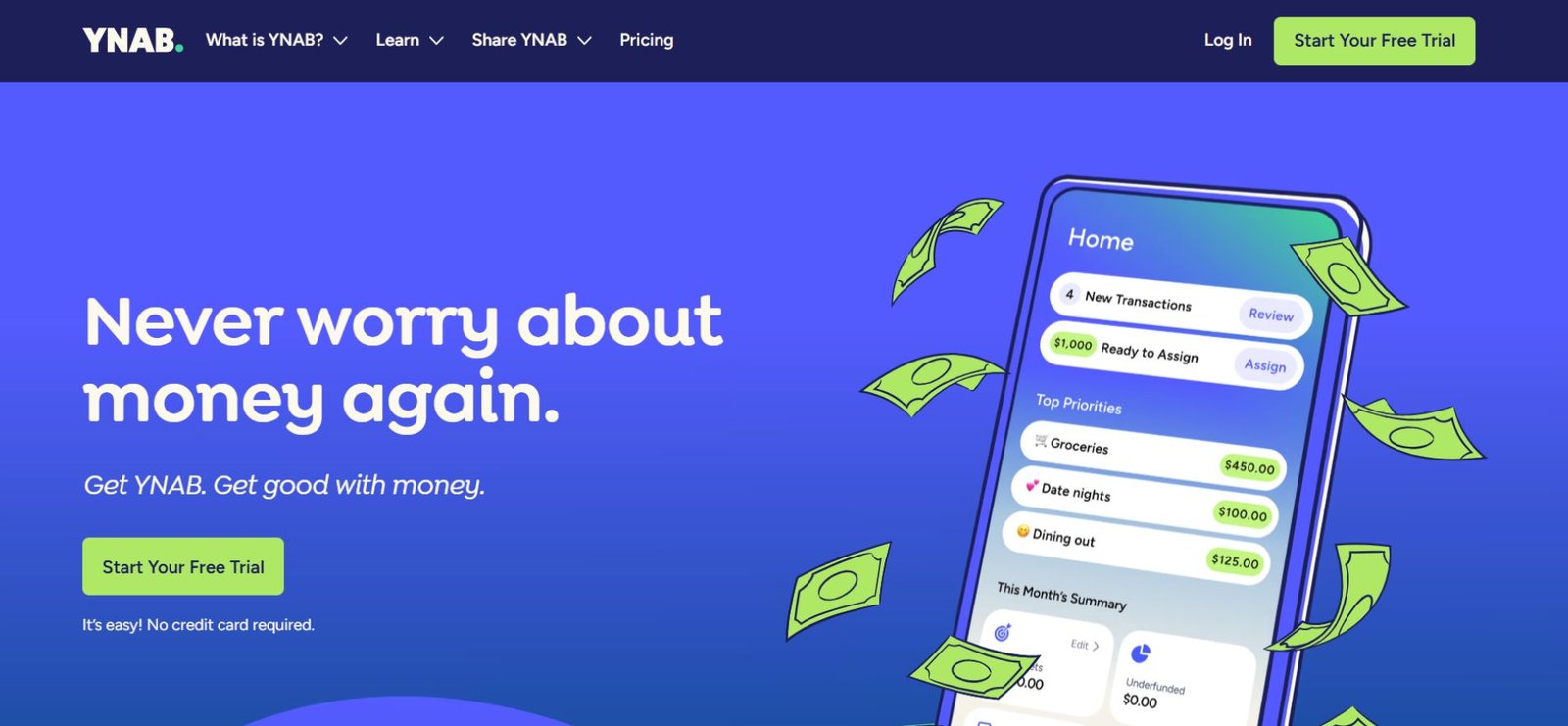
Best for: People who overspend despite decent income
Why it works:
-
Envelope budgeting system
-
Focus on future expenses, not just past spending
-
Educational resources and tutorials
Limitations:
-
Paid subscription after trial
-
Requires habit formation
Example:
Chris, a recent grad, used YNAB’s 34-day free trial. He formed the habit of planning every dollar before spending. Even after switching to EveryDollar, the behavioral patterns stuck.
7. PocketGuard — Quick Spending Awareness
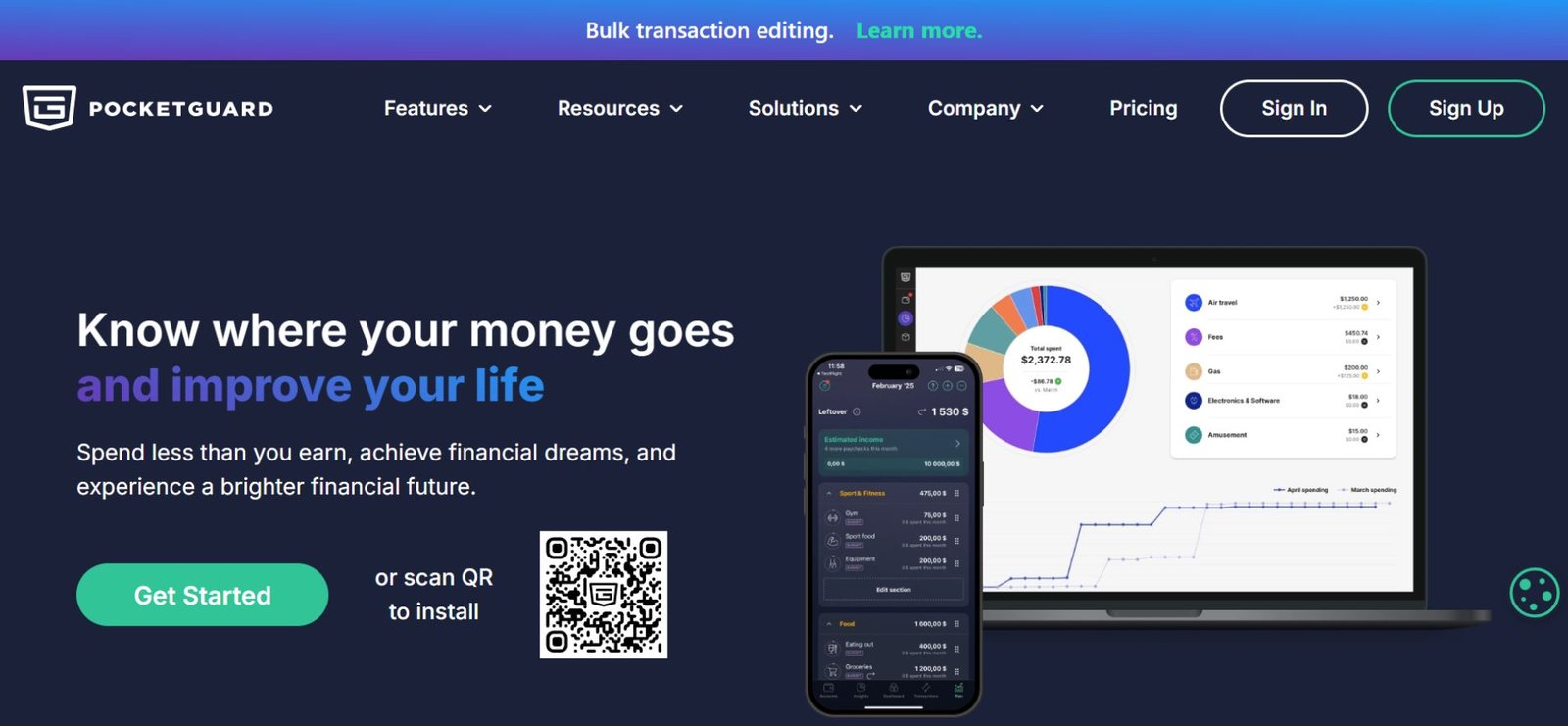
Best for: Mobile-first users
Why it works:
-
Shows “safe-to-spend” money
-
Simple, clean mobile interface
-
Quick daily insights
Limitations:
-
Reduced free features compared to premium
-
Less category control
Tip: Best used as a daily check-in to prevent small, unintentional overspending.
8. Wealthica — Investment Aggregation
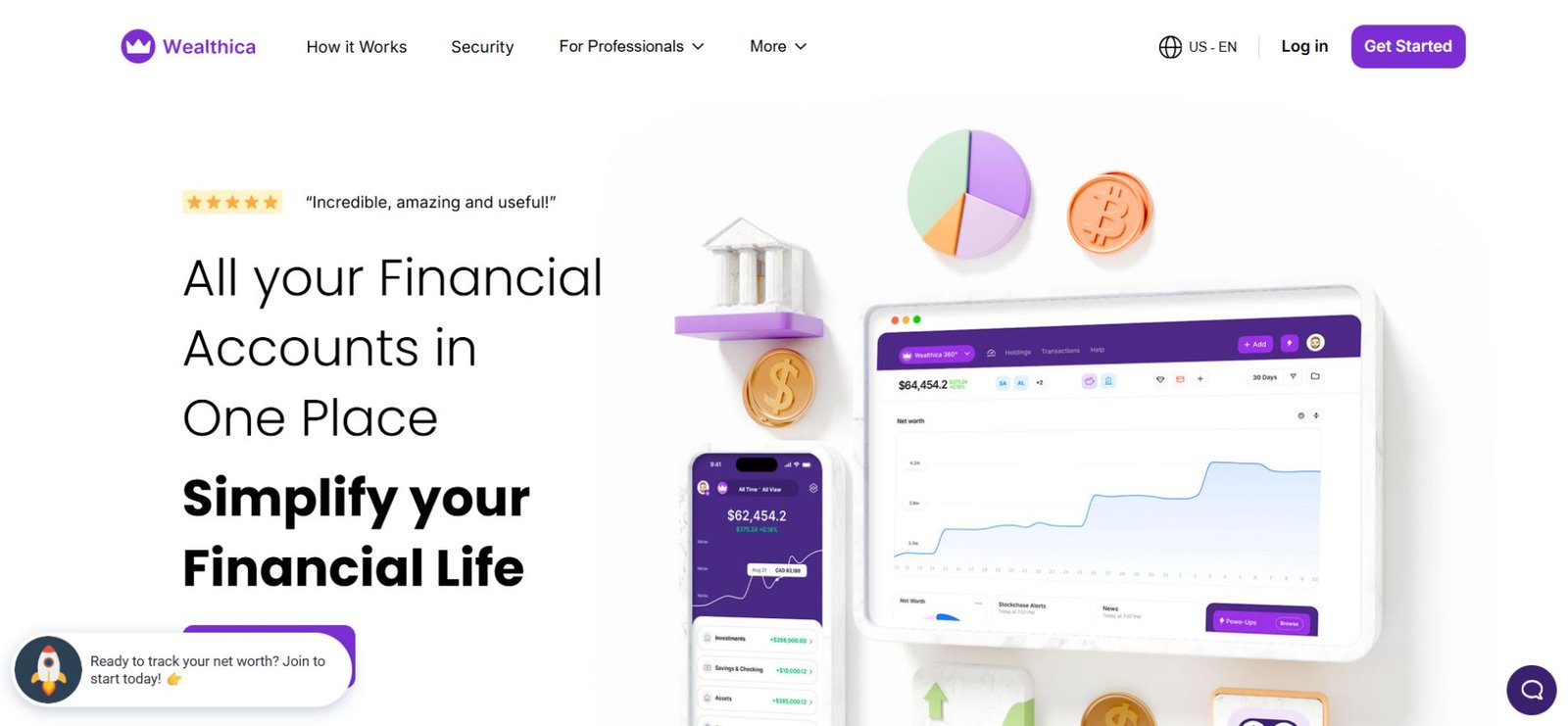
Best for: Tracking multiple investment accounts
Highlights:
-
Consolidates portfolios in one dashboard
-
Clean visuals for allocation and performance
-
Useful for long-term monitoring
Limitations:
-
Free tier limits linked institutions to 2–3 accounts
Example:
Freelancer Maria tracks her RRSP, TFSA, and brokerage account on Wealthica. She exports data quarterly to maintain an offline copy, ensuring continuity even if the app changes terms.
9. Sharesight — Free Investment Performance Tracker
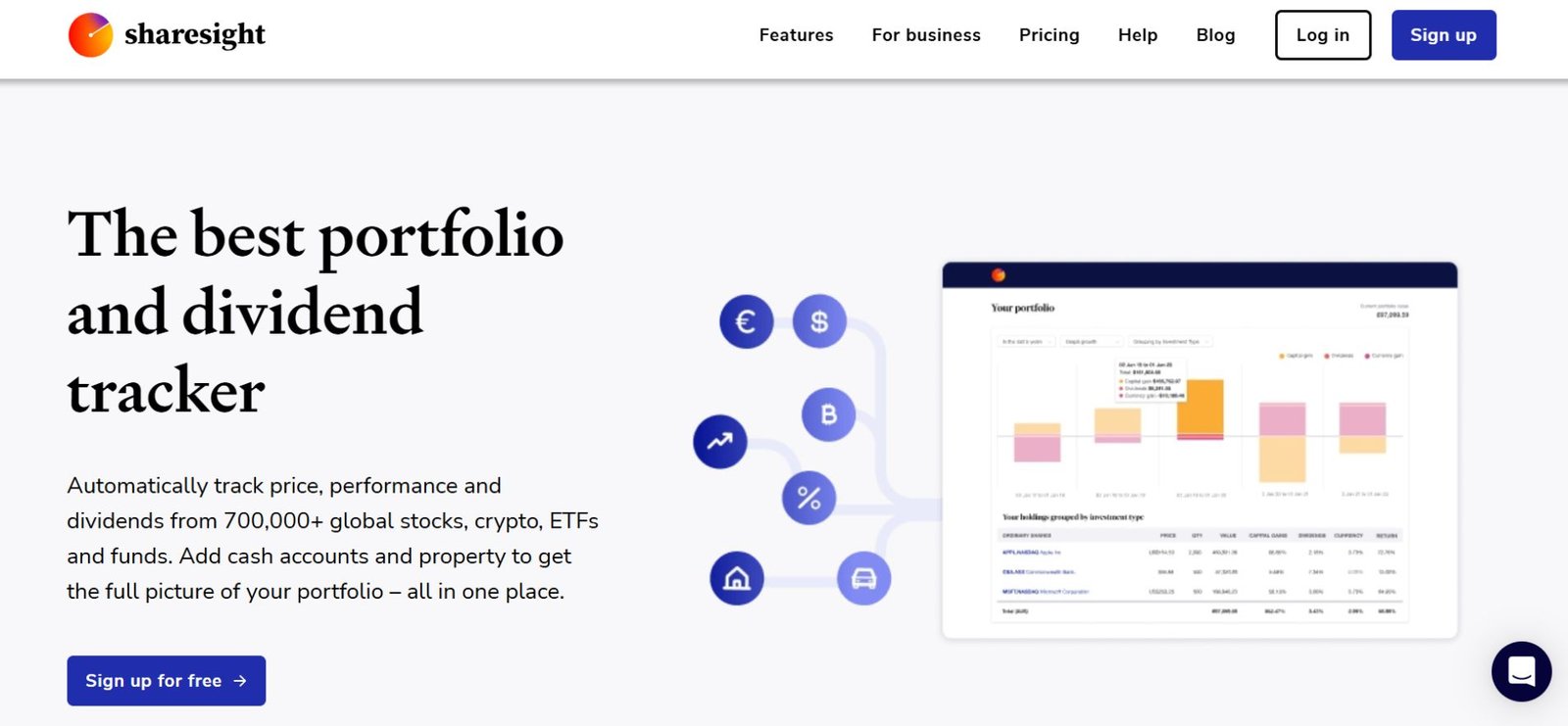
Best for: DIY investors
Why it works:
-
Tracks dividends and capital gains
-
Performance analytics
-
Tax-friendly reports
Limitations:
-
The free plan allows up to 10 holdings, which may be limiting for diversified portfolios
Tip: Use Sharesight for focused portfolio tracking. For additional holdings, supplement with Yahoo Finance watchlists.
10. Yahoo Finance — Market & Portfolio Tool
Best for: Monitoring investments and watchlists
Why it works:
-
Real-time market data
-
Unlimited watchlists
-
Broad asset coverage
Limitations:
-
Not a budgeting tool
-
Limited cash-flow features
Tip: Combine Yahoo Finance with a budgeting app to monitor investments and cash flow simultaneously.
How to Choose the Right Tool
-
Identify your goal: Daily spending control, long-term insight, or both
-
Decide your priority: Privacy, automation, or ease of use
-
Match tools to your workflow: Budgeting vs net worth vs investing
Tip: One app rarely does everything well. Combining tools often yields better control.
Also Read: Best Family Tree Software: Organize Your Genealogy Easily
The $0 Hybrid Stack — How Savvy Users Do It in 2026
| Task | Recommended Tool | Why |
|---|---|---|
| Daily spending | EveryDollar (Free) | Manual entry builds awareness |
| Net worth | Personal Capital | Best free big-picture dashboard |
| Long-term archive | HomeBank | Offline permanent record |
| Investments | Yahoo Finance | Unlimited watchlists, no holding limits |
Example:
Jane, a recent grad with 3 bank accounts and 2 investment apps, manually enters daily expenses in EveryDollar and checks net worth monthly in Personal Capital. Cost? $0. Stress? Minimal.
Tip: Review your stack quarterly and adjust tools as your financial needs evolve.
Common Mistakes
-
Chasing features instead of building habits
-
Using too many apps without a system
-
Ignoring monthly reviews
-
Expecting software to automatically solve behavior
Reality: Most people abandon tools not because they’re bad, but because they forget to check them consistently.
2026 Trends in Personal Finance Software
-
Fewer fully free tools
-
Rising privacy regulations
-
AI-assisted categorization (still unreliable, especially for irregular income)
-
Hybrid systems outperform all-in-one apps
Simplicity is winning — mostly because people are tired of bloated apps and constant notifications.
Real-World Rules That Matter
-
Manual entry builds awareness — a feature, not a flaw
-
Always check CSV export — ownership of data is critical
-
Be cautious with free AI financial advice — often just ads or upsells
FAQs
Q1. What is the best free personal finance software in 2026?
For most users, HomeBank is ideal for budgeting, while Personal Capital (Empower) is the top choice for tracking net worth and investments. Combining both gives a comprehensive $0 financial system.
Q2. Is free personal finance software enough for long-term planning?
Yes — free software can support long-term financial planning, as long as you review accounts consistently and maintain realistic goals. Manual tracking often improves awareness over fully automated apps.
Q3. Are free personal finance apps safe to use?
Open-source tools like GnuCash or reputable platforms like Personal Capital are generally safe when used responsibly. Avoid apps with unclear privacy policies or excessive third-party sharing.
Q4. Do I need more than one personal finance tool?
Often, yes. Many free apps focus on either budgeting, net worth, or investment tracking. Using a hybrid stack allows full visibility without paying for premium features.
Q5. Which free personal finance software offers the best privacy?
For maximum data control, desktop apps like GnuCash and Money Manager Ex keep your financial information offline, preventing third-party access.
Q6. Can I build a full personal finance system for $0?
Absolutely. A hybrid system combining:
-
EveryDollar or HomeBank for budgeting
-
Personal Capital for net worth
-
Yahoo Finance or Sharesight for investments
…provides full financial insight without any subscription fees.
Q7. What free app is best if I only want to track spending?
EveryDollar and PocketGuard are excellent for daily expense tracking, offering simple interfaces and reminders without overwhelming features.
Q8. What is the easiest way to combine free apps effectively?
Use a hybrid stack approach:
-
Daily spending → EveryDollar
-
Net worth → Personal Capital
-
Investment tracking → Yahoo Finance or Sharesight
This system ensures complete visibility while remaining cost-free and manageable.
Final Thoughts
The best free personal finance software isn’t the one with the most features. It’s the one you’ll actually use consistently.
Pick a simple system. Review monthly. Adjust quarterly. That’s how real progress happens.
Related: BE1 Crypto Explained: What It Is, How It Works & Is It Legit (2026)