
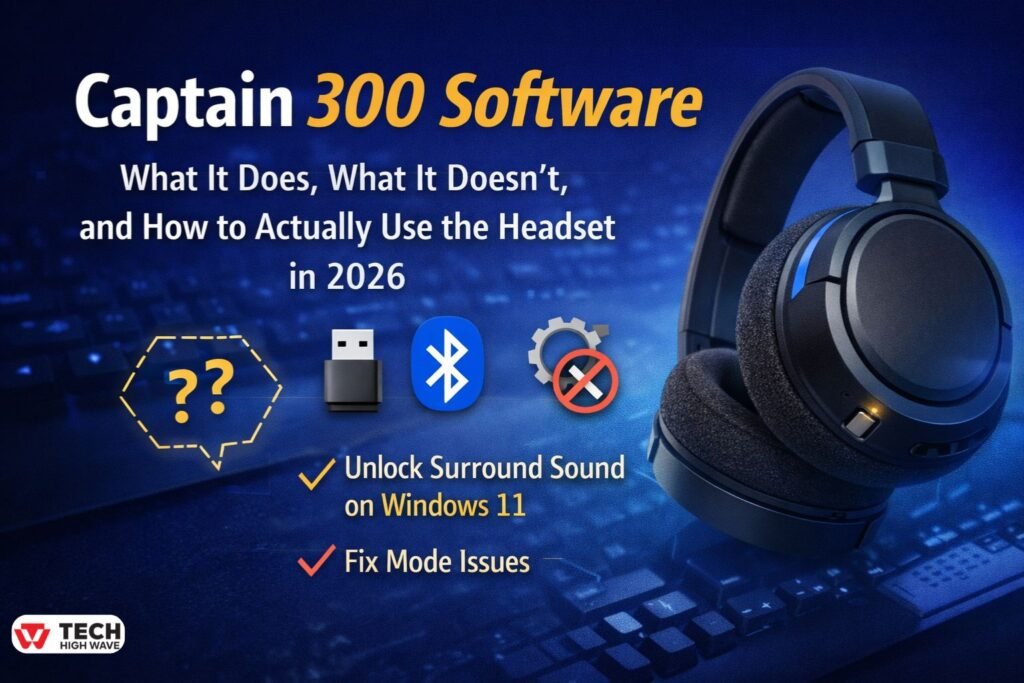
People usually search for Captain 300 software after something feels off.The headset connects, but there’s no app.
Surround sound feels missing.
The mic suddenly stops working.
Or Windows detects it… but not the way you expected.
That leads to the assumption that there must be a missing download somewhere.The Gtheos Captain 300 is built differently from most modern gaming headsets. It doesn’t rely on companion software at all. That keeps things simple—but only if you know where the controls actually are.
This guide explains how the Captain 300 really works in 2026, why so many users think software is missing, and how to fix the most common problems without downloading anything sketchy.
What Is Captain 300 Software?
Short answer: there is no official Captain 300 software.
There’s no Windows app to install, no firmware utility to update, and no mobile companion download to hunt for. Instead, the headset is intentionally designed to work through what you already have: your operating system’s built-in audio drivers, your console’s native audio settings, and the physical buttons on the headset itself.
Because of this, the Captain 300 avoids common issues like driver conflicts, background services, and unnecessary software running in the system tray. At the same time, this design can feel confusing—especially for PC users who are used to seeing EQ sliders, surround sound toggles, and presets inside a dedicated app.
As of 2026, any site offering a “Captain 300 software download” is not official.
How Captain 300 “Software” Works in Real Use
Even without an app, the headset still has configurable behavior. It’s just handled at the system level.
Windows 10 and Windows 11
When connected via the 2.4GHz dongle or Bluetooth, Windows installs generic audio drivers automatically. From there, everything lives inside Windows itself.
You control:
- Output and input devices
- Mic levels
- Spatial audio
- Audio enhancements
Windows 11 Spatial Sound Tip (This Matters)
A lot of users say the Captain 300 doesn’t have surround sound.
What they’re really noticing is that there’s no software toggle.
On Windows 11, surround sound is enabled here:
- Sound Settings → Spatial Sound
You can turn on:
- Windows Sonic for Headphones (free)
- Dolby Atmos for Headphones via Dolby Access (paid)
Once enabled, positional audio improves immediately—especially in shooters. For many users, this removes the feeling that the headset is “missing features.”
PlayStation 4 and PlayStation 5
There is no software layer on console.
The Captain 300 works directly with:
- Console audio settings
- In-game audio menus
On PS5, Sony’s Tempest 3D AudioTech handles spatial processing automatically when enabled. No downloads required.
Mobile Devices (Bluetooth)
On phones and tablets, everything is managed by the operating system’s Bluetooth stack. Any EQ or enhancement comes from third-party audio apps—not from Gtheos.
Features People Expect from Captain 300 Software (and Where They Actually Live)
Audio Visualization and EQ
There are no built-in EQ graphs or mic meters.
If you want detailed control on PC, you’ll need:
- Windows audio enhancements
- Optional third-party EQ tools
Most users never need this, which is why the headset ships without it.
Profile Storage
However, the Captain 300 doesn’t store presets internally, so settings don’t follow you between devices. Naturally, each system manages its own audio configuration, which is normal for a headset in this category.
Collaboration and Sharing
Additionally, there’s no cloud sync, no shared profiles, and no team management features. As a result, this headset is designed for personal use.
Privacy
One upside of having no software is privacy.
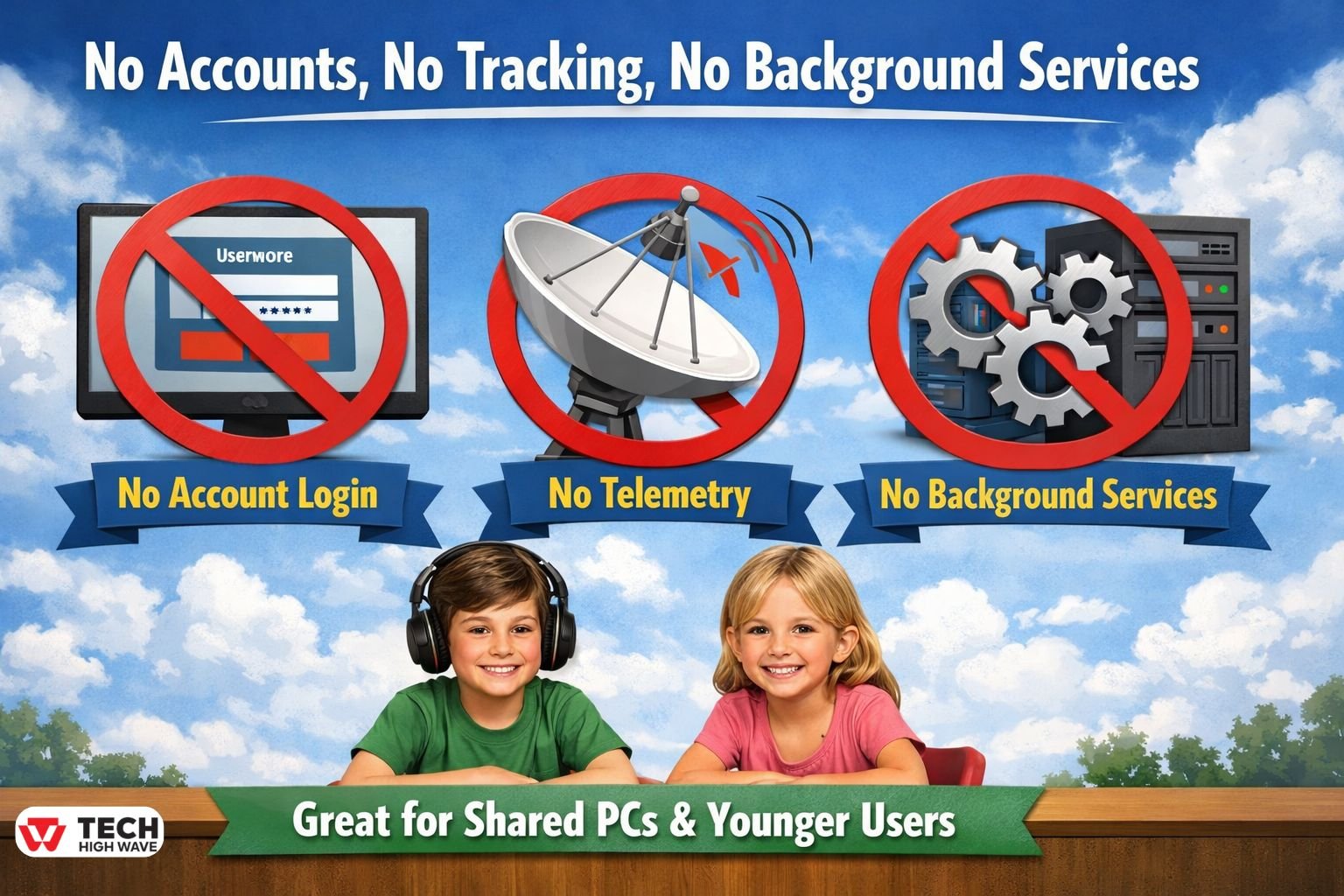
There’s:
- No account login
- No telemetry
- No background services
For shared PCs or younger users, that’s actually a plus.
Where the Captain 300 Makes the Most Sense
Good Fit For
- Console gaming
- Plug-and-play PC setups
- Users switching between devices
- Buyers who don’t want apps running in the background
Not a Great Fit For
- Competitive players who tune EQ constantly
- Streamers who need software mic processing
- Anyone expecting firmware updates and profiles
Knowing this ahead of time avoids frustration.
Who the Captain 300 Is Really For
The Captain 300 works best if you:
- Want it to “just work”
- Don’t enjoy tweaking audio settings
- Use multiple platforms
- Prefer hardware buttons over software menus
If you rely on app-based control, you’ll probably want a different headset.
How to Set Up the Captain 300 Correctly (Avoid These 2026 Mistakes)
Mode Toggle Confusion (Very Common)
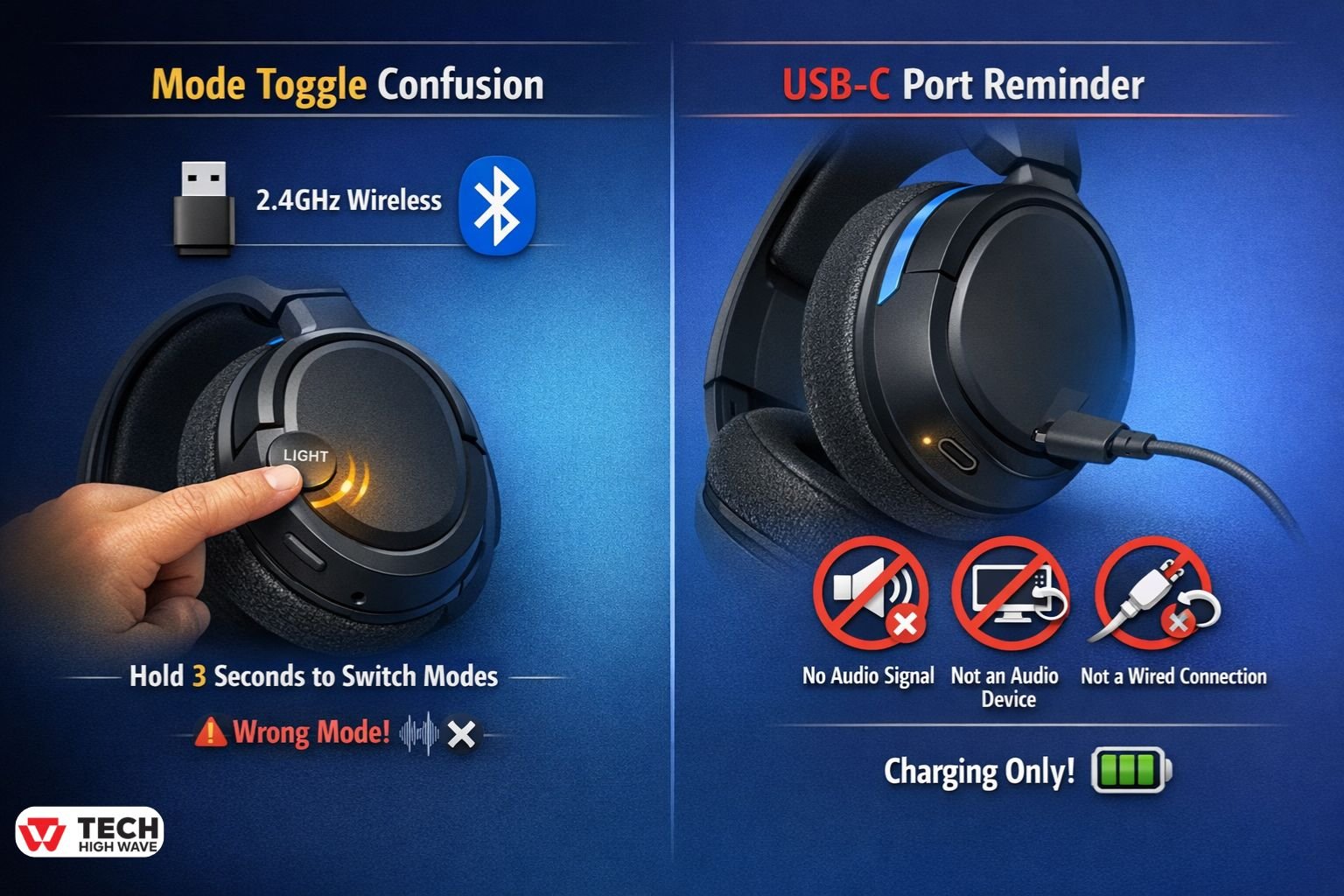
One of the most frequent support issues comes down to mode confusion.
Specifically, the headset is often left in the wrong mode. The Captain 300 supports:
- 2.4GHz wireless (dongle)
- Bluetooth
To switch manually:
Hold the Light button for about 3 seconds.
If you’re trying to use the dongle while the headset is still in Bluetooth mode, the audio won’t behave correctly. As a result, this alone accounts for a large number of so-called “software” complaints. If Bluetooth pairing continues to fail even after resetting the headset and switching modes, the issue may be on the device side rather than the headset itself. In those cases, general Bluetooth troubleshooting steps—such as clearing cached pairings or restarting Bluetooth services—can help resolve stubborn connection problems.
USB-C Port Clarification (Important)
This trips up a lot of new PC builders. It’s important to understand that the USB-C port is for charging only.
Specifically, it does not:
- Carry audio
- Show up as an audio device
- Act as a wired connection
Therefore, audio works only through the 2.4GHz dongle or Bluetooth. Simply plugging in USB-C won’t replace either of these options, so don’t expect it to function as a direct audio connection.
Common Mistakes to Avoid
Downloading Fake Drivers
There is no official Captain 300 software. Many “driver” pages are generic tools or bundled installers.
Avoid them.
Assuming the Headset Is Broken
Most problems are caused by:
- Wrong input/output device selected
- Wrong connection mode
- Spatial sound disabled
Hardware failure is far less common than configuration mistakes.
Expecting Premium Software Features
The Captain 300 is built for reliability and simplicity. It trades customization for ease of use.
That’s intentional.
What to Expect Going Forward (2026 Outlook)
Gtheos hasn’t indicated any plans for companion software, and at this point, that’s unlikely to change.
On the positive side, what is improving includes:
-
Windows spatial audio
-
Console audio engines
-
Bluetooth stability
On the other hand, what probably won’t happen includes:
-
A dedicated Captain 300 app
-
Cloud profiles
-
Firmware tuning tools
Overall, budget gaming hardware is moving toward less reliance on software rather than more, so users should focus on getting the most out of OS tools and free third-party apps.
Related: Strike Pack PS5 in 2026: Native DualSense Support, Real Ban Risks, and Whether It’s Still Worth It
FAQs
Q.1 Does the Captain 300 have noise cancellation?
No. Instead of active noise cancellation, the headset relies on passive noise isolation from the ear cups. As a result, it can reduce some background sound, but it does not electronically cancel noise like ANC headsets.
Q.2 Who makes the Captain 300 headset?
The Captain 300 is made by Gtheos, a brand that primarily focuses on affordable gaming accessories. Because of this, the headset emphasizes simplicity and value rather than software-heavy features.
Q.3 How long does the Captain 300 take to charge?
Typically, a full charge takes around 2 to 3 hours. However, charging time can vary slightly depending on the power source being used.
Q.4 How do I pair the Captain 300?
First, turn the headset on. Then, enable pairing mode and select the Captain 300 from your device’s Bluetooth or wireless audio list. Once connected, no additional setup is required.
Q.5 Is there official Captain 300 software for Windows 11?
No. Instead of dedicated software, Windows manages the headset using built-in audio drivers and spatial sound features such as Windows Sonic.
Q.6 Why isn’t my Captain 300 mic working?
Most cases, mic issues happen because the wrong input device is selected or because the headset is in the incorrect connection mode. Once those are corrected, the microphone usually works as expected.
Final Take
The Captain 300 doesn’t need software—but it does need context.
Once you understand where settings actually live, how to switch modes properly, and how Windows handles spatial sound, the headset behaves exactly as expected.
Also check: PS5 Wall Mount: What Actually Matters Before You Mount Your PlayStation 5

