
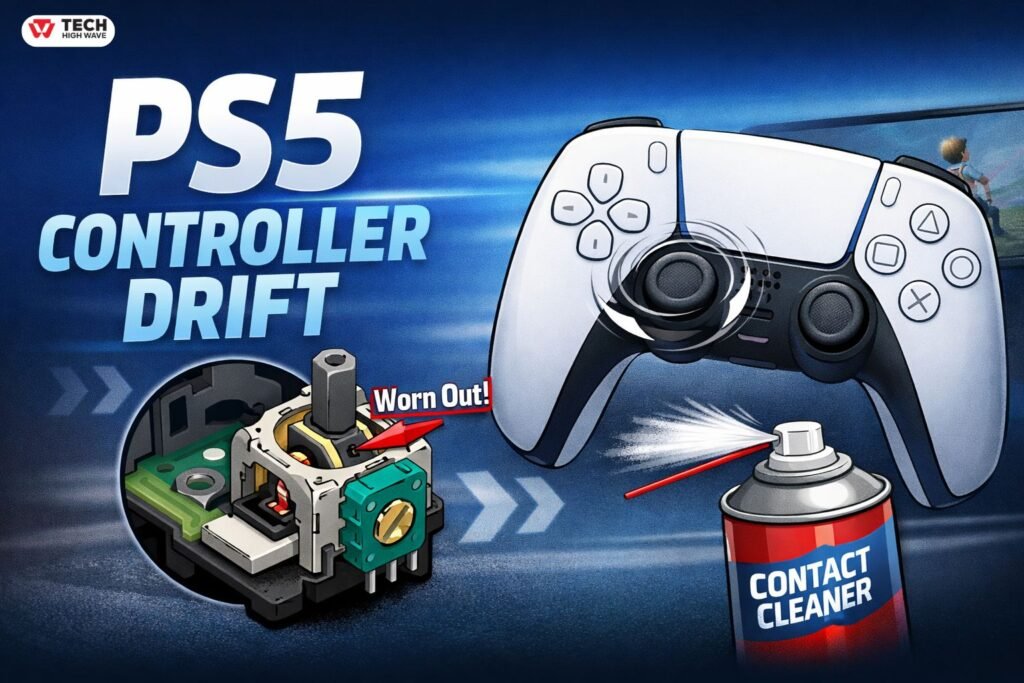
There’s nothing more annoying than lining up a perfect shot in your favorite game… and your character suddenly walks off on its own. Yep, that’s PS5 controller drift, and it’s way more common than Sony wants you to think.
The good news? You don’t always need a new controller. Some fixes take five minutes, and even if you need a replacement, knowing what’s going on will save you time, money, and frustration.
In this guide, I’ll break down why your DualSense drifts, quick ways to fix it, and when it’s actually time to call it quits.
Quick Fix Table: Solve Drift in Seconds
| Problem | Quick Fix | Cost |
| Slight stick movement | Adjust deadzones in-game | Free |
| Drift starts suddenly | Clean the stick with contact cleaner | Low |
| Drift in one direction | Reset and recalibrate controller | Free |
| Drift keeps coming back | Replace joystick module | Medium |
| Under warranty | Claim Sony replacement | Free |
| Severe drift on old controller | Buy a new controller | High |
If you just want the fastest way to get back to gaming, this table is your cheat sheet.
What Exactly Is PS5 Controller Drift?
In simple terms, drift is when your DualSense sends movement signals even when you’re not touching the stick. That means your character moves, the camera spins, or menus scroll by themselves.
It can happen on the left stick, right stick, or both, and while sometimes it feels like a software glitch, it’s usually hardware wearing out.
Why Your PS5 Controller Drifts
Inside each stick is a potentiometer—basically a tiny sensor that detects which way your stick is pointing. Over time, it can get worn or dirty.
Here’s what usually goes wrong:
- The carbon track inside the potentiometer wears down
- Dust and debris get in
- The stick no longer returns to the exact center
When this happens, your controller thinks the stick is being pushed even when it’s not. That’s drift in a nutshell.
| Pro tip: You can add a little diagram here showing the stick, the potentiometer, and where wear happens. It makes this much easier to understand. |
Quick Ways to Fix Ps5 Controller Drift
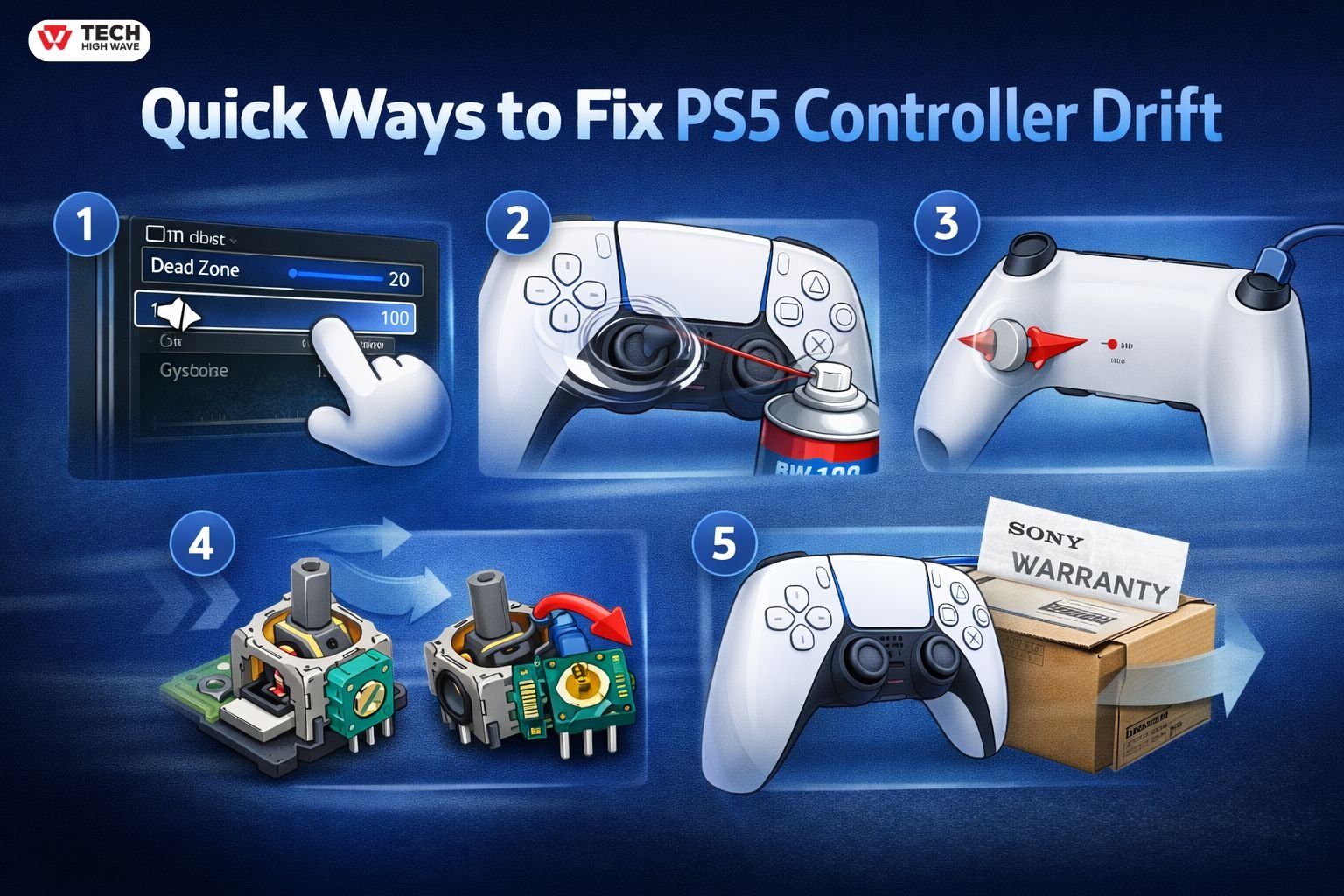
1. Adjust Deadzones
Many games let you tweak the deadzone in settings. This is a quick software fix that stops minor drift from affecting gameplay. It’s free and easy.
2. Clean the Stick
The most recommended cleaner in the community is BW-100 Electronic Contact Cleaner.
How to use it:
- Turn off your controller
- Tilt the stick and spray a small amount around the base
- Rotate the stick for 30–60 seconds
- Let it dry before turning the controller back on
Avoid WD-40 or alcohol—they can make things worse.
3. Reset and Recalibrate
Sometimes your controller just needs a “fresh start.” Reset it using the button on the back, reconnect to the PS5, and test.
4. Replace the Joystick
If cleaning and software tweaks don’t work, the potentiometer is probably worn out. Replacing the joystick module fixes drift permanently, but it’s a bit more advanced.
5. Warranty Replacement
If your controller is new and already drifting, Sony will usually replace it for free. Always check this first—it’s the easiest solution.
Who Should Try These Fixes
- Casual gamers with minor drift: try deadzones or cleaning
- Competitive players: joystick replacement or warranty is best
- New controllers under warranty: always claim a replacement
- Older controllers with severe drift: sometimes buying new is easier
If you’re experimenting with controllers while fixing drift, it’s also possible to use a PS4 controller on a PS5 in some cases. If you’re not comfortable opening your controller, stick to cleaning or warranty options.
Common Mistakes to Avoid
- Ignoring minor drift until it becomes unbearable
- Using huge dead zones that ruin precision
- Spraying liquid inside the stick without proper care
- Spending too much on repairs for an old controller
- Assuming drift is normal and untreatable
Avoiding these saves money and frustration.
What’s Coming for PS5 Controllers
By 2026, controllers are improving:
- Magnetic “Hall effect” sticks reduce wear
- Better dust protection
- Modular joysticks for easier replacement
- Longer warranties
So while current DualSense models still drift, the future is looking much better.
FAQs
Q.1Can you fix a drifting PS5 controller?
Yes. Cleaning, recalibration, deadzones, or joystick replacement usually work. If under warranty, Sony may replace it for free.
Q.2 Why do PS5 controllers drift so fast?
Repeated stick movement, dust, and moisture wear down the potentiometer. Heavy gaming accelerates this.
Q.3 Is stick drift permanent?
Not always. Cleaning and recalibration help temporarily. Permanent fixes require replacing the joystick module.
Q.4 How long does a PS5 controller last?
Typically 1.5–3 years, depending on use and care. Frequent analog stick use can shorten this.
Q.5 Does drift get worse over time?
Yes. Ignoring it only makes it worse. Early fixes prevent severe issues.
Q.6 Is drift covered by warranty?
Usually, yes, if there’s no physical damage and it happens within the warranty period.
Final Thoughts
PS5 controller drift sucks, but it’s fixable. Whether you tweak settings, clean your sticks, replace a module, or claim a warranty, knowing what’s happening inside your controller helps you make the right choice. Don’t panic—just pick the right fix and get back to gaming.
Also read: Insightful Discussions at ExpoSMall: What Makes Them Different

