
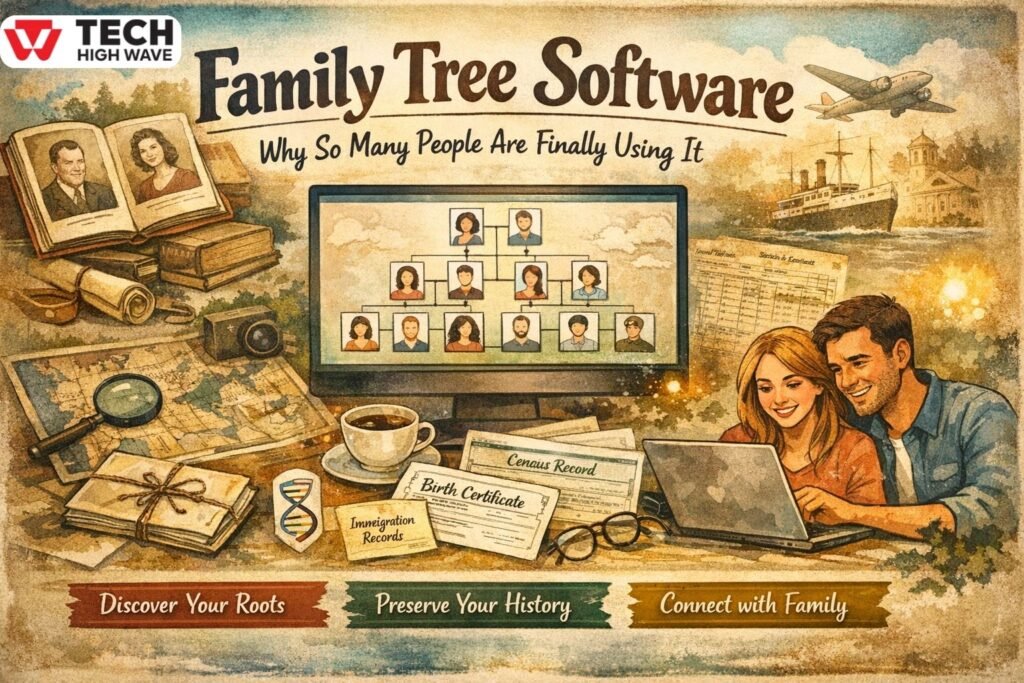
The family tree software. Most people don’t wake up one day thinking, hey, I should build a family tree.
It usually starts smaller.
Someone asks a question.
A name comes up that you don’t recognize.
An old photo turns up, and nobody knows who’s in it.
Then you start digging, and things get messy pretty quickly.
That’s where family tree software helps. It gives you one place to dump everything—names, dates, stories, photos—and slowly turn confusion into something that actually makes sense.
And no, you don’t need to be a historian or tech person to use it.
What Is Family’Tree Software?
Family tree software, also known as genealogy software, is a tool for organizing family relationships. Instead of drawing boxes on paper, you add people digitally and connect them properly, making it easier to track your family history
Each person gets their own record. You can add:
- Names (including nicknames)
- Birth and death dates
- Places
- Notes
- Photos and documents
Once people are connected, the software builds the tree for you. You change one thing, and everything updates. No erasing lines or starting over.
Some programs stay offline. Others sync online. Both can work fine.
How Family Tree Software Works
Behind the scenes, it’s pretty straightforward.
You enter a person.
You link them to parents, partners, or kids.
The software keeps track of how everyone fits together.
If you later realize a date is wrong, or someone was added twice, you fix it once, and the whole tree adjusts. That alone saves hours compared to old-school methods.
Most genealogy software today also lets you:
- Import data from other tools
- Export backups (important, don’t skip this)
- Attach proof like certificates or letters
It’s built to change as you learn more. And you will learn more.
Key Features to Look for in Family Tree Software
Not every feature matters. Some really do. These are the ones worth paying attention to.
Chart & Visualization Tools
If you can’t easily read your own tree, something’s wrong.
Good software lets you:
- Switch between different tree views
- Zoom in and out
- Print or share charts without chaos
Big families get complicated fast. Clear visuals help more than people think.
Record & Document Storage
This is where a lot of people get lazy, and it comes back to bite them later.
Solid family history tools allow you to:
- Attach documents to people
- Upload photos and scans
- Add notes explaining why you believe something is true
Otherwise, five years from now, you won’t remember where that info came from.
Collaboration & Sharing
Family history isn’t a solo project most of the time.
Look for tools that let you:
- Share with relatives
- Control who can edit
- Avoid accidental changes
Trust me, one wrong edit can create a mess.
Privacy & Data Security
This part matters more than people admit.
Your family data shouldn’t feel trapped. Good software:
- Let’s you keep data local or encrypted
- Makes exports easy
- Doesn’t hide ownership rules in fine print
If leaving feels hard, that’s usually a sign.
Best Uses for Family Tree Software
People use family tree software for different reasons, not just curiosity.
Common ones:
- Saving family stories before they’re gone
- Helping with legal or citizenship paperwork
- Teaching kids about their background
- Organizing serious genealogy research
It’s one of those tools that gets more useful the longer you stick with it.
Family Tree Software vs Traditional Methods
Paper, notebooks, spreadsheets… they all work. Until they don’t.
Once families branch out, things get confusing fast. Software helps because:
- Relationships update automatically
- Errors are easier to spot
- Everything is searchable
- You don’t run out of space
Paper trees don’t age well. Software does.
Who Should Use Family Tree Software?
Honestly? Anyone who’s even a little curious about their family.
It works for:
- Beginners who know almost nothing
- Big families with tangled histories
- Researchers tracking hundreds of people
- Students doing school projects
You don’t need to “commit” to anything big. You can start small.
How to Choose the Right Family Tree Software
There’s no perfect choice. Anyone telling you otherwise is selling something.
Instead, ask:
- Do I want offline control or online access?
- Will my tree grow a lot?
- Do I want to share with others?
- Can I export everything if I change my mind?
Try before you commit if possible. If it feels confusing, it probably is.
Common Mistakes to Avoid
These mistakes show up again and again.
- Adding info without checking it
- Trusting automated hints too much
- Never backing things up
- Rushing to build a huge tree immediately
Go slower. Be boring about accuracy. It pays off later.
Future Trends in Family Tree Software (2026 Outlook)
Genealogy software isn’t flipping upside down every year, but it is improving.
What’s changing:
- Better error checking
- Easier movement between genealogy software
- More control over privacy
- Tools that handle massive trees better
AI is part of it now, sure. But good platforms still expect humans to double-check everything.
FAQs
Q1. What is the best family tree software for beginners?
Beginners should focus on ease of use, not features. A clean layout, simple charts, and clear data entry are more helpful than advanced tools you won’t touch for months.
Q2.Is family tree software free?
Some options are free, some aren’t. Free versions usually work fine for smaller trees. Paid plans unlock extras like syncing or advanced charts, but they’re not always necessary.
Q3.Can family tree software be used offline?
Yes. Many programs work completely offline and store everything on your computer. That’s a good choice if you want full control without relying on internet access.
Q4.How secure is family tree software?
It depends on the software. Reliable tools offer encryption, backups, and clear privacy rules. Always make sure you can export your data whenever you want.
Q5.What’s the difference between family tree software and genealogy websites?
Family tree software is about organizing your data. Genealogy websites focus more on records and hints, often behind subscriptions, and sometimes limit access.
Q6.Can I switch software later?
Usually yes. Most programs support GEDCOM files, which let you move your family tree elsewhere. Just confirm that option before committing long-term.
Final Thoughts
Family tree software isn’t about getting everything right on day one. It’s about keeping information from disappearing and giving future family members something solid to work with.
Also check: What Is Zvodeps? Clear 2025 Explanation & Meaning

