
Rhino 3D is one of those tools people talk about like everyone already understands it.
They don’t.
Some designers swear by it. Others download it, open the interface, and quietly close it ten minutes later. If you’re here, chances are you’re trying to figure out where Rhino actually fits—and whether learning it is worth your time.
This article is written for that moment.
We’re not going to oversell Rhino. We’re also not going to dismiss it. Instead, you’ll get a practical explanation of what Rhino 3D software does, how people actually use it in 2025, how it compares to tools like AutoCAD and SolidWorks, and what kind of work it’s genuinely good at.
If you’re deciding whether Rhino belongs in your workflow, this should make that decision easier.
What Rhino 3D Software Really Is
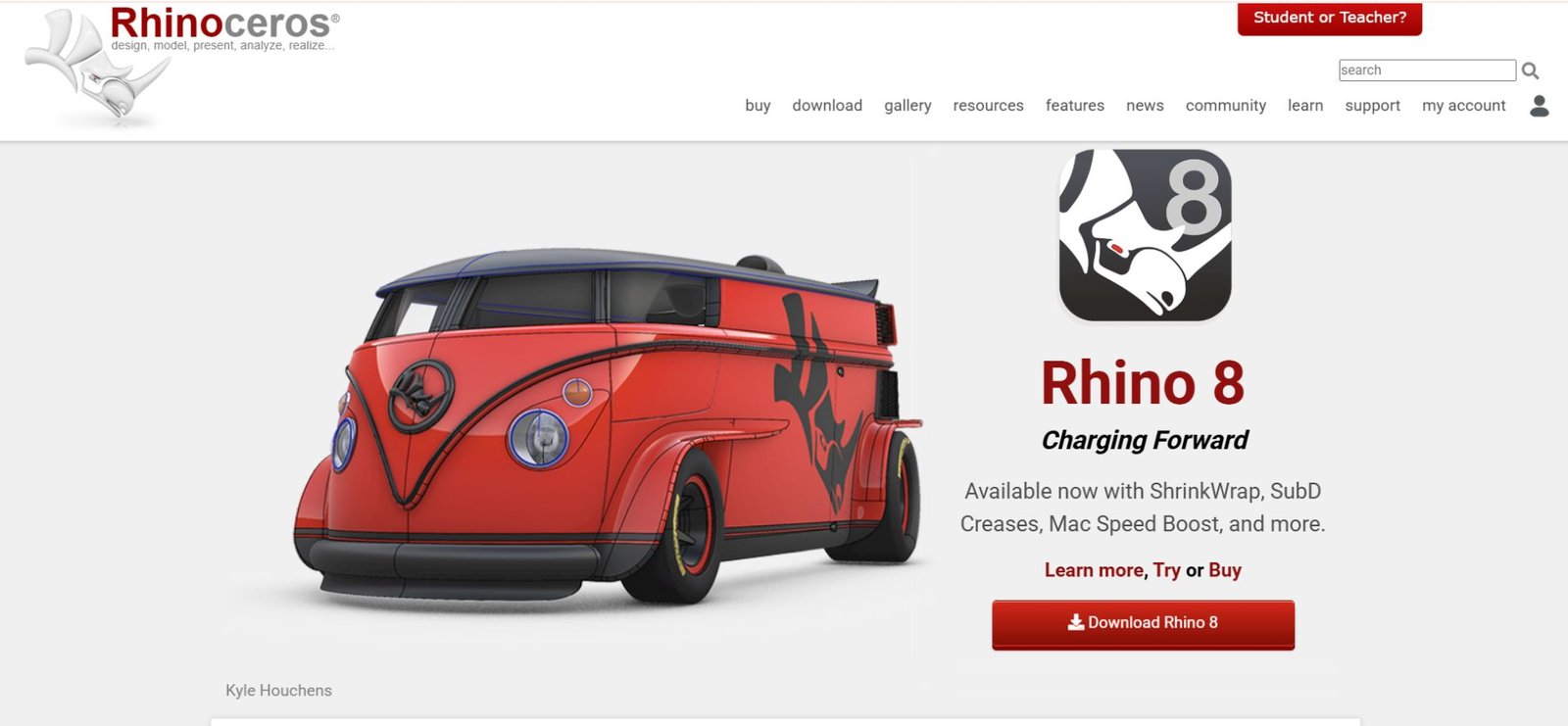
Rhinoceros 3D, usually just called Rhino, is a professional 3D modeling application built around NURBS geometry rather than polygons.
That matters more than it sounds.
NURBS allow Rhino to create curves and surfaces that are mathematically precise. Not “close enough.” Actually precise. That’s why Rhino shows up in industries where millimeters matter—architecture, jewelry, fabrication, industrial design.
At the same time, Rhino has evolved. Modern versions include Subdivision (SubD) modeling, which lets you shape organic forms in a much more intuitive, push-and-pull way. Think less “engineering spreadsheet,” more “sculpting with intent.”
Rhino runs on both Windows and macOS, and as of 2025, the gap between the two versions is small enough that platform choice rarely affects real work.
What People Use Rhino 3D For (In Practice)
Rhino doesn’t lock you into a single discipline. That’s both its strength and, sometimes, its weakness.

Architecture & Interior Design
Architects use Rhino when geometry starts getting complicated:
-
Free-form facades
-
Roof systems that don’t behave nicely in parametric BIM tools
-
Early-stage massing and form exploration
Rhino is often paired with Grasshopper for parametric logic, and with V-Ray or Enscape for visualization.
Jewelry Design
This is one of Rhino’s strongest niches.
-
Extremely fine tolerances
-
Organic shapes that traditional CAD tools struggle with
-
Direct pipelines to 3D printing and casting
If you see Rhino mentioned in jewelry forums, that’s not an accident.
Product & Industrial Design
Rhino is commonly used at the concept and form-development stage:
-
Early prototypes
-
Surface-driven products
-
Designs that aren’t ready for strict parametric constraints
It’s often used before handing a model off to SolidWorks or another engineering-focused tool.
3D Printing & Digital Fabrication
Rhino is very comfortable here.
-
Clean STL exports
-
Control over wall thickness
-
CNC, laser cutting, and hybrid fabrication workflows
It’s not flashy—but it’s dependable.
Rhino vs Grasshopper (Clearing the Confusion)
This trips up a lot of beginners.
Rhino is the modeling environment.
Grasshopper is a visual programming system that runs inside Rhino.
You can think of it this way:
-
Rhino: You draw the geometry yourself
-
Grasshopper: You build a system that generates geometry based on rules
Grasshopper is powerful, but it’s not required. Plenty of professionals use Rhino daily without touching it. Others rely on it for parametric facades, generative patterns, or automation.
If Rhino is the workshop, Grasshopper is the machine that builds tools inside it.
What Changed in Rhino 8 (And Why It Matters)
Rhino 8 isn’t a flashy redesign. It’s a refinement—and that’s intentional.
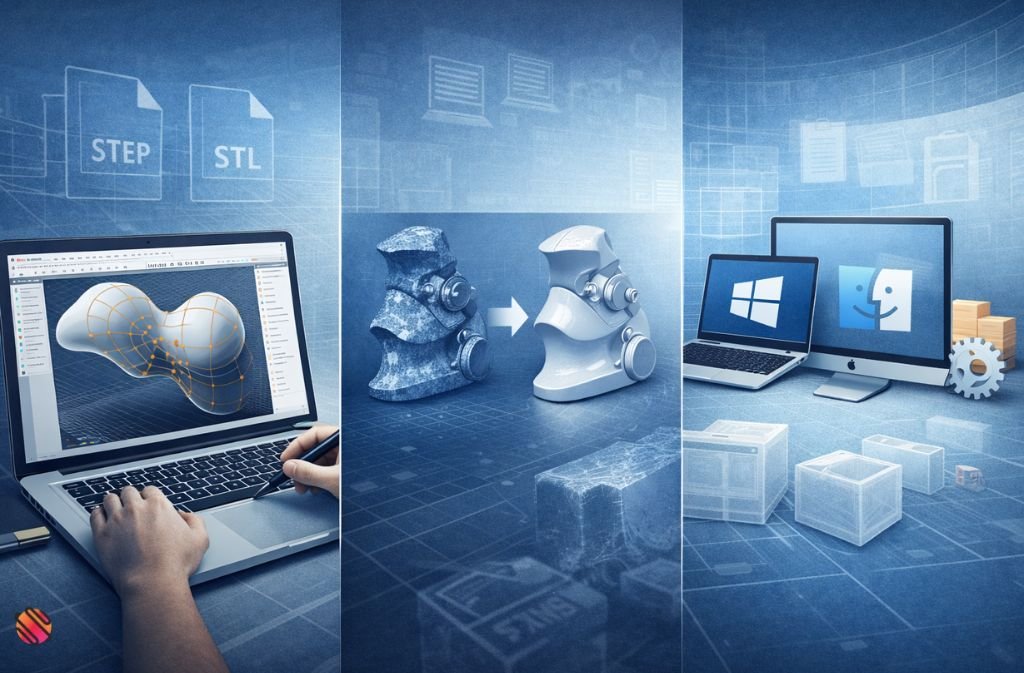
SubD Modeling Became Central
SubD modeling is no longer a side feature. It’s a core part of modern Rhino workflows.
You can:
-
Shape organic forms intuitively
-
Keep models editable longer
-
Convert SubD geometry into NURBS when precision becomes critical
This alone changed how many designers use Rhino day-to-day.
ShrinkWrap (Mesh Cleanup That Actually Works)
ShrinkWrap is one of those features you don’t appreciate until you need it.
It helps turn messy meshes—often from 3D scans or imported STL files—into usable, watertight geometry. If you work with scanned data or reverse engineering, this saves real time.
Stability & Interoperability
Rhino 8 focused heavily on:
-
Better performance with large files
-
Cleaner imports and exports
-
Continued improvements on macOS
Nothing glamorous. Everything practical.
Also Read: Best Laser Engraver Software in 2025 (Free vs Paid Compared)
How Much Rhino 3D Software Costs in 2025
Rhino still uses a perpetual license, which makes it unusual in today’s software landscape.
-
Commercial license: ~$995 (one-time)
-
Educational license: ~$195
-
Free trial: 90 days, fully functional
No subscriptions. No feature-locked trial and no forced upgrades.
For some users, this alone is reason enough to consider it.
Is Rhino 3D Free?
Not permanently.
But the 90-day trial gives you the full software without restrictions, which is more generous than most professional CAD tools.
If you see sites offering “free Rhino downloads,” be cautious. Official sources matter here.
Rhino vs AutoCAD vs SolidWorks (Quick Reality Check)
| Tool | Best At | Where It Struggles |
|---|---|---|
| Rhino | Freeform modeling, fabrication | Strict mechanical constraints |
| AutoCAD | Drafting & documentation | Complex 3D geometry |
| SolidWorks | Engineering & assemblies | Organic or exploratory forms |
Rhino sits in the middle. It’s not trying to replace engineering CAD. It’s there for design work that needs both flexibility and precision.
Learning Rhino: What It Actually Feels Like
Rhino isn’t as intimidating as some CAD tools—but it’s not instant either.
Most people:
-
Pick up basic modeling fairly quickly
-
Struggle with clean surfaces and efficient workflows
-
Get comfortable after real projects, not tutorials
Expect 2–4 weeks to feel functional with the basics. Expect a few months before things start feeling natural—especially if you’re new to CAD.
That’s normal.
Common Mistakes New Users Make
-
Treating Rhino like a polygon sculpting tool
-
Ignoring units and scale early on
-
Overusing booleans instead of clean modeling
-
Poor layer and file organization
-
Jumping into Grasshopper too soon
None of these are fatal—but they slow people down more than they realize.
Should You Use Rhino 3D? A Simple Way to Decide
It makes sense if:
-
You care about surface quality
-
You design things that will be fabricated
-
You want control instead of automation
-
You don’t want a subscription
Rhino might frustrate you if:
-
You only do animation or sculpting
-
You need strict parametric assemblies
-
You want the software to “decide” for you
Rhino rewards intentional work. It doesn’t hold your hand.
Also Read: What Is VBOX Software? VirtualBox vs Racelogic Explained (2025)
Where Rhino Fits Going Forward
Rhino isn’t trendy—and that’s part of its appeal.
McNeel moves slowly, but deliberately. SubD modeling, Grasshopper, and interoperability improvements show a focus on longevity rather than hype. In a market dominated by subscriptions and locked ecosystems, Rhino’s approach still feels refreshingly practical.
It’s not trying to be everything. It just does its job well.
FAQs
Q. Is Rhino 3D good for beginners?
Yes. Rhino 3D is beginner-friendly for designers, architects, and makers, especially those new to professional CAD tools. While it has depth, most users can learn basic modeling relatively quickly. Advanced workflows—like surface continuity or parametric design—take longer, but the learning curve is generally more forgiving than many high-end CAD programs.
Q. Is Rhino better than AutoCAD?
Rhino and AutoCAD are built for different purposes. It focuses on 3D modeling, complex curves, and freeform geometry, while AutoCAD is primarily used for 2D drafting and technical documentation. Rhino is better for form development and fabrication, whereas AutoCAD excels at drawings and construction documents.
Q. Can Rhino be used for 3D printing?
Yes. Rhino is widely used for 3D printing because it allows precise control over geometry, tolerances, and wall thickness. It exports clean STL files and works well with CNC machines, laser cutters, and other digital fabrication tools, making it a reliable choice for both prototyping and production workflows.
Q. Does Rhino support plugins?
Yes. Rhino has an extensive plugin ecosystem. Popular plugins include Grasshopper for parametric design, V-Ray and Enscape for rendering, and specialized tools for architecture, jewelry design, and fabrication. These plugins significantly expand Rhino’s capabilities and allow it to adapt to many different industries.
Q. Is Rhino 3D a one-time purchase?
Yes. Rhino 3D uses a perpetual license model, meaning you pay once and own the software. There is no mandatory subscription. Paid upgrades are optional and released periodically, which makes Rhino appealing to professionals who prefer long-term ownership over recurring fees.
Final Take
Rhino 3D software isn’t for everyone—and that’s fine.
But if you work with complex shapes, care about accuracy, and want a tool that doesn’t lock you into subscriptions or rigid workflows, Rhino is still one of the most dependable options available in 2025.
The best way to decide is simple: download the trial, build something real, and see how it feels in your hands.
That tells you more than any feature list ever will.
Related: JPRO Software: Complete 2025 Guide to Heavy-Duty Truck Diagnostics

