
Quick Summary (2026 Reality Check)
Still usable in 2026? Yes, within hardware limits |
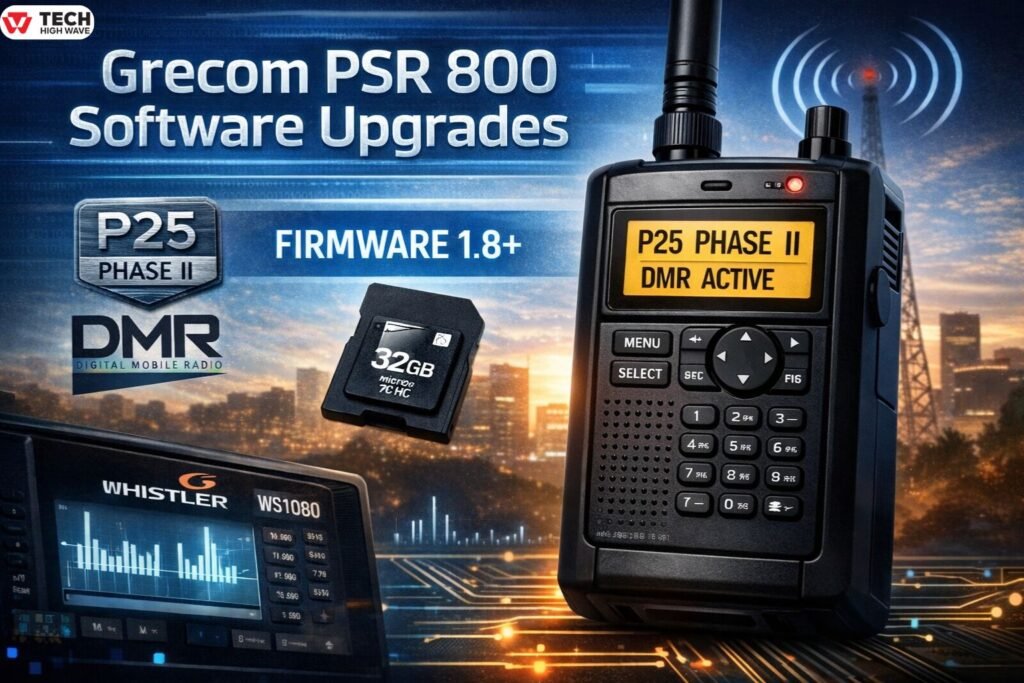
Digital scanners do not become obsolete overnight. They slowly fall behind when firmware stops evolving, databases go offline, and new digital standards appear. That is why interest in grecom psr 800 software upgrades remains strong in 2026.
The GRECOM PSR-800 was one of the most forward-thinking handheld scanners of its time. It introduced SD card programming, strong P25 decoding, and simplified system imports. However, after GRE exited the market, long-term support shifted. Owners today are typically looking for one of four things:
- P25 Phase II compatibility confirmation
- DMR capability
- Firmware 1.8 installation guidance
- A fix for persistent “Update Failed” errors
This guide explains firmware versions, Phase II requirements, SD card best practices, database workarounds, and the widely recognized factory conversion that transforms the PSR-800 into a Whistler WS1080 through Whistler Group.
What Is Grecom PSR 800 Software Upgrades?
Grecom PSR 800 software upgrades include:
- Firmware revisions
- DSP (Digital Signal Processing) updates
- Database library updates
- SD card management updates
- Whistler factory conversion services
In earlier years, upgrades meant firmware refinements. In 2026, the term often includes the Whistler “Legacy Upgrade,” which fundamentally changes the scanner’s software ecosystem.
At its core, these upgrades aim to:
- Improve digital voice clarity
- Enable P25 Phase II support
- Fix instability bugs
- Extend compatibility with evolving trunked systems
- Add DMR support through conversion
GRE PSR-800 Firmware Versions Explained (1.0 to 1.8+)
Versions matters more than most owners realize.
Firmware 1.0–1.7
- Stable Phase I operation
- No reliable Phase II decoding
- Limited improvements in later trunking environments
Firmware 1.8+
- Enables P25 Phase II decoding
- Improves digital tracking reliability
- Required for modern Phase II systems
If the scanner receives Phase II correctly, the display shows “D2” during digital transmissions. That indicator confirms successful Phase II decoding.
Without firmware 1.8 or later, many public safety agencies operating Phase II systems will appear silent.
How Grecom PSR 800 Software Upgrades Works
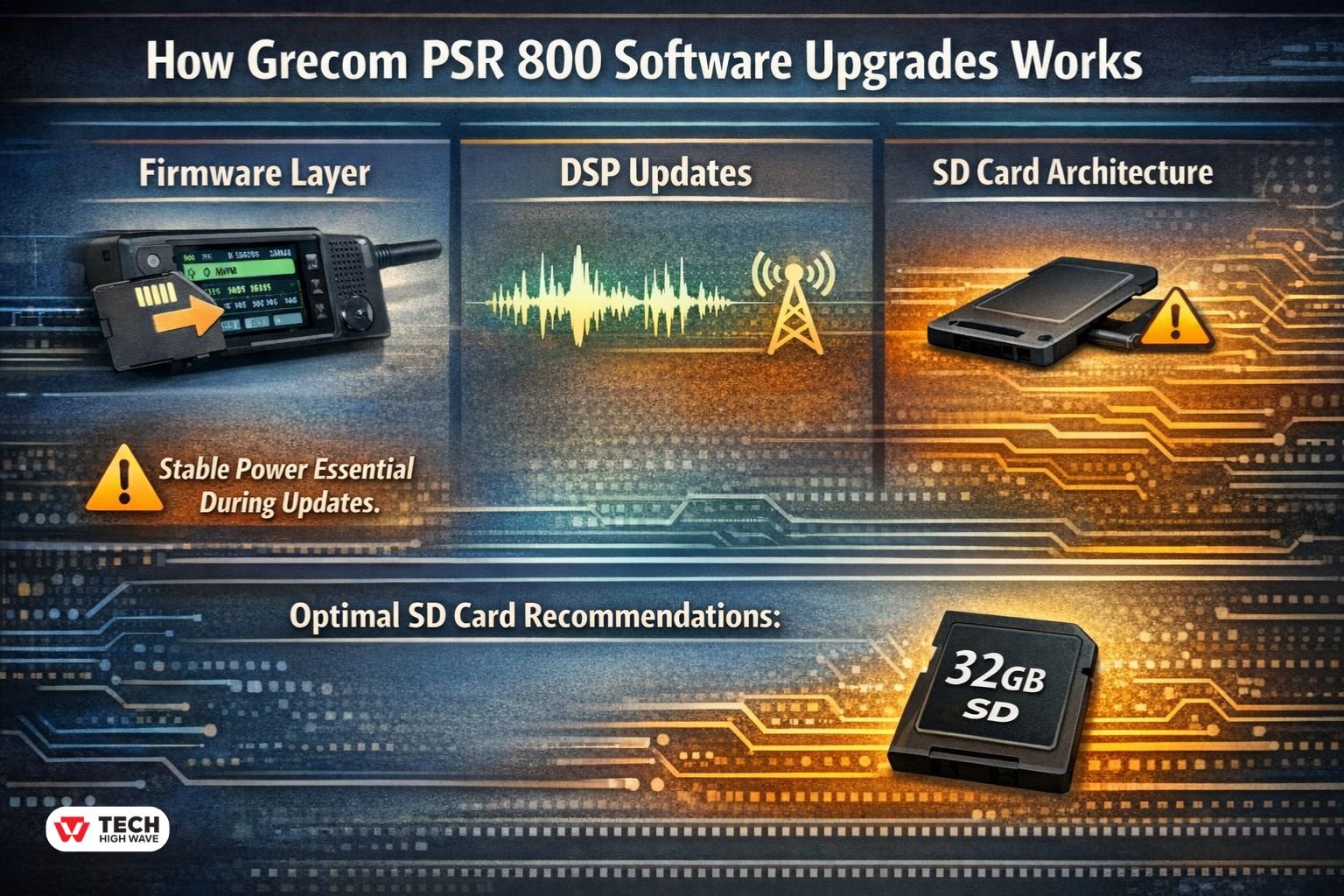
Firmware Layer
Firmware controls boot logic, trunking behavior, and decoding algorithms. Updates are written to the SD card and installed via EZ Scan software.
Interrupting firmware flashing can corrupt the scanner. Stable power is essential during updates.
DSP Updates
DSP revisions refine digital voice decoding. Improvements may reduce:
- Simulcast distortion
- Garbled P25 transmissions
- Delayed talkgroup switching
In dense metro areas, these refinements can noticeably improve intelligibility.
SD Card Architecture
The PSR-800 stores configuration, firmware, and database files on a microSD card. This design simplifies recovery but introduces one major vulnerability: storage degradation.
In 2026, SD card corruption remains the leading cause of firmware update failures.
Recommended media:
- 32GB maximum capacity
- Class 4 or Class 10
- Formatted specifically to FAT32
Many modern operating systems do not format 32GB cards to FAT32 by default. Proper formatting tools should be used to ensure compatibility.
The Whistler “Legacy Upgrade” – The Gold Standard
When GRE closed operations, long-term evolution of the PSR-800 appeared limited. That changed when Whistler introduced a factory conversion service.
What the Conversion Does
Whistler modifies the scanner’s firmware identity and internal configuration so it functions as a Whistler WS1080.
After conversion:
- The scanner operates as a WS1080
- Whistler EZ Scan replaces GRE EZ Scan
- Active database library updates become available
The Critical Benefit: DMR Support
The original PSR-800 cannot decode DMR (Digital Mobile Radio).
After conversion, DMR becomes available through Whistler firmware support.
For users monitoring:
- Business radio systems
- Utility fleets
- Amateur DMR repeaters
This upgrade dramatically expands monitoring capability.
PSR-800 vs WS1080: Side-by-Side Comparison
| Feature | PSR-800 (Original) | WS1080 (Converted) |
| P25 Phase I | Yes | Yes |
| P25 Phase II | Yes (1.8+) | Yes |
| DMR | No | Yes |
| Database Updates | Limited | Active |
| EZ Scan Platform | GRE | Whistler |
| Long-Term Support | Community-based | Manufacturer-supported |
For users prioritizing DMR and ongoing database updates, conversion provides clear functional advantages.
Database Update Workaround (2026 Practical Method)
Original GRE EZ Scan servers may experience downtime. A widely adopted workaround uses Whistler’s maintained database system.
Process:
- Download Whistler WS1080 EZ Scan software.
- Update the library in Whistler EZ Scan.
- Copy updated database files into the GRE database folder.
This method allows continued frequency updates even when GRE servers are unavailable.
Although unofficial, it is commonly used among experienced scanner owners.
How to Convert Your PSR-800 to a Whistler WS1080 for DMR Support
- Contact Whistler for current conversion availability and pricing.
- Ship the scanner to the service center.
- Receive the upgraded unit operating as a WS1080.
- Install Whistler EZ Scan software.
- Update the library and reconfigure scan lists.
Turnaround time and cost vary, but many owners consider the upgrade worthwhile when DMR monitoring is important and the hardware remains in good condition.
How to Fix “Update Failed” Errors (Most Common Issue)
In most cases, “Update Failed” is not a firmware problem. It is an SD card problem.
Troubleshooting Checklist
- Replace the SD card with a high-quality 32GB model
- Format to FAT32
- Reinitialize the card using EZ Scan
- Restore backup configuration
- Retry firmware update
Repeated failures almost always trace back to storage integrity issues.
Also Read: How Klar Partners Built Oleter Group’s Platform Strategy (2026)
Key Features to Look for in Grecom PSR 800 Software Upgrades
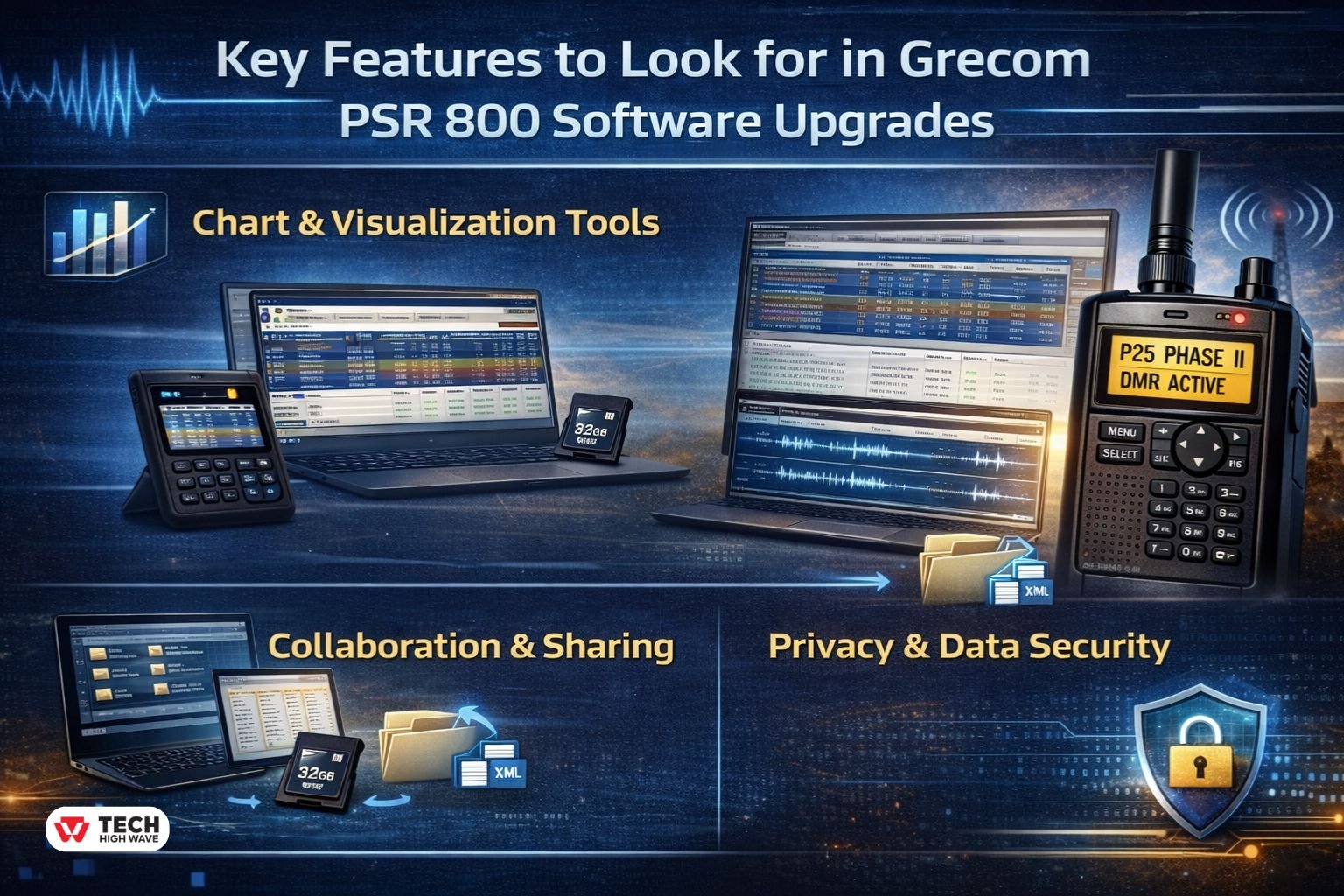
Chart & Visualization Tools
Improved scan list management reduces programming errors. Clear sorting and filtering accelerate trunked system setup.
Record & Document Storage
Stable firmware ensures:
- Consistent timestamp labeling
- Reduced recording corruption
- Reliable file indexing
Recording functionality supports signal analysis and event review.
Collaboration & Sharing
Exportable configuration files enable scan list cloning and multi-device management.
Privacy & Data Security
File integrity checks and proper firmware validation reduce bricking risks during flashing.
Best Uses for Grecom PSR 800 Software Upgrades
Enabling Phase II Monitoring
Many agencies migrated to Phase II systems. Firmware 1.8 or higher is mandatory for decoding.
Expanding Into DMR
Conversion to WS1080 unlocks monitoring of commercial and industrial DMR systems.
Stabilizing Aging Hardware
Firmware refinements reduce freezing and improve boot consistency.
Extending Scanner Lifespan
Thoughtful updates allow legacy hardware to remain relevant without immediate replacement.
Who Should Use Grecom PSR 800 Software Upgrades?
Active Public Safety Monitors
Those tracking Phase II systems benefit most from firmware verification.
DMR-Focused Enthusiasts
Conversion is necessary for DMR monitoring.
Emergency Communication Volunteers
Reliable digital decoding improves situational awareness.
Who May Not Benefit
Users scanning only conventional analog channels may not see meaningful performance gains.
How to Choose the Right Grecom PSR 800 Software Upgrades
- Confirm firmware version (1.8+ required for Phase II).
- Evaluate need for DMR support.
- Replace aging SD cards before upgrading.
- Backup all configuration files.
- Compare conversion cost against purchasing newer hardware.
Decision-making should balance cost, hardware condition, and monitoring goals.
Common Mistakes to Avoid
Using Low-Quality SD Cards
Most failures originate from degraded storage.
Interrupting Firmware Flashing
Power interruptions can corrupt firmware.
Mixing GRE and Whistler Software Environments
After conversion, only Whistler EZ Scan should be used.
Ignoring Hardware Limits
Encryption and newer system architectures may restrict monitoring regardless of firmware.
Future Trends in Grecom PSR 800 Software Upgrades (2026 Outlook)
- Community preservation of archived firmware
- Cross-compatibility database strategies
- Increased reliance on Whistler ecosystem for extended support
- Growing DMR monitoring interest
However, expanded encryption across public safety systems limits long-term monitoring potential for all legacy scanners.
The PSR-800 remains capable within defined hardware boundaries. Strategic upgrades ensure it continues operating at peak potential.
Frequently Asked Questions
Q1: What are grecom psr 800 software upgrades?
They include firmware updates, DSP revisions, database updates, and optional Whistler conversion for expanded digital decoding.
Q2: Does the PSR-800 support P25 Phase II?
Yes. Firmware version 1.8 or higher is required, and “D2” appears during active Phase II reception.
Q3: Can the PSR-800 decode DMR without conversion?
No. DMR decoding requires factory conversion to a Whistler WS1080.
Q4: Why does the scanner show “Update Failed”?
The most common cause is SD card corruption. Replacing and properly formatting the card typically resolves the issue.
Q5: Is Whistler EZ Scan free?
Yes. Whistler EZ Scan software is available at no cost for compatible units.
Q6: Is conversion worth it in 2026?
Conversion is worthwhile when DMR monitoring is important and the scanner hardware remains reliable.
Conclusion
Grecom PSR 800 software upgrades in 2026 extend far beyond simple firmware files. With firmware 1.8+, reliable SD storage, database workarounds, and optional Whistler conversion, the platform remains relevant for dedicated monitoring enthusiasts who understand both its capabilities and its limits.
Also Check: What Is Electronic Software Distribution? (ESD Guide 2026)

